
Professional knowledge video workflow
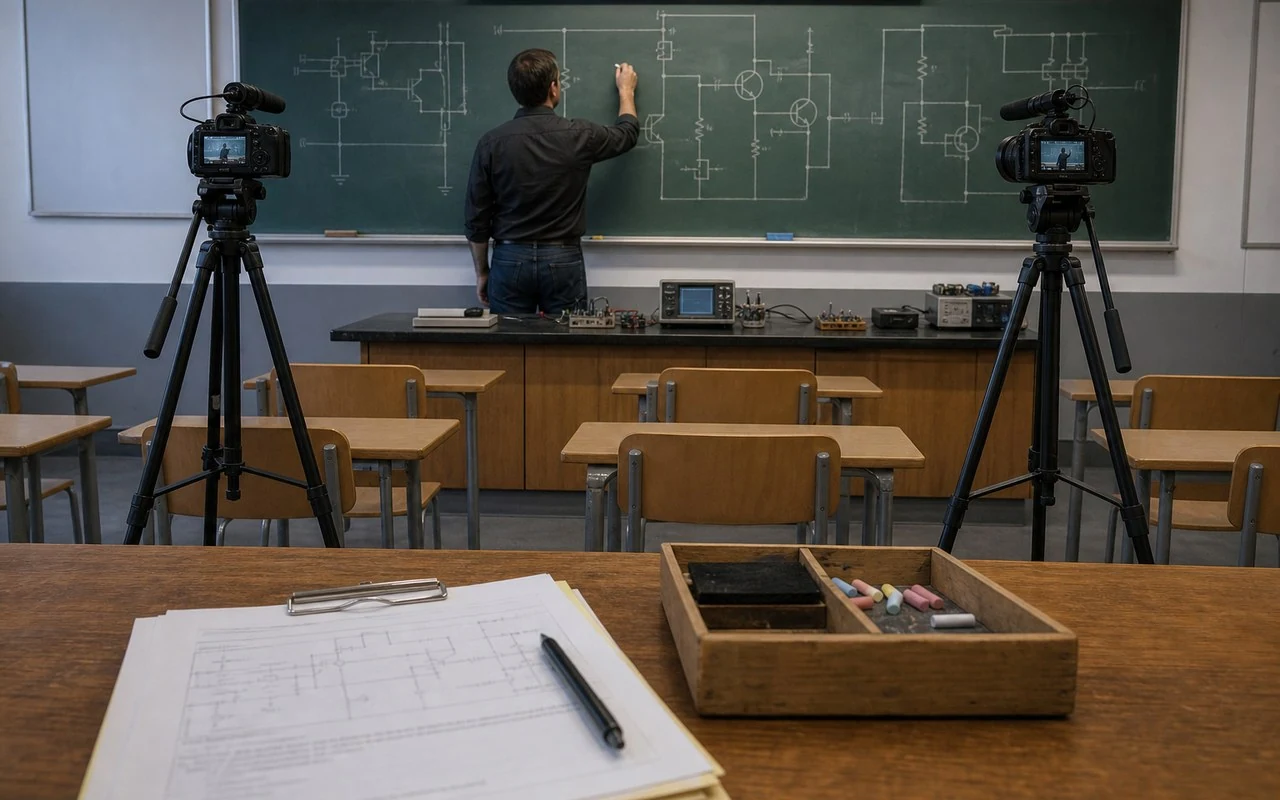
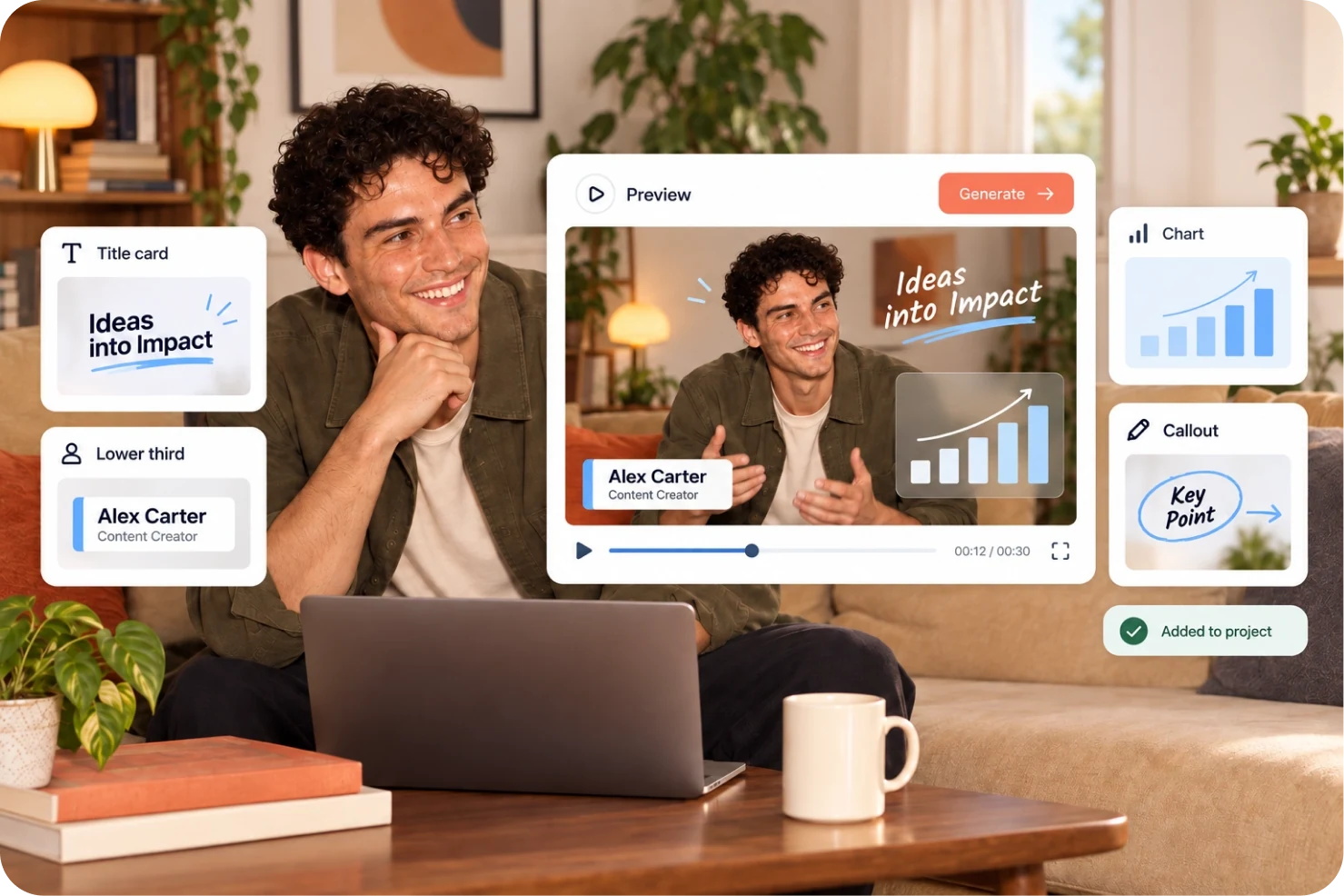
Turn expert talking-head, avatar or livestream content into clear knowledge videos. Keep terminology, figures and processes accurate, then use captions, keyword cards and charts to aid understanding.

Built around your everyday work
Check captions, numbers and terminology against the source material without changing expert meaning for pacing.
Identify the keywords, steps and figures that deserve emphasis before choosing cards or charts.
Refine pauses and pacing in avatar footage, then review graphic style, occlusion and information hierarchy.
A clear production workflow
- 01
Gather the talk, script and approved reference information.
- 02
Refine delivery, check captions and identify key terms, figures and process steps.
- 03
Add suitable cards or charts, then verify accuracy and readability before export.
Describe what you need
Use this as a starting point. Adapt the assets, audience and goal, then review the result.
Turn this expert talk into a knowledge video. Preserve specialist wording; do not alter numbers or terms. Refine clearly unnatural pauses, then suggest caption cards or charts for key terms, data comparisons and steps. Flag uncertain information for review.
Review before delivery
- Do captions, terminology, figures and processes match the source?
- Are cards and charts accurate and readable?
- Do graphics aid understanding without obscuring the speaker?
Questions, answered
Can AI-generated charts be published as-is?
Verify figures, units, comparison basis and labels before publishing. Visualization does not replace expert review.
Should pauses in avatar videos be edited?
Start with pauses that clearly disrupt listening, then review overall pace and transitions to avoid an abrupt result.
Explore related workflows
Bring your footage. Start with a clear goal.
Apply the workflow to your own content, review each step and refine the finished video.