
Timeline video editor
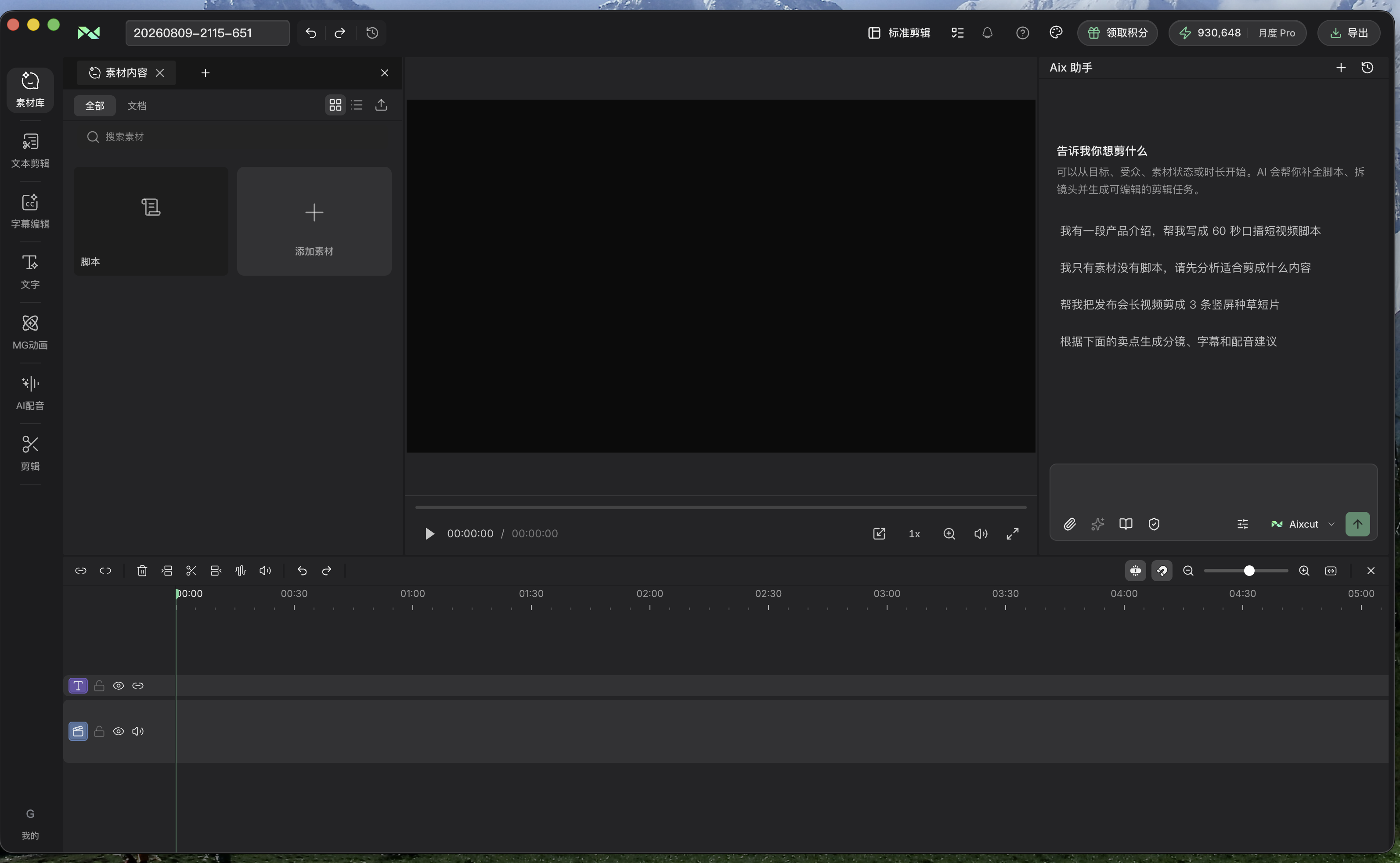
Inspect the placement of video, audio and captions on a multitrack timeline. Refine the rough cut with precise content, pacing and delivery checks.
Where this capability fits
Inspect clip order, length and track relationships to find gaps, overlaps and discontinuities.
Delete, drag and move clips, then inspect related sound and captions. Review local changes in the surrounding sequence.
Refine visual and audio settings and watch the full sequence. Use the timeline to review both AI-assisted and manual changes.
Start with a clear process
- 01
Inspect tracks and mark the sections needing changes.
- 02
Refine cuts, ordering and settings, reviewing adjacent material.
- 03
Watch the full video, review captions, sound and ending, then export.
Describe what you need
Use this as a starting point. Adapt the assets, audience and goal, then review the result.
Move the second demonstration after the explanation while preserving complete speech. Check caption alignment and avoid black gaps between clips.
Review before delivery
- Are there gaps or unintended overlaps?
- Do sound and captions follow the content?
- Are the opening and ending complete?
Questions, answered
How do chat and the timeline work together?
Use chat to express editing intent and the timeline to inspect precise placement and results in the same project.
Should I review the whole video after a small change?
Review the changed section and adjacent clips first. Before delivery, watch the entire video to check for effects on structure, sound or captions.
Explore related workflows
Bring your footage. Start with a clear goal.
Apply the workflow to your own content, review each step and refine the finished video.