
AI video generation
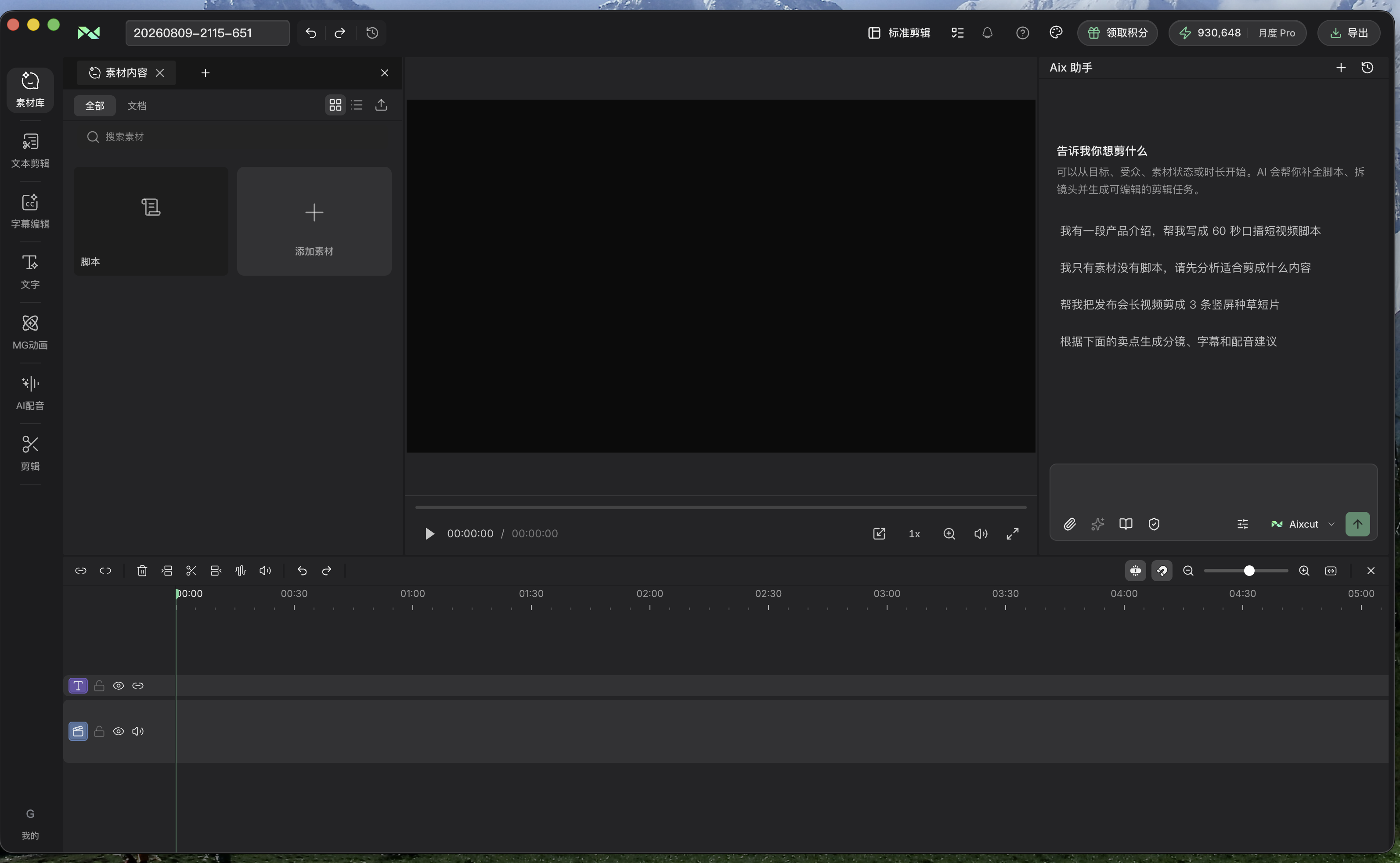
Create supporting shots from visual descriptions and edit them alongside existing footage. Define the action and purpose first, then review how each clip fits the timeline.
Where this capability fits
Describe one shot with a subject, action and environment. Avoid packing too many events into a short clip so the result is easier to evaluate.
Give the clip a specific role: illustrate a concept, establish a setting or bridge sections. Match color and motion when combining it with filmed footage.
Inspect object consistency and camera movement before setting duration. Model availability and generation time depend on workspace configuration.
Start with a clear process
- 01
Identify the missing visual in the script and define the required shot.
- 02
Describe action, shot scale and style, then select a usable portion of the result.
- 03
Place the clip on the timeline and review adjacent shots, narration and captions.
Describe what you need
Use this as a starting point. Adapt the assets, audience and goal, then review the result.
Create a close-up of an indoor workbench with a slow camera push and stable objects, without readable text. Use it as a transition, not as a replacement for product footage.
Review before delivery
- Do the subject and action match the request?
- Does the clip contain noticeable visual inconsistencies?
- Does it connect naturally to adjacent shots?
Questions, answered
Will the first result be the final shot?
Generated clips need selection and review. Narrow the action or revise the description, then use the portion that fits the edit.
Can I combine it with existing footage?
Use generated clips as supporting material, checking aspect ratio, movement, color and whether the sequence remains truthful.
Explore related workflows

Bring your footage. Start with a clear goal.
Apply the workflow to your own content, review each step and refine the finished video.