
Video script generator
Give it a topic. Get a script
you can shoot.
Turn a topic into a complete video script with Aixcut. Describe your audience, message and target length, then review the opening, body and close. Refine the wording before moving on to narration or production.
Demo visuals only — not connected to a live service.
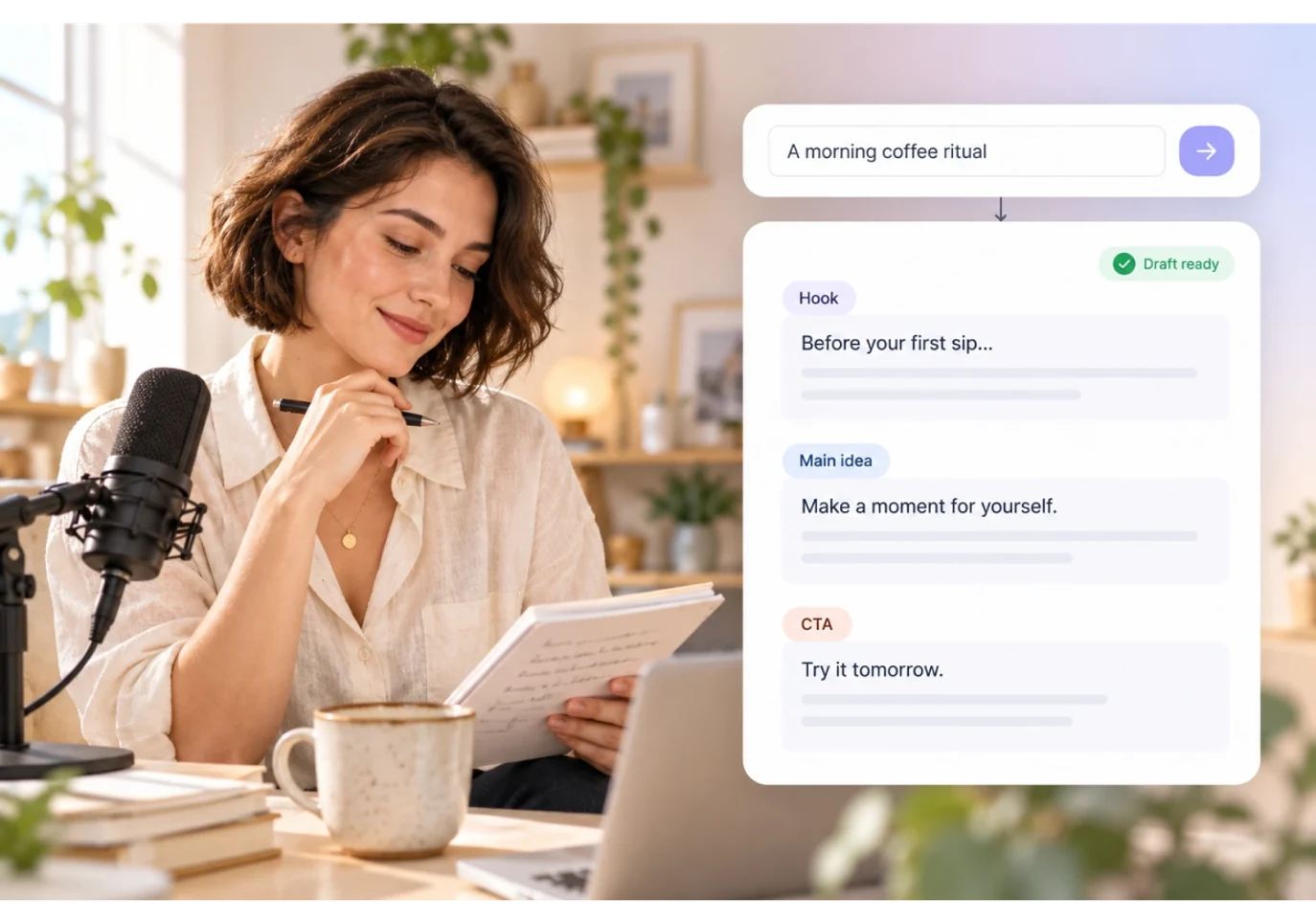
Start with an idea
A topic or product details become a finished draft.
Written to a target length
30 seconds, 60 seconds, 3 minutes. The script knows how long it should be.
Keep creating after the draft
The script stays in the project, ready for voiceover and visuals.
Whatever you need to say,
there is a way in.
From a talking-head video to a product pitch — turn the idea in your head into words you can say on camera.
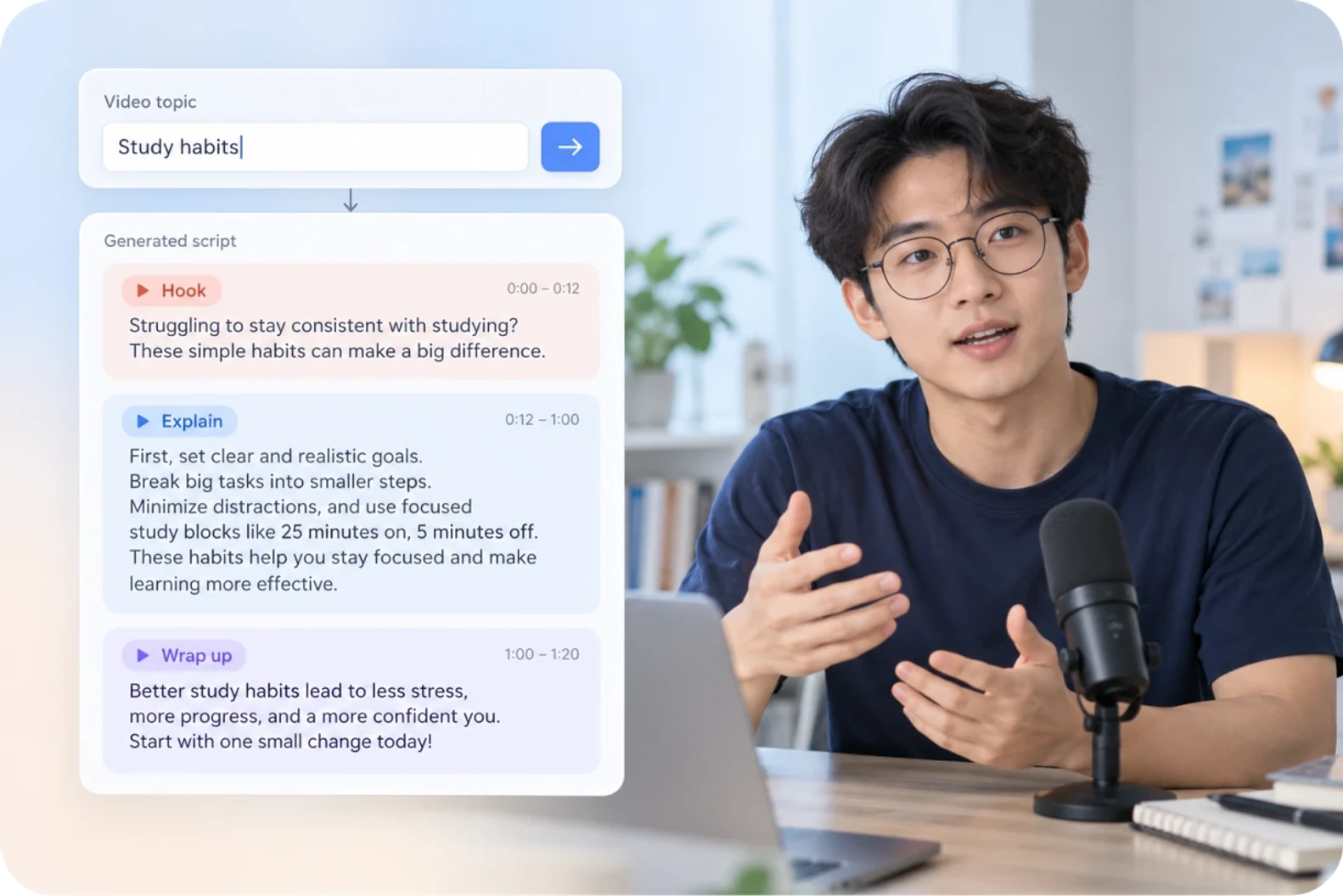
Talking-head and explainer
You have the topic but not the words, so write the words first.
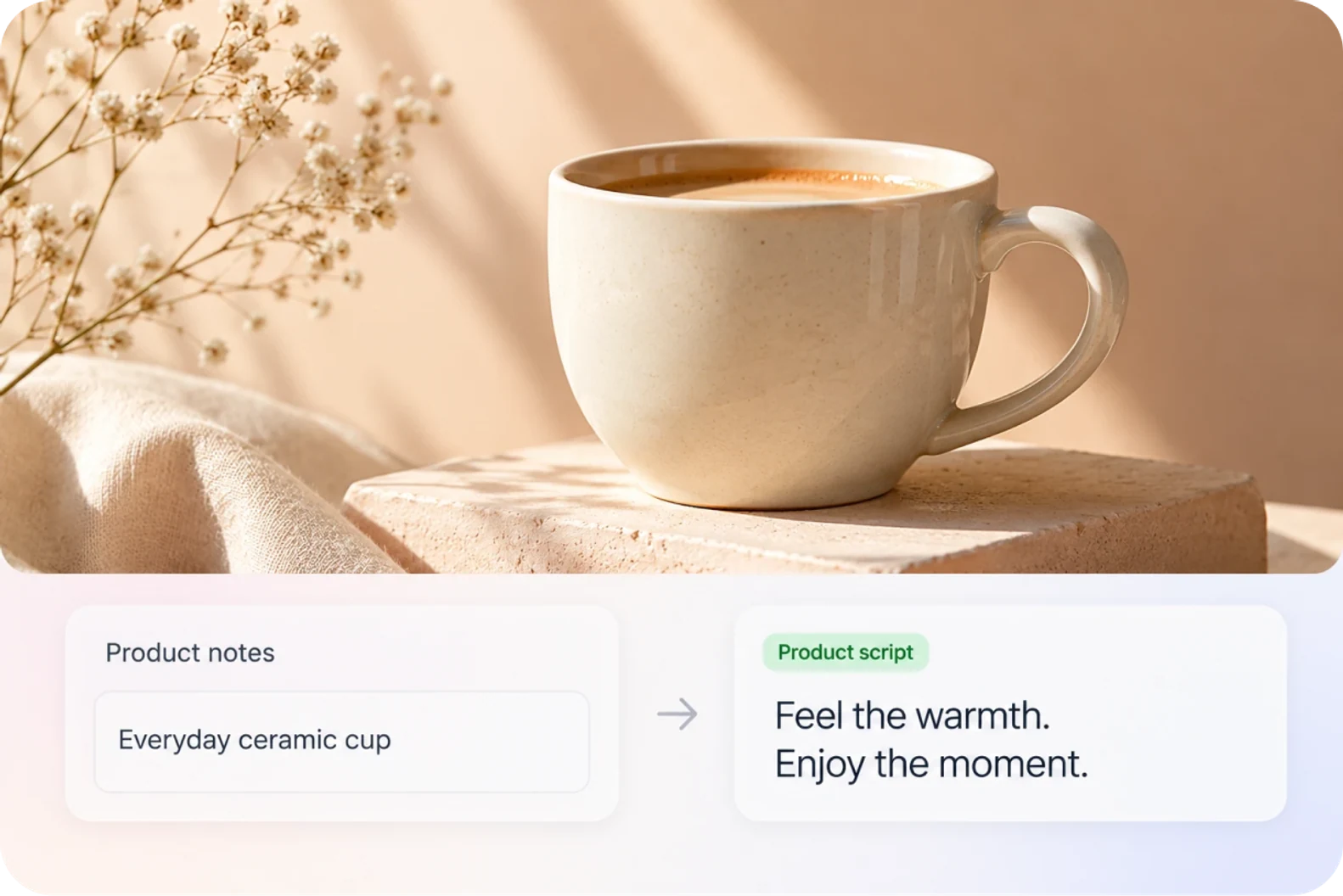
Ecommerce and product videos
Turn selling points into a script you can read straight to camera.

Brand and marketing
Get the voiceover written before anyone books a shoot.
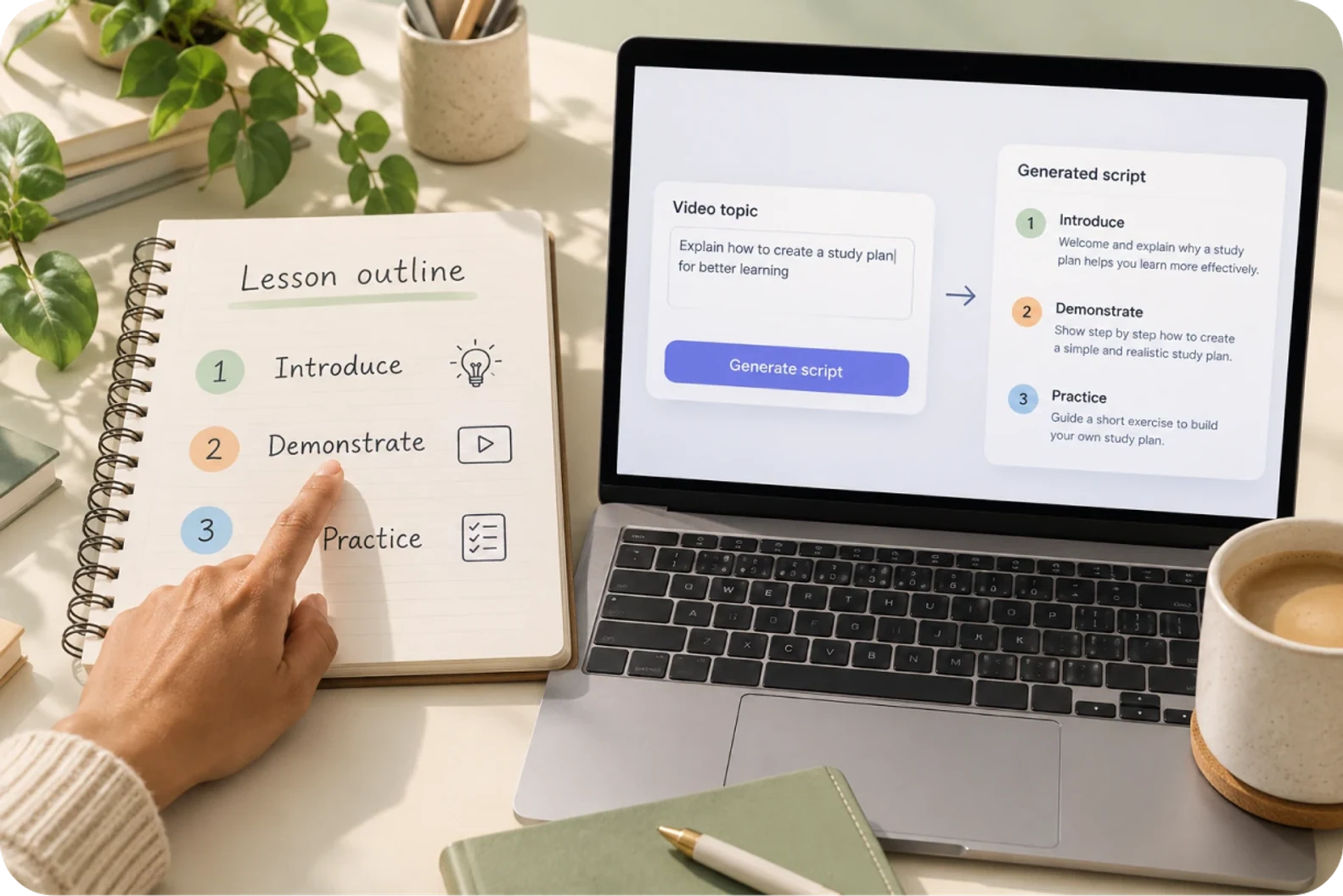
Tutorials and courses
Put a subject in an order that actually makes sense.
The first draft is there.
Now make each part sound like you.
Give the script a clear topic and the right length, then edit the wording until it fits.
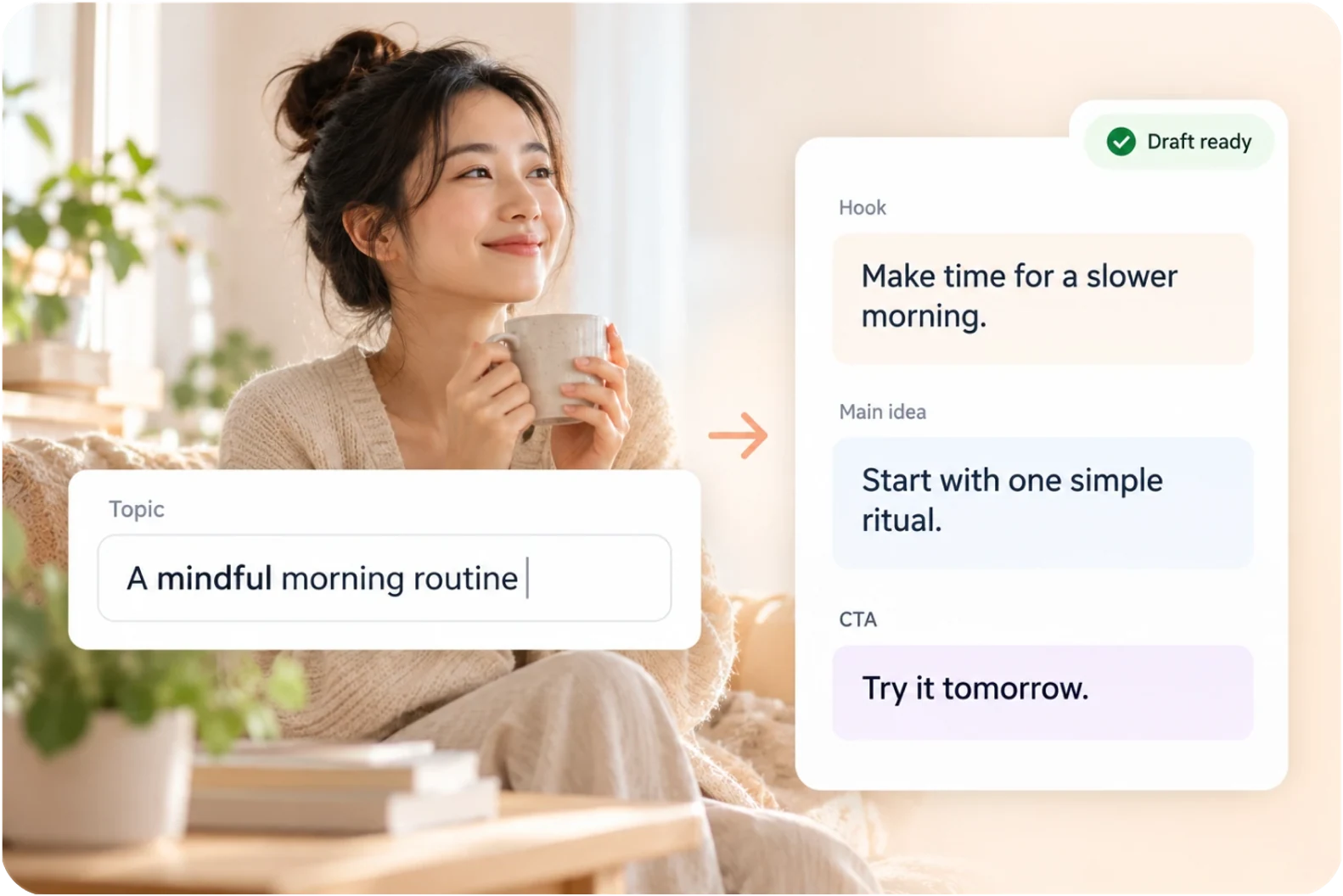
Hand it a topic,
get a complete draft.
Enter a topic or your product details and get a complete script to read. The opening, the body, the close — all there, ready to edit.
- Topic and product details
- Complete script draft

As long as the video,
and no longer.
Pick 30 seconds, 60 seconds or 3 minutes, and the script is written to fit that length. Short videos stay on point; longer ones keep room to explain.
- 30 seconds
- 60 seconds
- 3 minutes
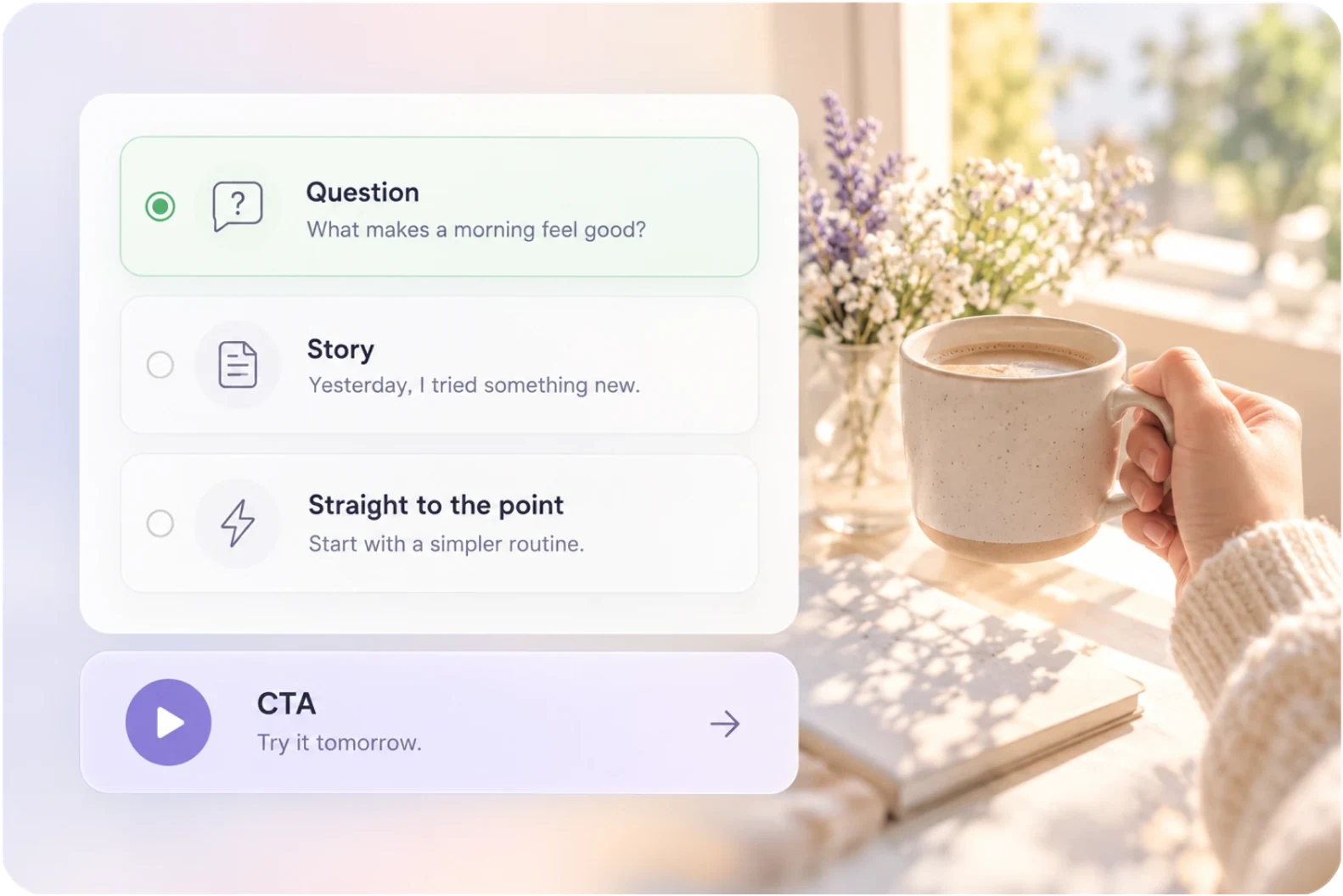
An opening that holds,
a close that asks for something.
Get a few options for the opening line, then pick the one that fits. The close tells the viewer what to do next, so the video lands somewhere.
- Opening options
- A clear call to action
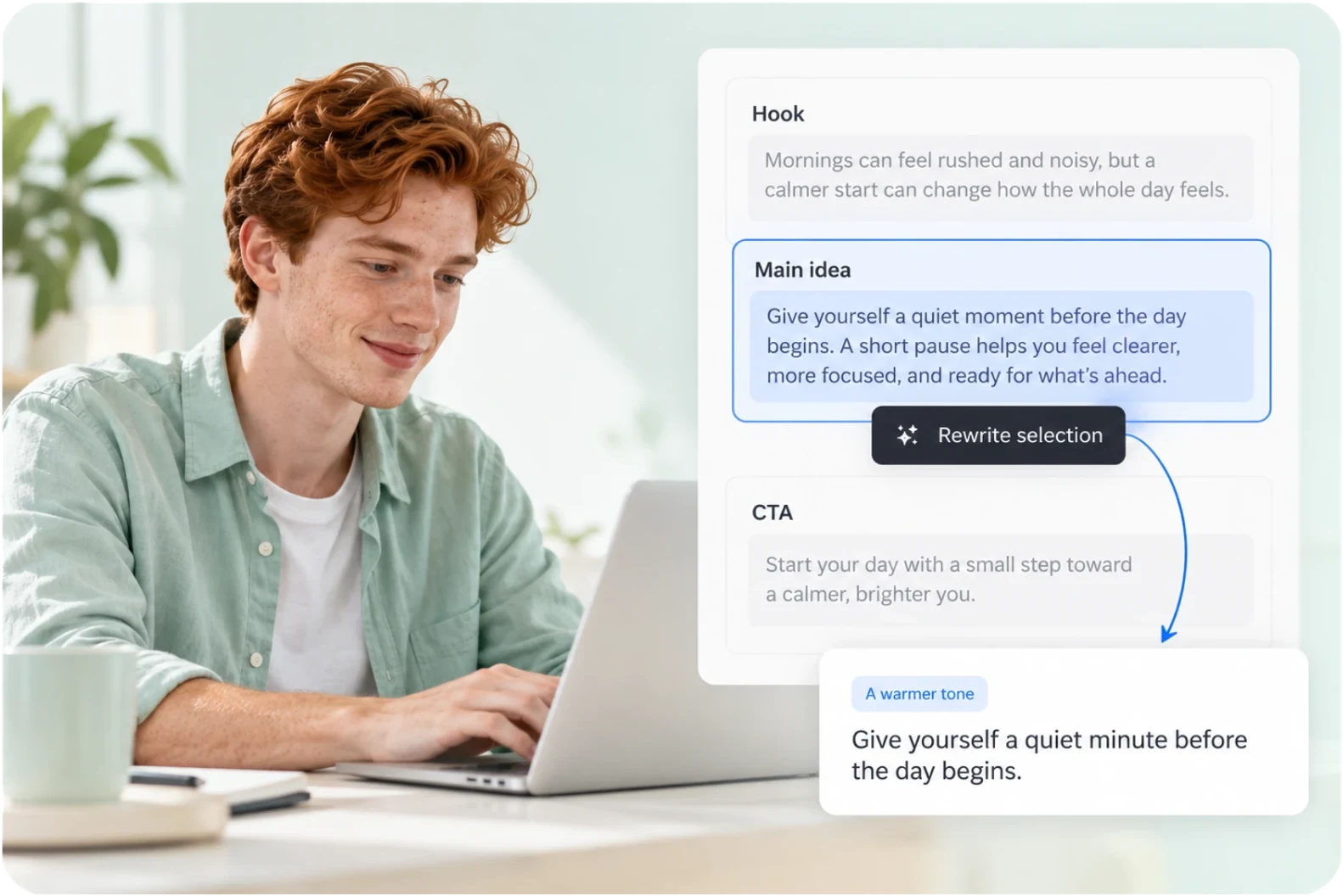
Change the lines you dislike,
leave the rest alone.
If one section is off, rewrite just that section. Add the tone and wording you actually use, edit a single line, or redo the whole thing so the script sounds like you.
- Edit section by section
- Adjust the tone
- Keep the other sections
From one topic
to your next video.
Writing and everything after it stay on the same track.
Describe your topic
Enter the topic, the product or the message, and pick how long the video should be.
Generate the script
Aixcut writes the full script, split into an opening, a body and a close.
Review and revise
Rewrite any section you do not like. The word count moves with the target length.
Continue production
The script stays in the project, ready for voiceover, storyboards and visuals.
Finishing the script is where the work starts.
A script is not a document you file away. Aixcut keeps it inside the project, so the next step — voiceover, storyboard, visuals — starts right where the script ends.
01 / KEEP IT TOGETHER
The script stays in the project
The idea, the draft and everything after it stay on one path.
02 / MAKE IT YOURS
The wording is yours to decide
Keep the sections you like and revise only the ones that need work.
03 / KEEP CREATING
Move on to voiceover and visuals
Start from the finished draft and line up the audio, storyboard and footage.
Real user reviews coming soon
Testimonial placeholder · Real creator experiences will go here once they are available.
Before you start,
a few things worth knowing.
On scripts, tone and language.
Can I use the script as it is?
Yes. You get a finished draft. Read it out and you have a video you can shoot.
Can I make it sound like me?
Yes. Add the tone and the phrases you normally use, then regenerate that section.
Will the script run longer than the video?
No. Once you set a target length, the word count is kept to it.
Does it write in both Chinese and English?
Yes. You can generate a script in either language, or write one video in both.
You do not have to wait for inspiration.
Write the idea down and the script follows.
Start with the first line and give your next video somewhere to begin.