
Open your browser,
cut the footage into a finished video
Open your browser, upload your footage and edit online. No installation is required: organize clips, refine the story and export from one workspace.
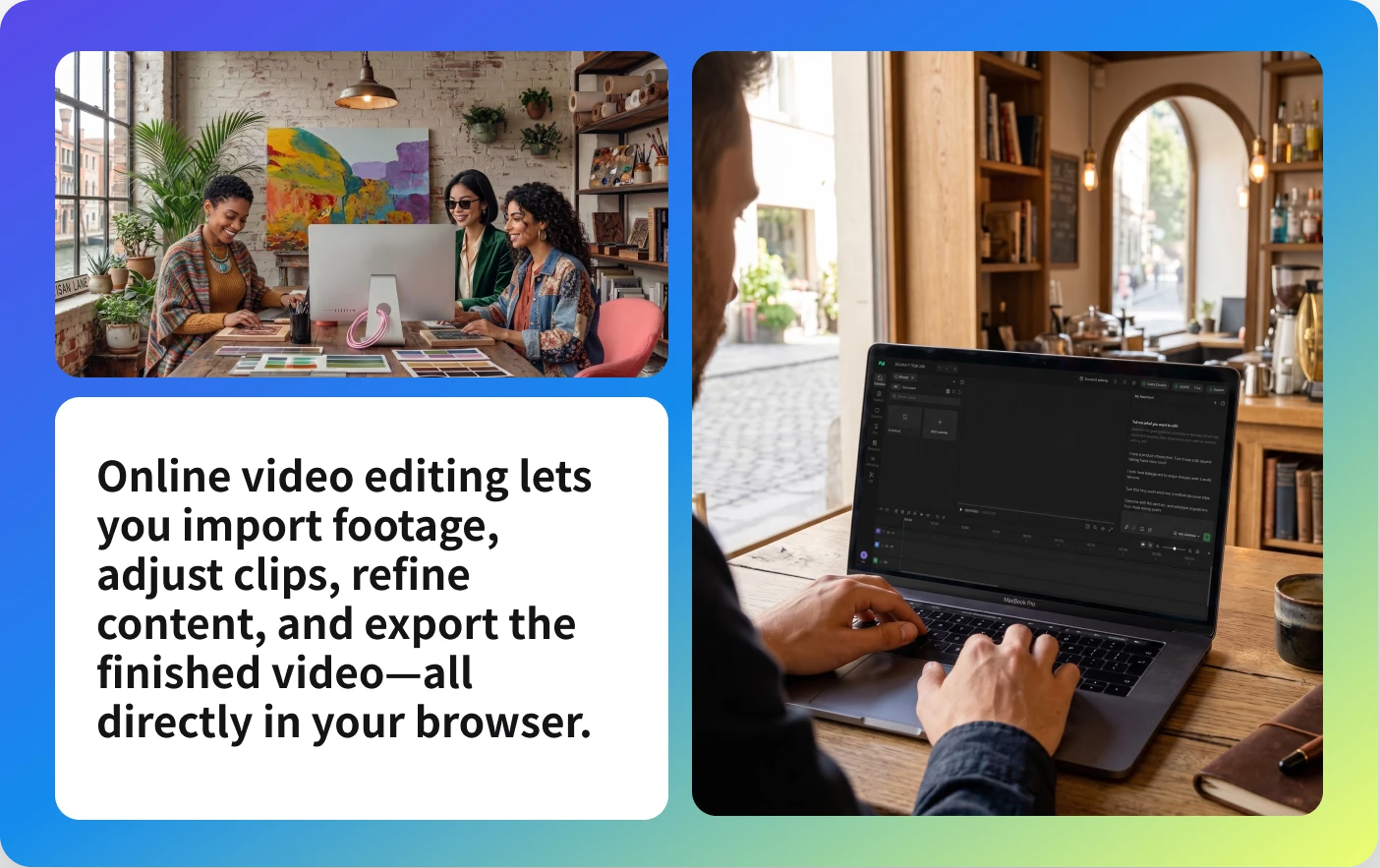
From upload to export in one workspace
Organize footage and deliver a finished edit in your browser without switching between tools.

No install. Open and start.
Open your browser, upload footage and begin editing.

Editing made easier from the first cut
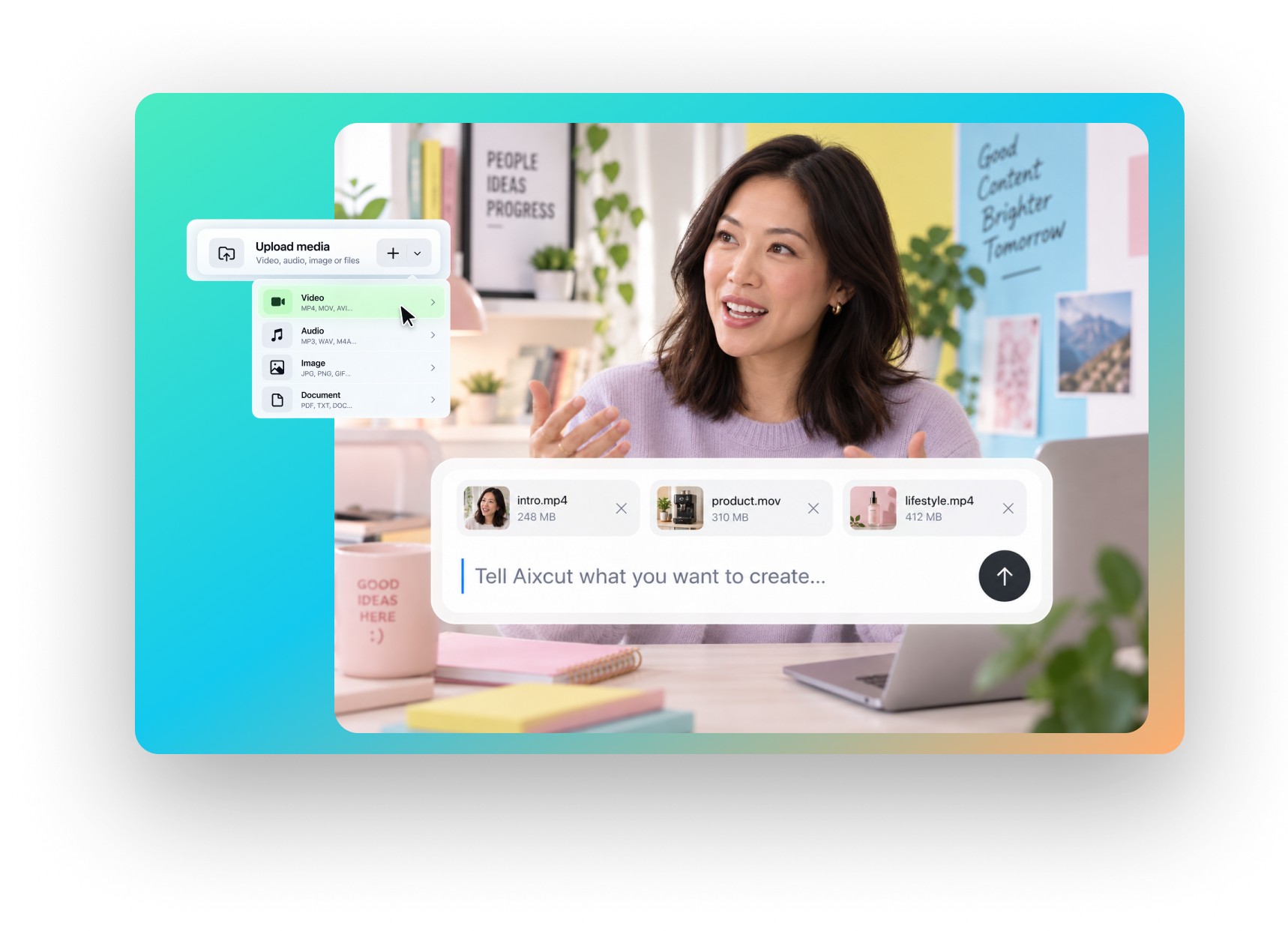
Describe the goal in natural language, organize the footage and create a first version.

AI edits first. You make the call.
AI helps create the first cut; review, adjust and export at any time.
Refine the sequence and the story, then keep shaping every detail.
Review and change every detail from source footage to final delivery.
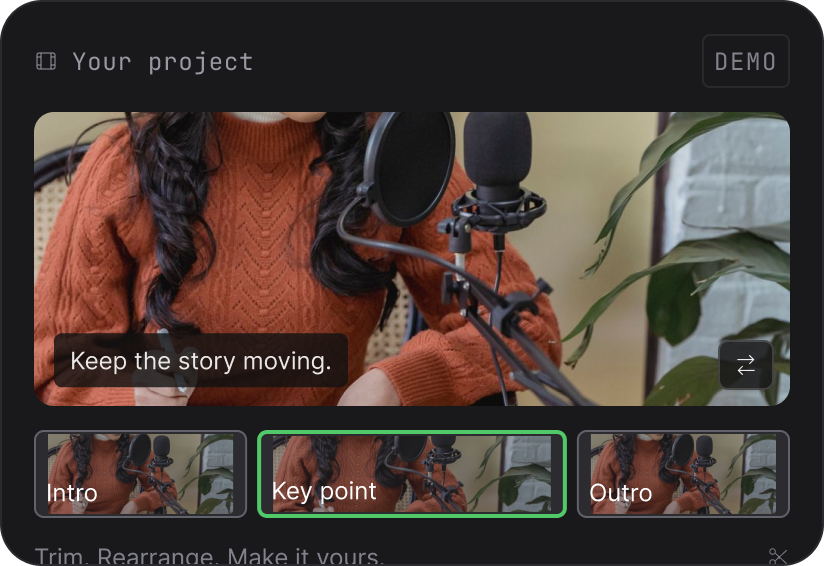 Keep the story moving.
 Intro
Intro Key point
 Outro
OutroTrim. Rearrange. Make it yours.
Video clip editing
Trim, move and rearrange clips to make the story tighter.
Keep what matters.Clearer words. Better stories.Clean up
Video content editing
Find content in the transcript and remove what the edit does not need.
 Your original footage
AI suggests. You decide.Review selections
AI-assisted editing
Describe your goal, review the result and keep revising at any time.
A fitting workflow for every kind of footage
Use one process to shape focused videos, from everyday talking-head footage to educational content.
Talking HeadTalking-head video
Find the main point, tune the pacing and prepare a publish-ready version.
E-commerceE-commerce content
Shape product shots and sales footage into publish-ready marketing videos.
LivestreamLivestream clips
Pull the moments you need from long livestreams and shape them into short videos.
Short-formShort-form video
Everyday editing and reworking for TikTok, Instagram and YouTube Shorts.
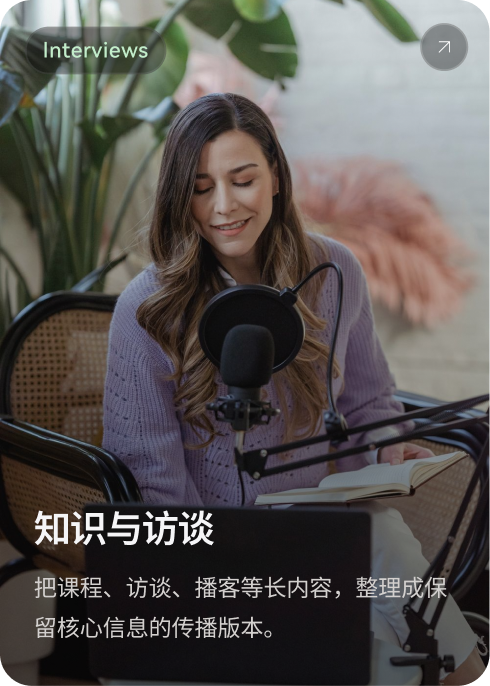
InterviewsInterviews and explainers
Turn lessons, interviews and podcasts into shareable versions that keep the core message.
Upload, adjust and export online, all in one browser workflow.
Whatever footage you start with, edit at your own pace.
Upload footage
Open the online editor and upload your media.
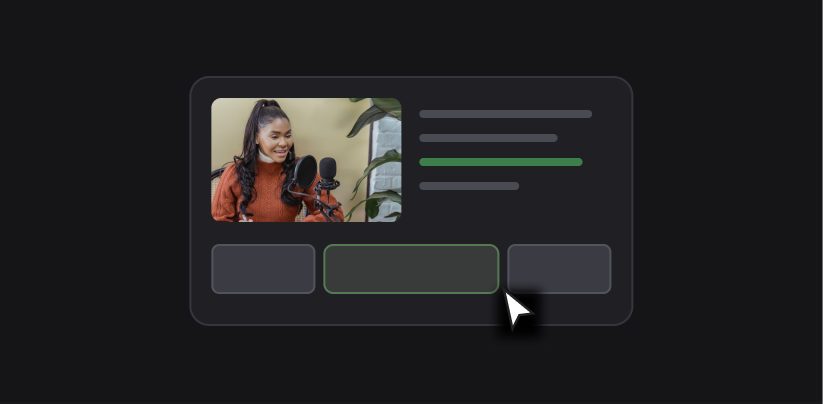
Edit and refine
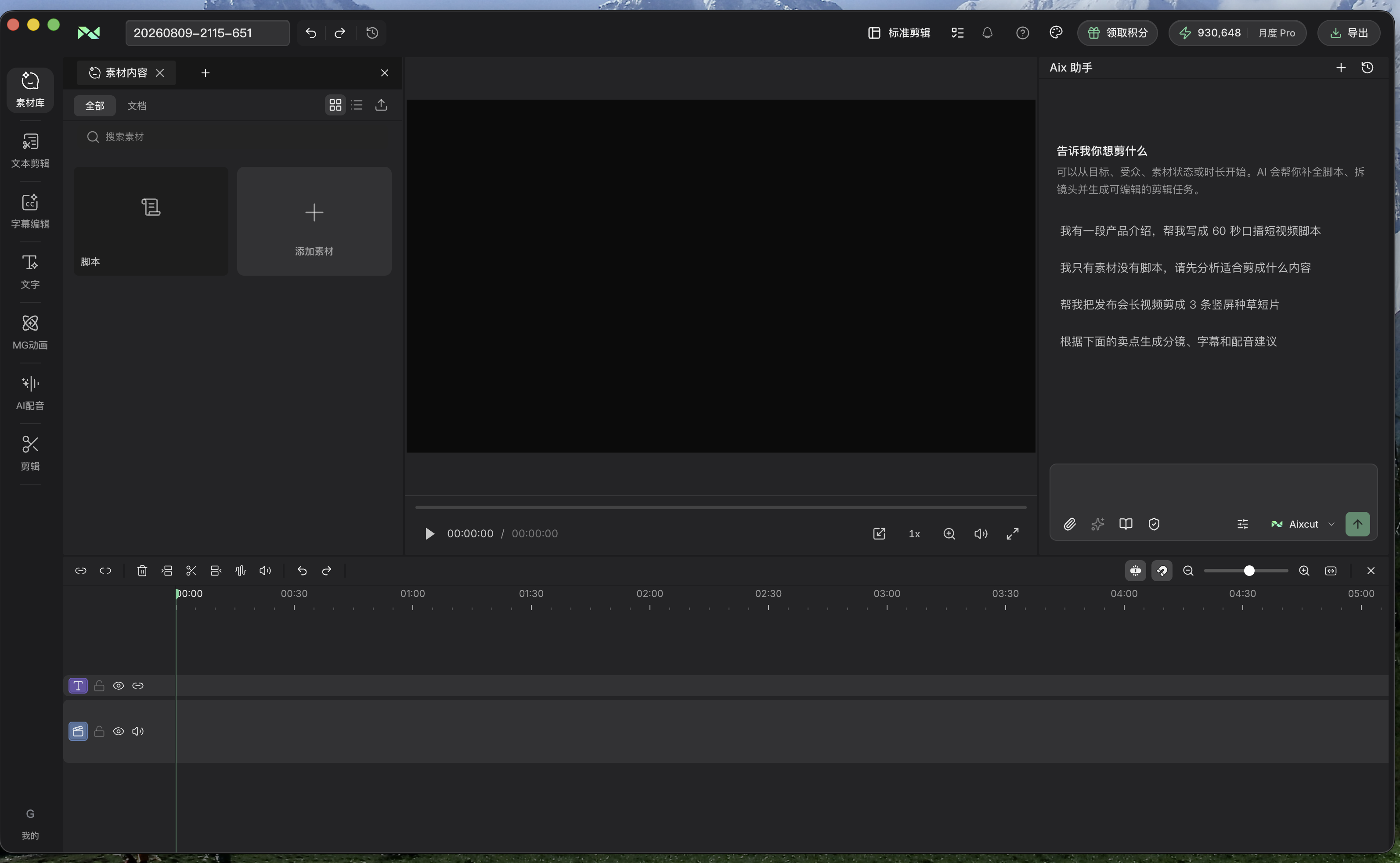
Work with the transcript, preview and timeline.
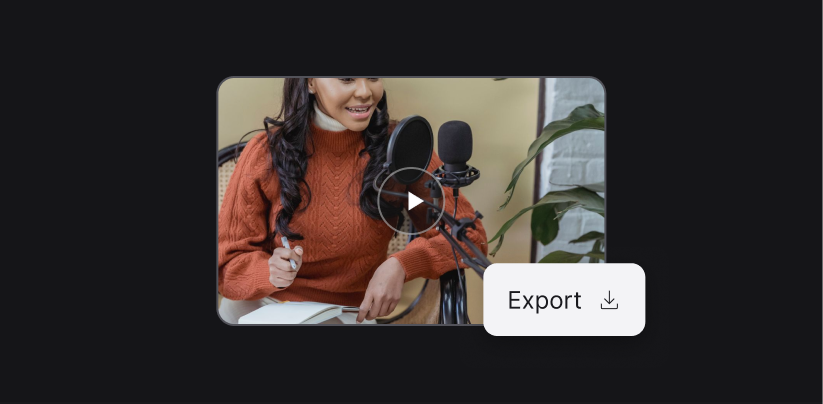 Export
Preview and export
Review the story and pacing, then export when it is ready.
Why edit online with Aixcut
With hours of footage, the hard part is knowing where to cut.
Aixcut understands the content first, then decides what to keep.
Start with the content, not the timeline
A clearer workflow reduces repetitive work and leaves more time for the story.
Understand long footage before cutting it
For lessons, livestreams and interviews, find what is worth continuing with first.
Move from upload to export in one project
Understand the footage, adjust the clips and export without switching tools.
Let AI handle the repetitive work
Let AI take part in selecting footage, organizing content and cutting.
Keep editing whatever AI produces
Manual refinement always stays available; you decide the content and the final pacing.
Preview before you publish
Check the content and the cuts across the whole video before exporting it.
Bring a desktop editing workflow into the browser.

Where this capability fits
Start editing in your browser without installing software.
Use the transcript, preview and timeline to refine the edit at your own pace.
AI helps organize the footage while you keep control of every revision and final decision.
Start with a clear process
- 01
Upload your video footage.
- 02
Edit and refine the video.
- 03
Preview and export the finished video.
Describe what you need
Use this as a starting point. Adapt the assets, audience and goal, then review the result.
Turn this footage into a focused video with a natural pace. Preserve context, remove repetition and keep the result editable on the timeline.
Review before delivery
- Has all footage been uploaded?
- Are the sequence and key points clear?
- Does the preview meet the publishing requirements?
Questions, answered
Are all pauses removed from the recording?
No. Long pauses and filler words are cleaned up, while the natural pause between sentences is kept so the delivery does not sound rushed.
Can the edit delete something I need?
Every change stays in an editable text panel, so you can review it line by line and restore anything that was removed by mistake.
Can one recording become several versions?
Yes. The same footage can be regenerated with different requirements, for example a full version for long-form platforms and a condensed version for short-form.
Can I use a recording that did not go well?
Slips of the tongue, repetition and pauses can all be handled. If the delivery itself is incomplete or keeps changing direction, re-recording first gives more stable results.
How many credits does talking-head editing use?
Talking-head editing is an AI editing task: footage analysis is charged once, and each edit is charged per run. Actual usage depends on the task.
Explore related workflows

Read the related guides
Bring your footage. Start with a clear goal.
Apply the workflow to your own content, review each step and refine the finished video.