SUBTITLE TRANSLATION
Subtitle translation
One video,
captions in another language
Upload a video or captions you already have and Aixcut translates them into the target language, keeping the original timeline. The translation is split into lines the way the target language reads, so a whole sentence is not crammed onto one line. The original captions and the translation can be proofread separately, and you choose which language version to export.

Translate into the target language
Start from a video or captions you already have.
Keep the original timeline
The captions stay aligned with the picture.
Proofread, then choose a version
Confirm the content, then export the language you need.
USE CASES
One piece of content,
for viewers in different languages.
From content distribution to product videos and lessons, give the original video a set of captions in the target language.
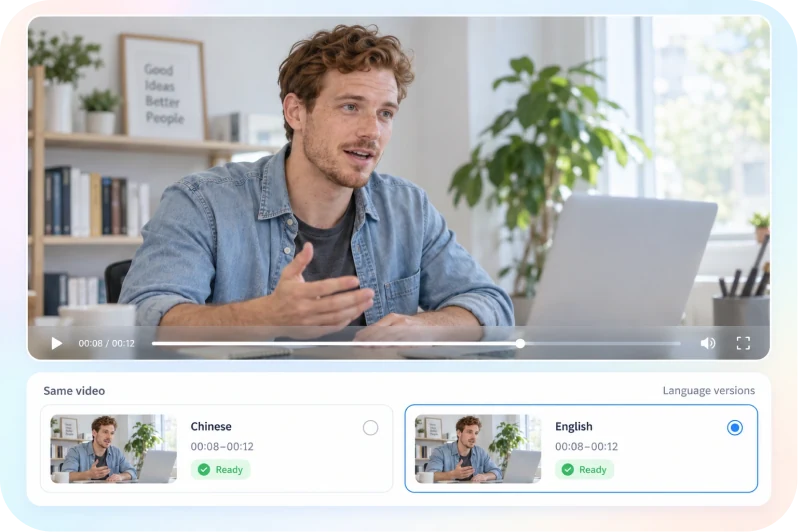
USE CASE 01
Publishing abroad
Publish the same video on platforms in different languages, each with its own captions.
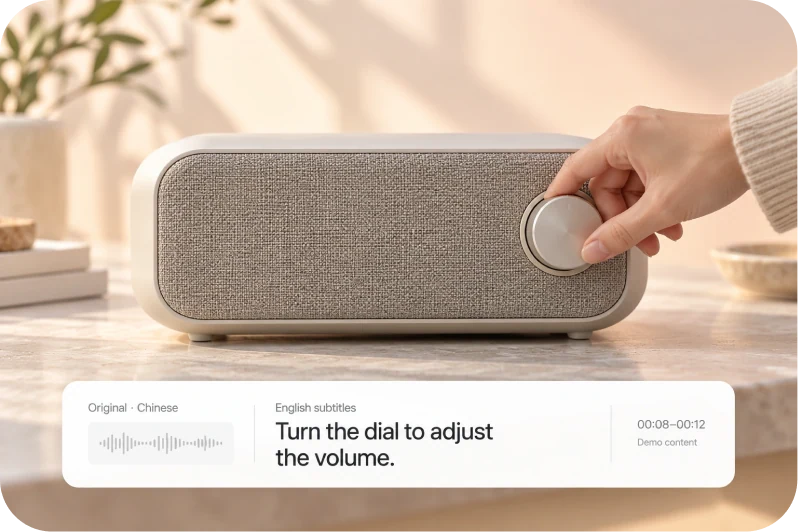
USE CASE 02
Cross-border ecommerce
Add local-language captions to product and sales videos so the message lands more directly.
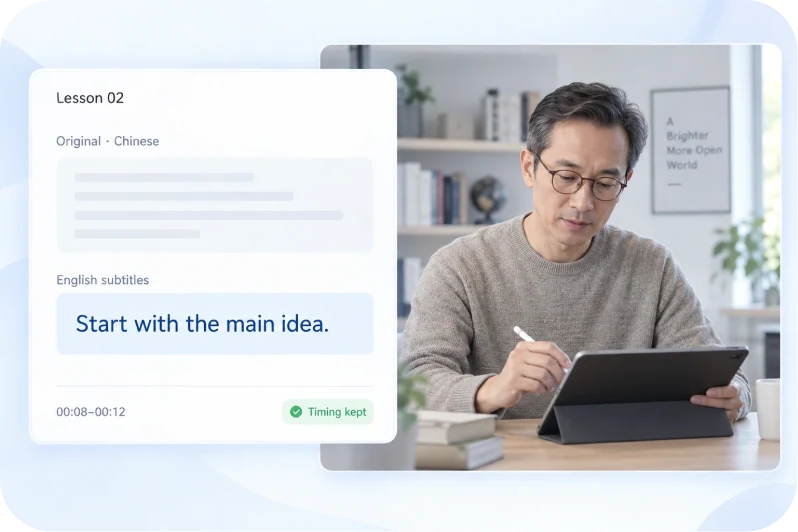
USE CASE 03
Courses and knowledge content
Translate a Chinese course into English so more people can follow it.
TRANSLATE. REVIEW. SHARE.
New language for the captions,
the same production flow.
Translating, re-splitting lines and checking the timeline all happen in one project.
FEATURE 01 / Subtitle translation
A new language,
the same timeline.
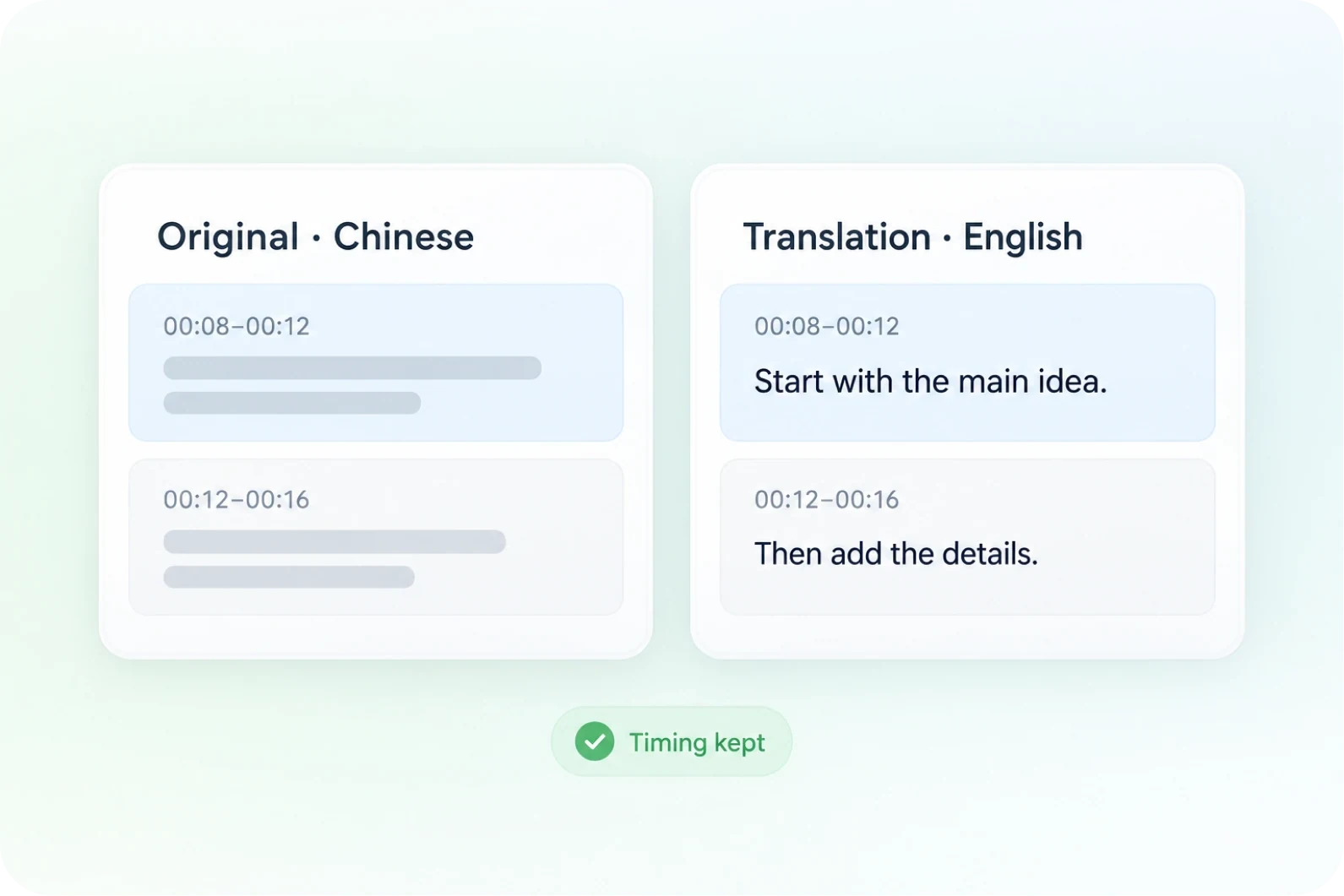
Translate the original captions into the target language and the timeline stays as it is, so the picture and captions remain aligned.
- The translation keeps the original timeline
- Captions stay aligned with the picture
- Check it against the context in the video
FEATURE 02 / Line breaks and reading pace
A different language,
still easy to read.
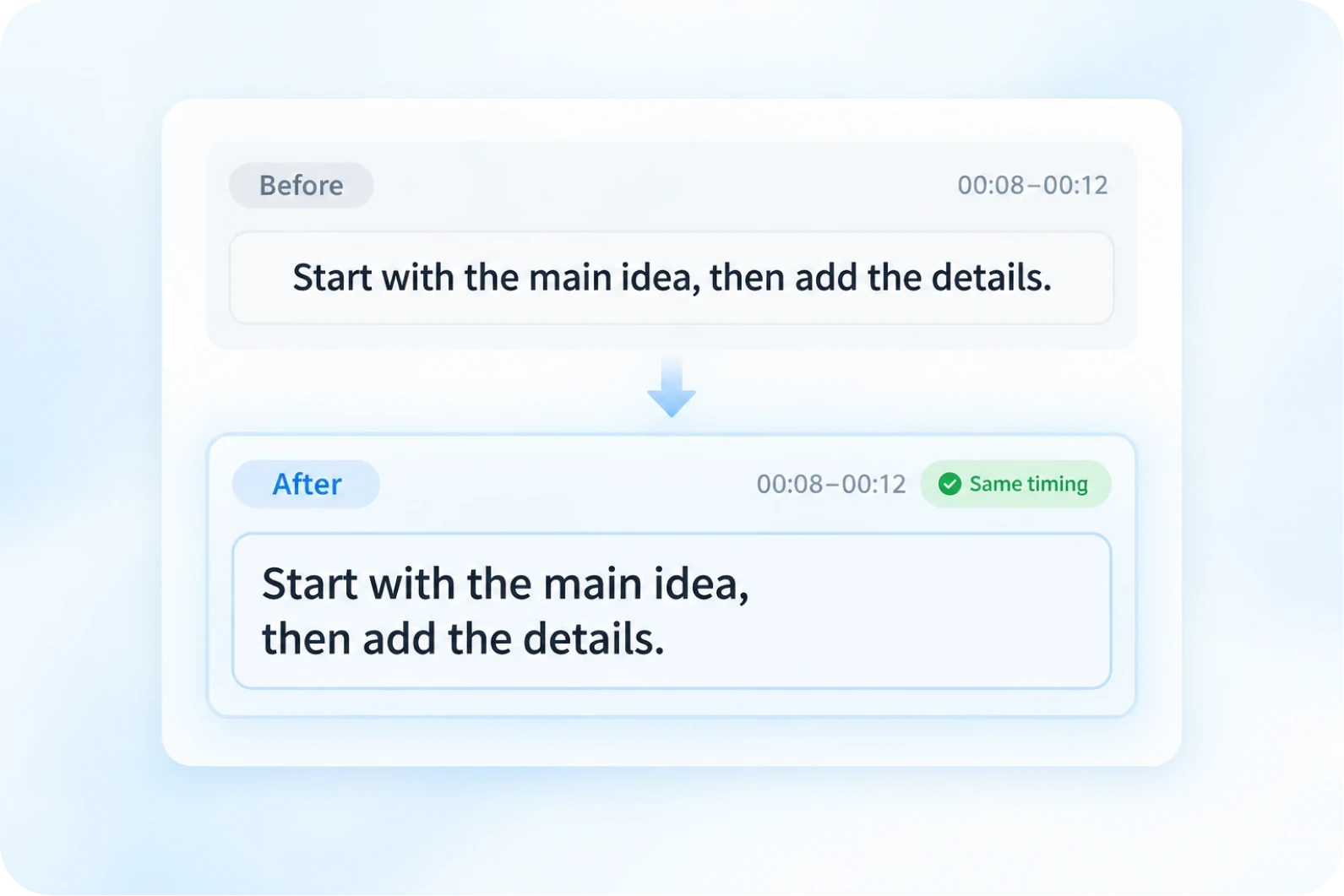
Lines are split the way the target language reads, so a caption does not feel crowded.
- Split lines the way the target language reads
- Sentences break naturally
- Keep the original timeline
FEATURE 03 / Bilingual comparison
Compare with the original,
or keep the translation alone.
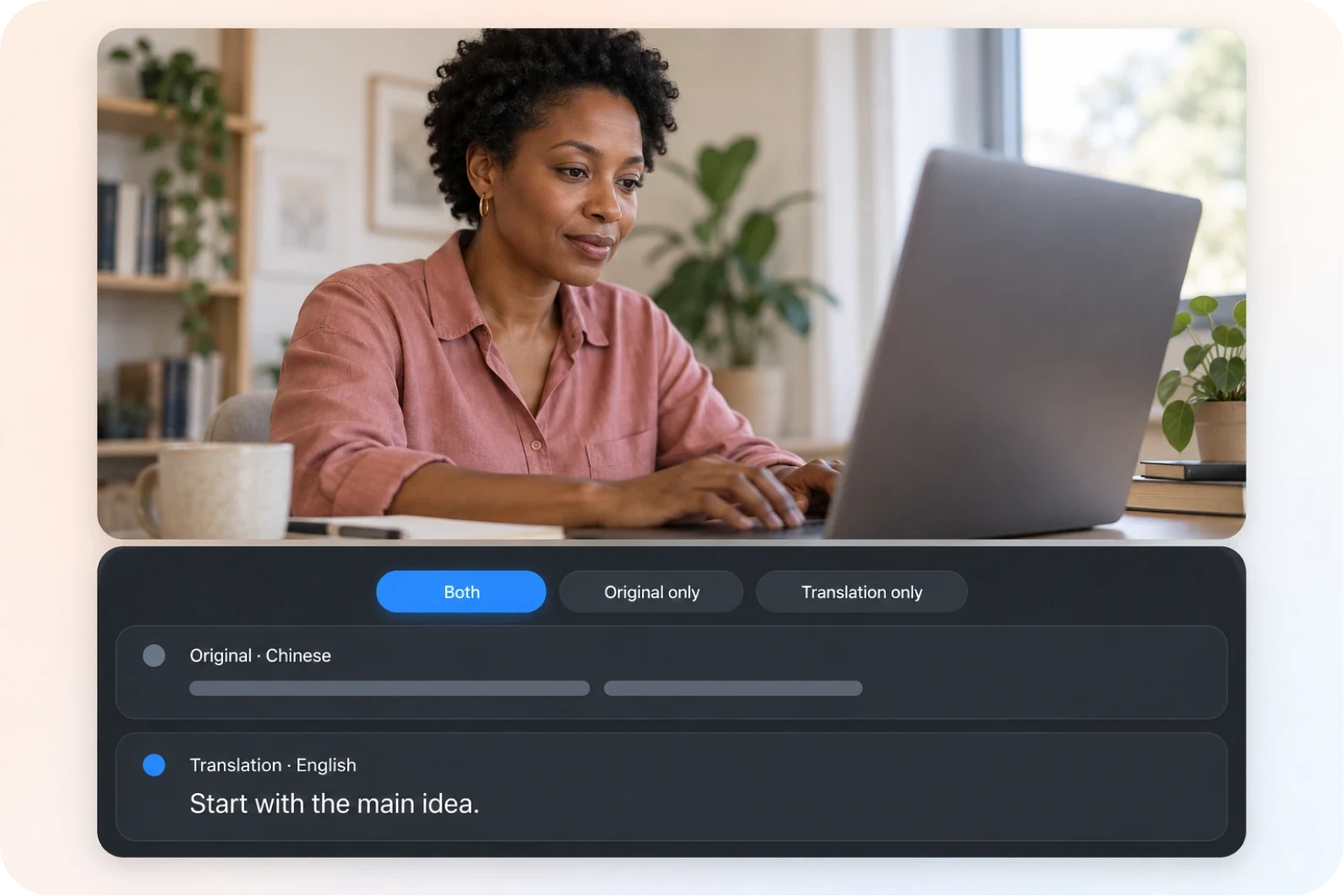
The original language and the translation can be shown together, or just one of them kept.
- Proofread against the original
- Show both languages or just one
- Choose the language version you need
From upload to export,
three steps to translate captions.
Choose where the captions come from, then translate, proofread and export.
Upload a video or captions
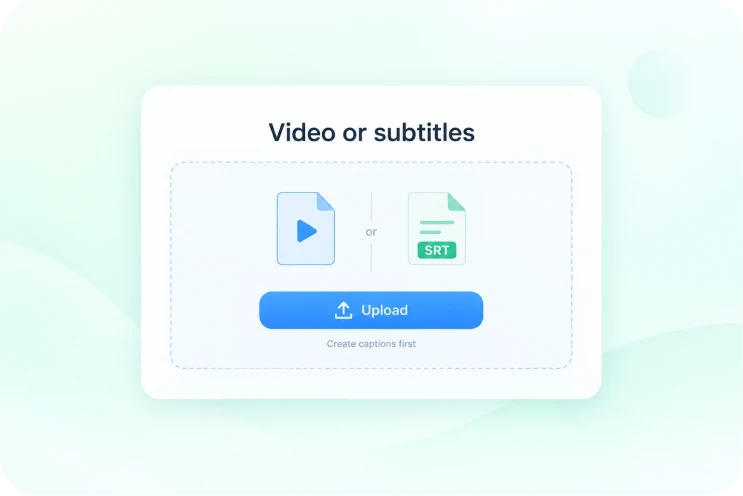
Upload captions if you have them; if not, generate a set with automatic captions first.
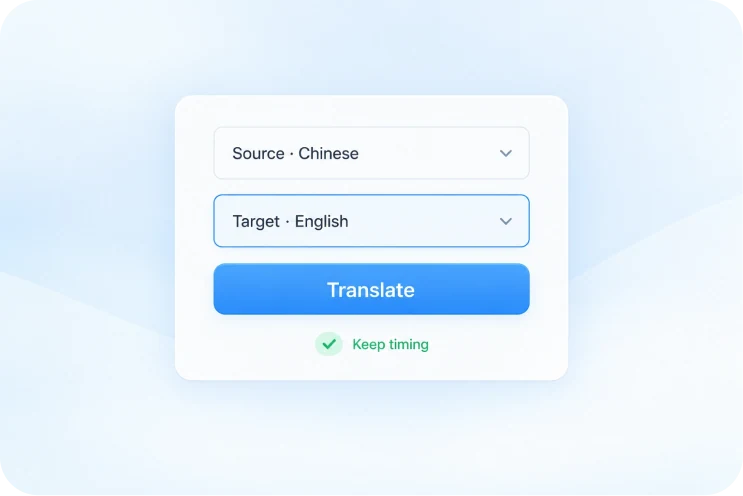
Choose the target language and translate
Choose the target language and Aixcut produces the translation while keeping the original timeline.
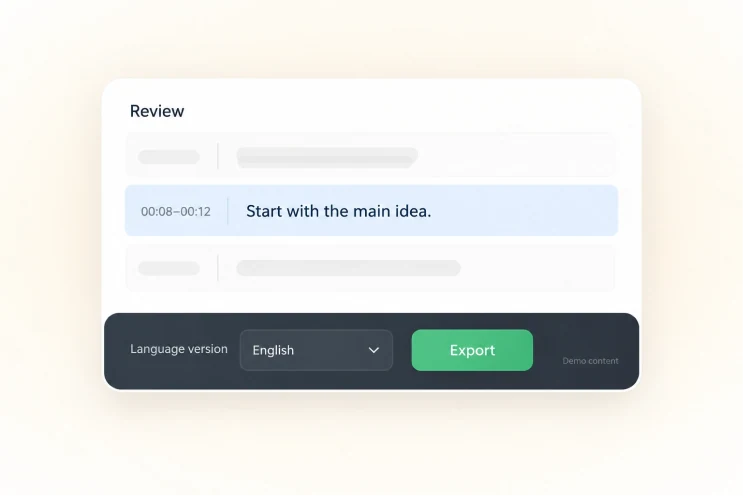
Proofread and export
Check proper names and numbers, then export the language version you need.
WHY AIXCUT
Translate captions without leaving the project.
Translation is not a case of exporting the captions and taking them to another tool. It happens in the same project, so the translation can be checked against the timeline and the picture, and exported once it is right.
Translate inside the same project
There is no need to export the captions and take them elsewhere.
Check against the timeline and the picture
Once translated, check it against the original timeline and the video to see whether it fits.
Export the version you need once it is confirmed
Proofread the original captions and the translation separately, then choose the language version you need.
USER REVIEWS
User reviews
The review section is reserved and the content below is a clear placeholder. It does not represent real user feedback.
Testimonial placeholder
Publishing abroad · content to followTestimonial placeholder
Cross-border ecommerce · content to followTestimonial placeholder
Courses and knowledge content · content to followGOOD QUESTIONS. CLEAR ANSWERS.
About subtitle translation,
a few things you may want to know.
Language options, the timeline and bilingual display, worth knowing before you start.
Which languages are supported?
The common languages are broadly covered. The list shown at translation time is the definitive one.
Does the translation still need proofreading?
Check proper names, numbers and context to confirm the translation fits what the video says.
Does the translation disturb the caption timeline?
Translation keeps the original timeline, but it is still worth checking how the captions join up against the picture.
Can the captions be bilingual?
You can proofread the original and the translation together and choose a bilingual or single-language display.