
AI Highlight Video Maker
Find self-contained moments in streams, interviews and lessons, then shape them into short videos. Select useful content while preserving its meaning.
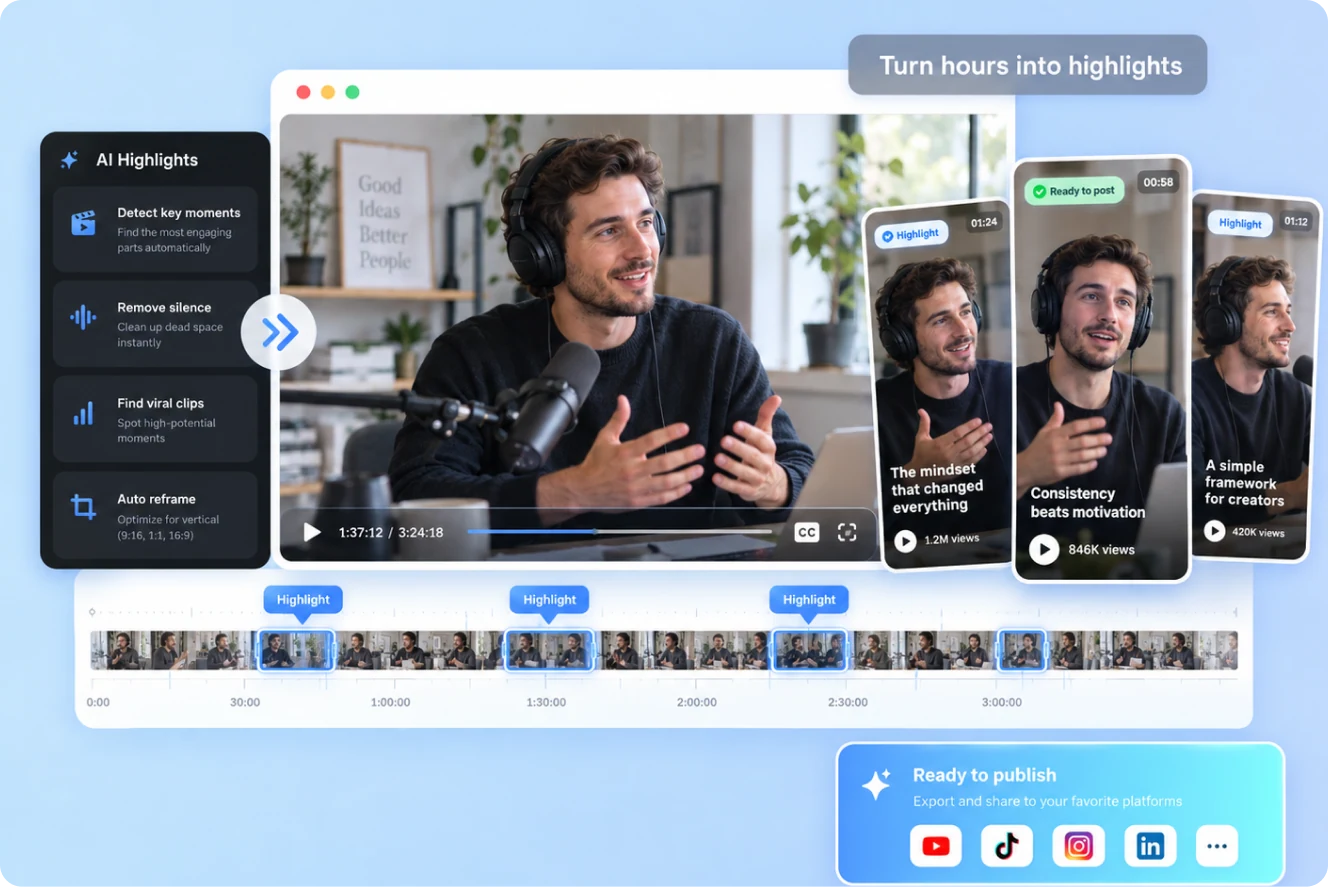
This is not about slicing footage.
It is about finding moments that stand on their own.
Understand the full video first, then find the moments worth showing on their own.
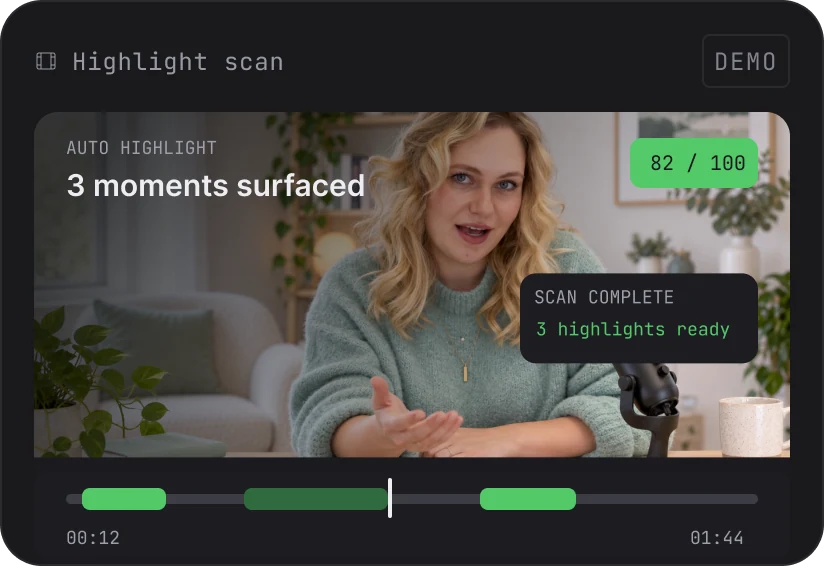
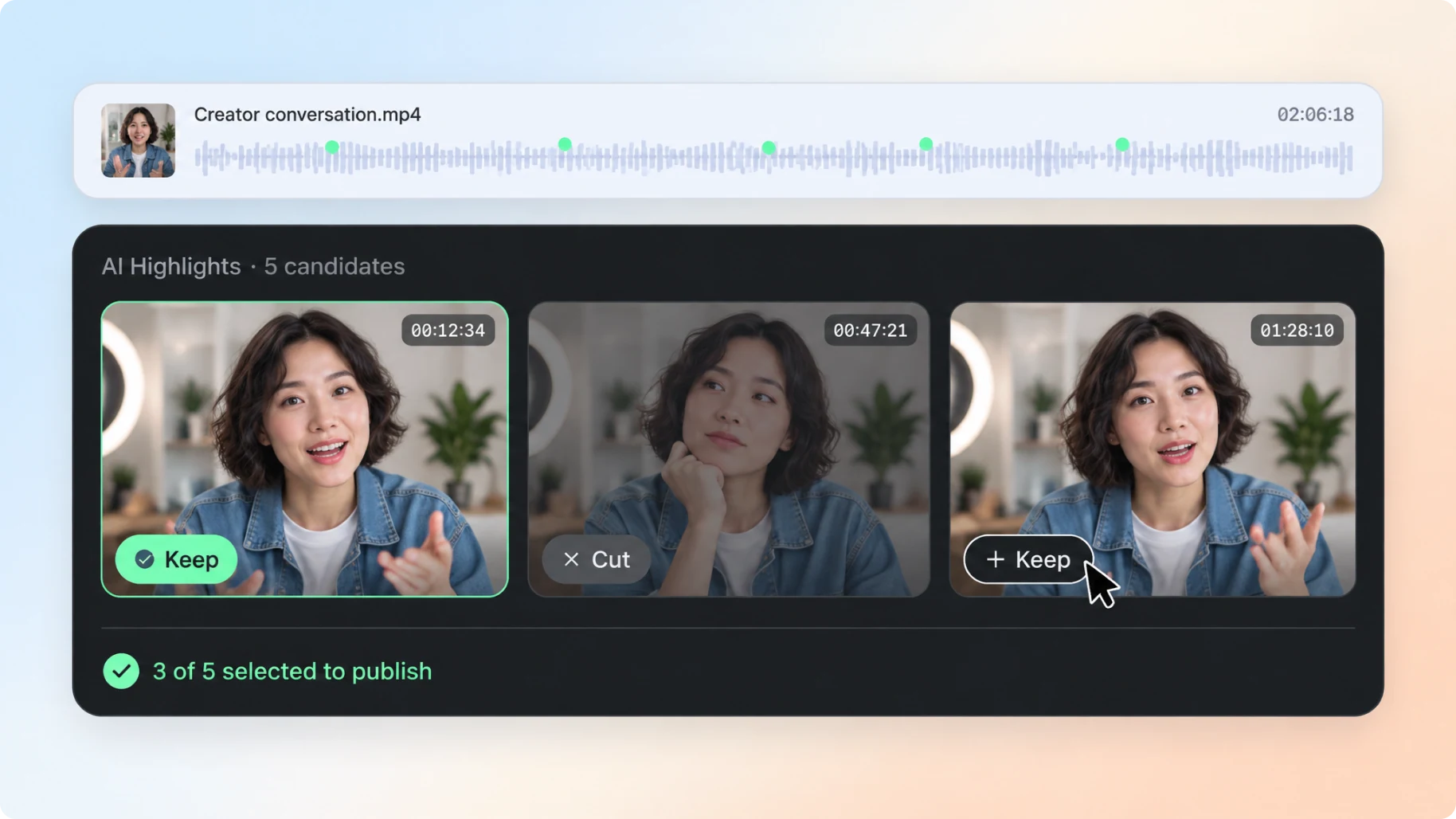
Highlight detection
Find clear points, key actions and valuable statements across hours of footage.
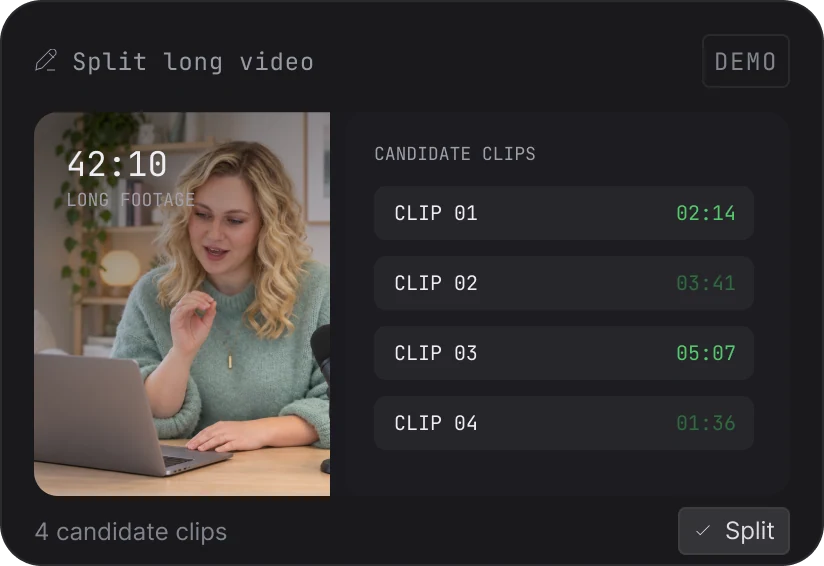
Explore long footage
Review candidates along the timeline and keep the full context each clip needs.
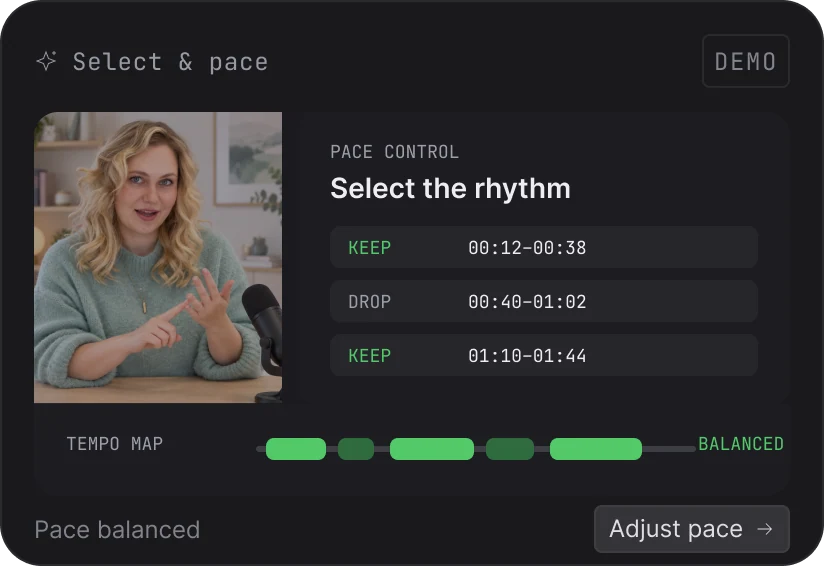
Select and export clips
Approve the start, end and pacing of each clip, then shape them into publishable shorts.
One long video holds
more than one good idea.
A highlight is not just an exciting moment. It is a section that can stand on its own. Understand the whole recording first, then decide what deserves to stay.
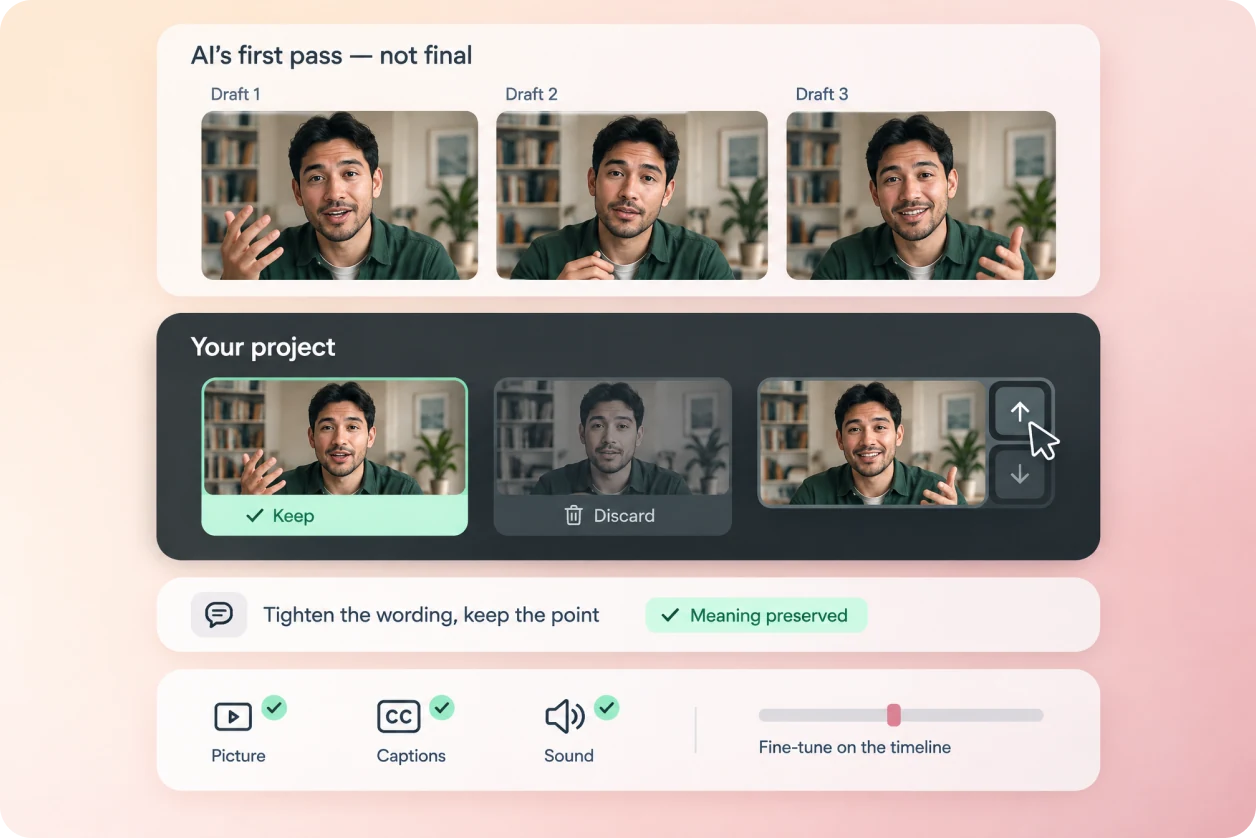
AI drafts the first pass.
You define the final version.
A highlight is not a fixed answer. Every candidate stays in an editable project so you can keep refining until it is truly ready to publish.
Keep what deserves to stay
Keep, discard or reorder. You never have to settle for a clip that does not fit.
Tighten the message
Edit through dialogue and text while keeping each point complete.
Confirm it yourself, one last time
Check visuals, captions and sound, then fine-tune on the timeline.
Every kind of content
has a moment worth seeing.
- 01
Livestream replay clips
Turn hours of livestream replay into several short videos that keep the most shareable ideas and reactions.
- 02
Podcasts and interviews
Pull complete ideas and standout answers from long conversations into single videos made to spread on social.
- 03
Lessons and knowledge sharing
Split long lessons into single-idea videos that are easier to finish and easier to save.
- 04
Talking-head and sales footage
Pick the fullest take from multiple recordings and quickly shape a publishable version.

From long video to highlights
in three steps.
Upload footage, select clips, confirm and export.
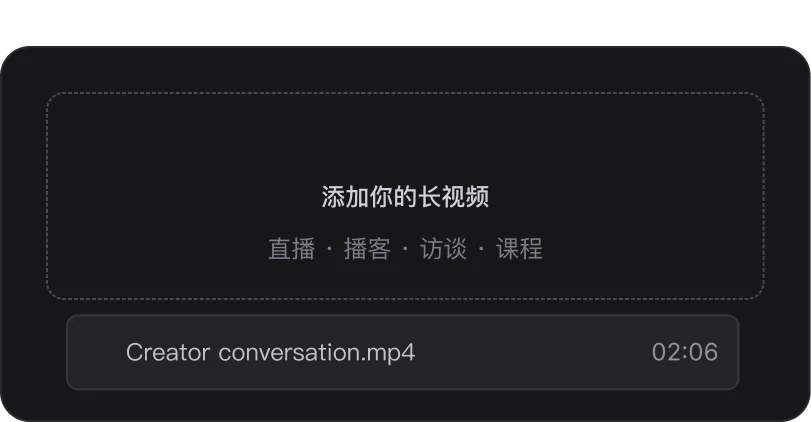
Upload video
Add livestream, interview or lesson footage to a project.
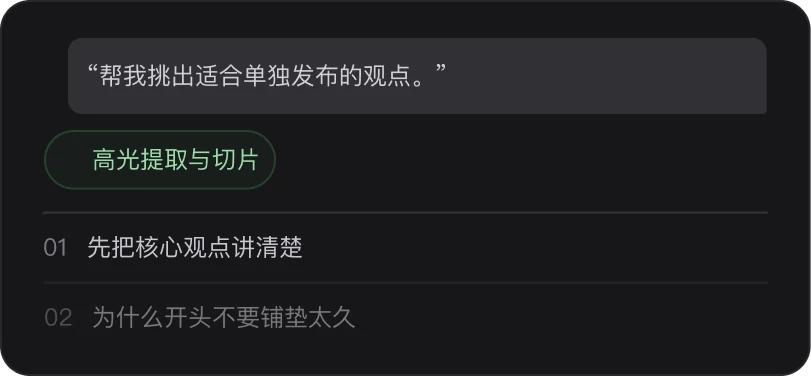
Choose highlights
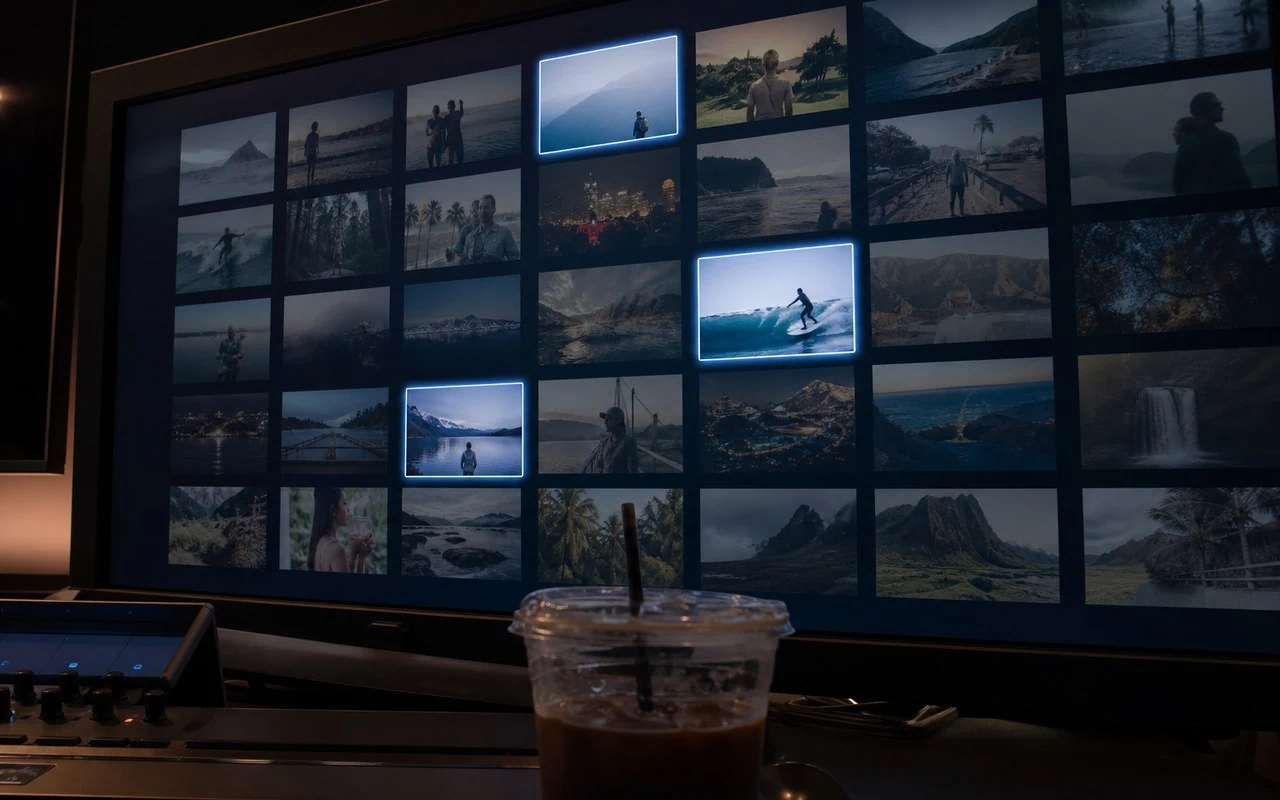
Browse candidates and replay the context around each one.
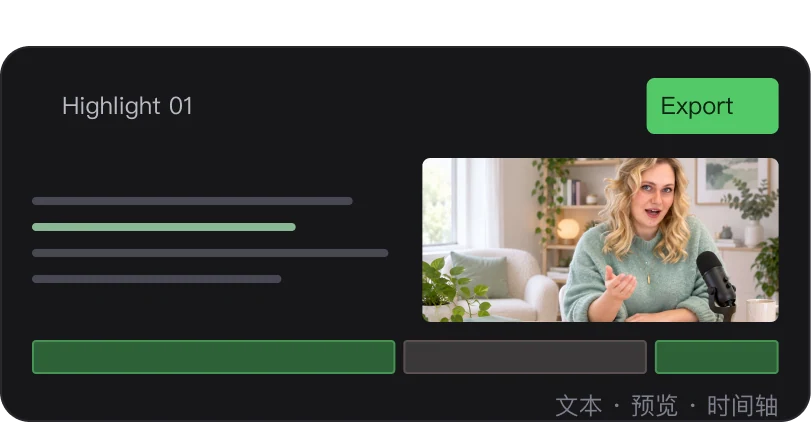
Refine and export
Adjust the range and pacing, confirm and export.
AI finds and cuts.
You decide what goes out.
Understand the content before finding highlights
Check results against your content goals and keep the final call with the creator.
Keep full context for every clip
Check results against your content goals and keep the final call with the creator.
Candidates stay open to manual edits
Check results against your content goals and keep the final call with the creator.
One long video can yield many pieces
Check results against your content goals and keep the final call with the creator.
Keep titles true to the clips
Check results against your content goals and keep the final call with the creator.
Review every clip before export
Check results against your content goals and keep the final call with the creator.

Workflow and capability boundaries
Highlight extraction supports any language, with no fixed upload-count limit and a candidate count you specify. Keep, discard, reorder or connect the suggestions, then refine boundaries on the timeline. Check that each clip retains its context before using it as a podcast excerpt, lesson segment or interview clip.
Where this capability fits
Highlight extraction supports any language, with no fixed upload-count limit and a candidate count you specify. Keep, discard, reorder or connect the suggestions, then refine boundaries on the timeline. Check that each clip retains its context before using it as a podcast excerpt, lesson segment or interview clip.
Define what matters: product explanations, clear opinions, key actions or audience responses. Each task needs different selection criteria.
Give candidate clips sufficient beginnings and endings so viewers understand the question and hear relevant qualifications.
Review each clip as a standalone piece. Captions, titles and supporting visuals should clarify the message without exaggerating it.
Start with a clear process
- 01
Specify the target audience and type of moment to extract.
- 02
Review candidates and their context, then confirm boundaries.
- 03
Refine each opening, caption track and ending, then watch every clip in full.
Describe what you need
Use this as a starting point. Adapt the assets, audience and goal, then review the result.
Find clips from this stream that explain product use independently. Prioritize complete demonstrations and precautions, and flag passages that depend on missing context.
Review before delivery
- Can the opening sentence stand on its own?
- Is the action or argument complete?
- Does the title accurately describe the clip?
Questions, answered
Is a highlight always the most energetic moment?
No. Educational content may need a clear explanation, while a product clip may need a complete demonstration. Define the goal first.
How many clips can one recording provide?
It depends on how many complete, useful ideas the recording contains. Avoid splitting one argument mechanically just to increase the count.
Can I edit long videos?
Yes. Aixcut understands long-form content first, then helps you find the moments worth keeping.
Can I keep editing extracted clips?
Yes. You can continue adjusting the opening, ending, captions and pacing of every candidate clip.
What types of videos work best?
It works well for streams, interviews, podcasts, lessons, talking-head videos and product demos with clear ideas or complete explanations.
Does AI decide what I publish?
No. AI provides candidate clips and a first organization, while you always decide what to publish.
Explore related workflows


Related tools and guides
Bring your footage. Start with a clear goal.
Apply the workflow to your own content, review each step and refine the finished video.