
How do you find useful clips in a long stream?
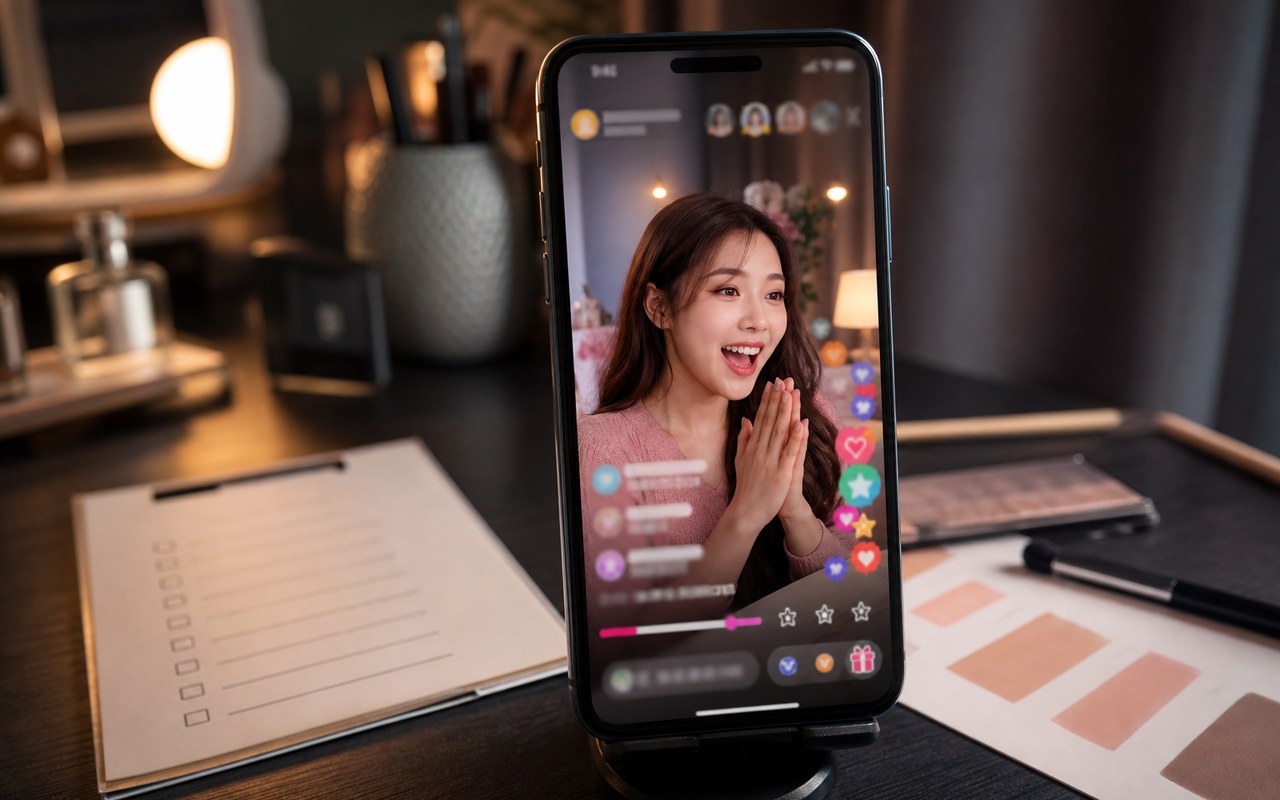
Scenario walkthrough: a long stream mixes waiting, interaction and product explanations. The goal is to identify useful standalone moments and shape complete clips.
This is a scenario walkthrough, not a customer project record. Use the steps and review criteria to plan your own project.
The problem, inputs and goal
Inputs: a stream recording and approved product notes. Decide whether you need a demonstration, buyer answer or recap rather than selecting by energy alone.
Challenge: useful information is scattered between interactions. Direct excerpts can lose the question or precautions, so review surrounding context.
Target: each clip has an understandable opening, one clear subject and a complete ending. The recording determines how many useful clips exist.
Work through the problem
- 01
Ask AI to organize candidates by product use, common questions and demonstrations, flagging uncertain sections.
- 02
Review context manually, set boundaries and retain conditions or precautions that affect meaning.
- 03
Remove waiting and repetition, proofread captions and watch each candidate clip in full.
Describe what you need
Use this as a starting point. Adapt the assets, audience and goal, then review the result.
Find sections that independently explain product use. Preserve demonstrations and precautions, flag missing context and do not prioritize a clip simply because it is lively.
Expected deliverable and review
- The first sentence makes sense without the original stream.
- Explanations and steps are complete.
- Titles, captions and offer details match the clip.
Questions, answered
How do I avoid taking speech out of context?
Review surrounding questions and retain conditions, negation and cautions. Add accurate context without attributing new opinions to the speaker.
What if there are too few usable moments?
Prioritize completeness, produce fewer clips or film supporting content. Plan self-contained explanations in the next stream.
Explore related workflows
Bring your footage. Start with a clear goal.
Apply the workflow to your own content, review each step and refine the finished video.