
AI VIDEO EDITING
AI Video Editor
Shape the idea first.
Then start editing.
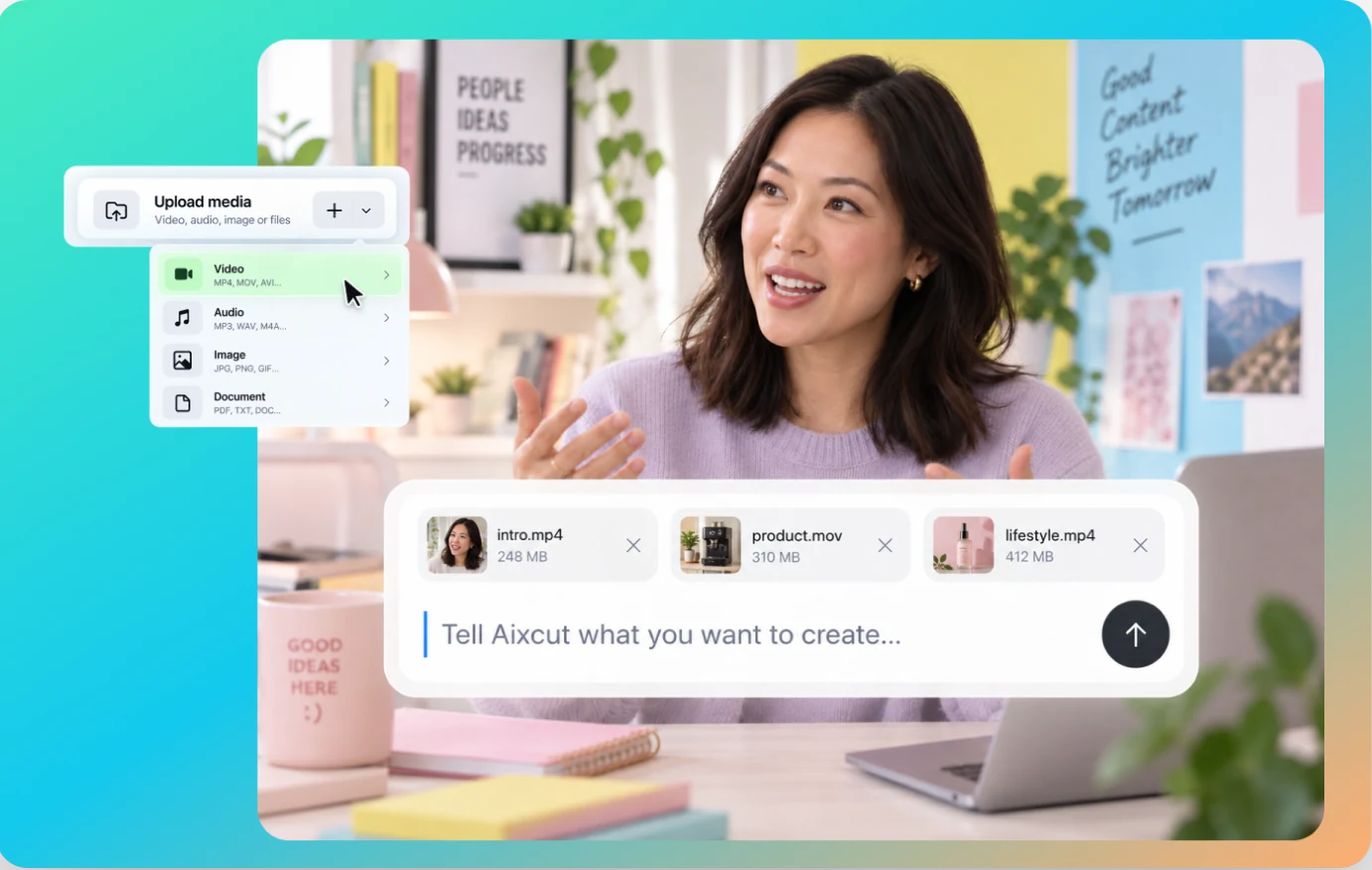
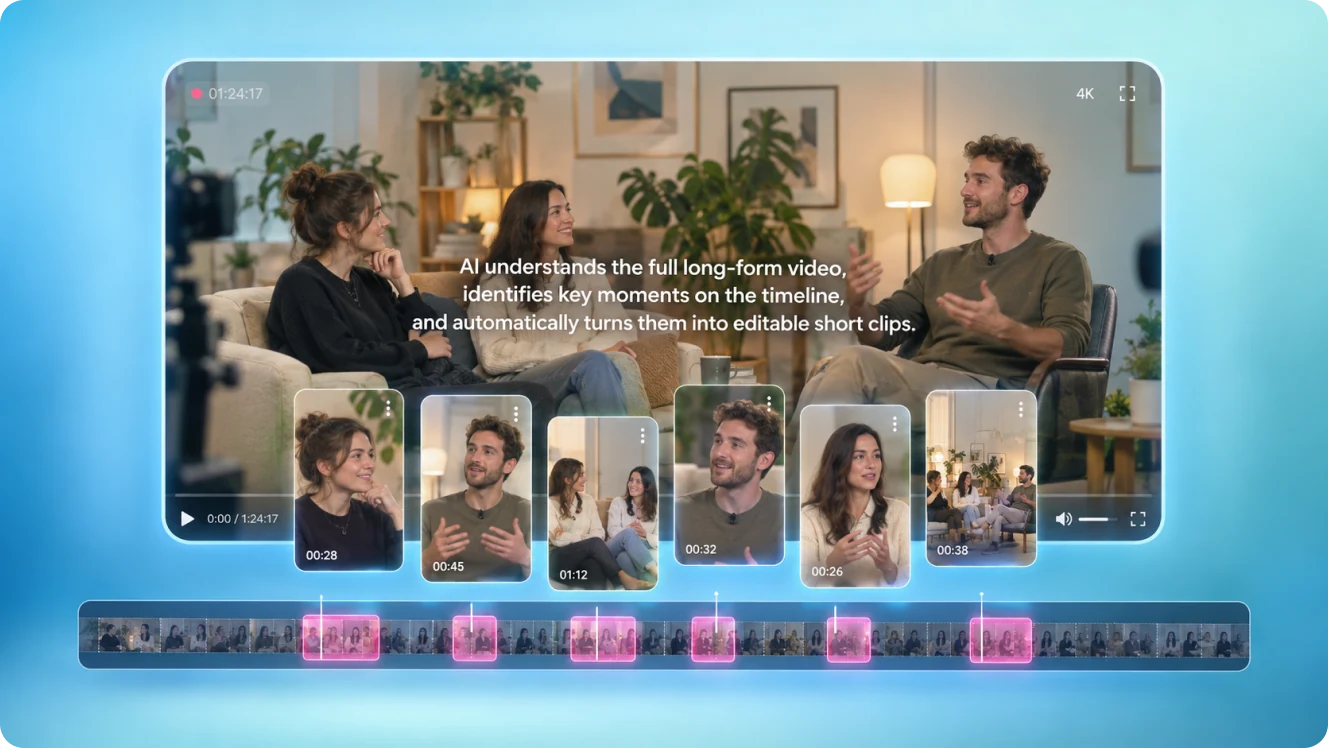
Aixcut is an AI video editor that helps turn your footage into a first cut. Describe your goal, then refine the result through chat, transcript edits, and the timeline.
WHY AIXCUT
More than cutting clips.
Start with the story.
Traditional editing starts with the timeline: finding footage, moving clips, and replaying takes. Aixcut starts with your content goal. Define the key message, audience, and pace first, then let AI help organize your footage into a clear narrative. Every step remains in an editable workspace.
A strong video is more than polished visuals. It has a story worth remembering.
CHAT
Feature 1: Edit by chat
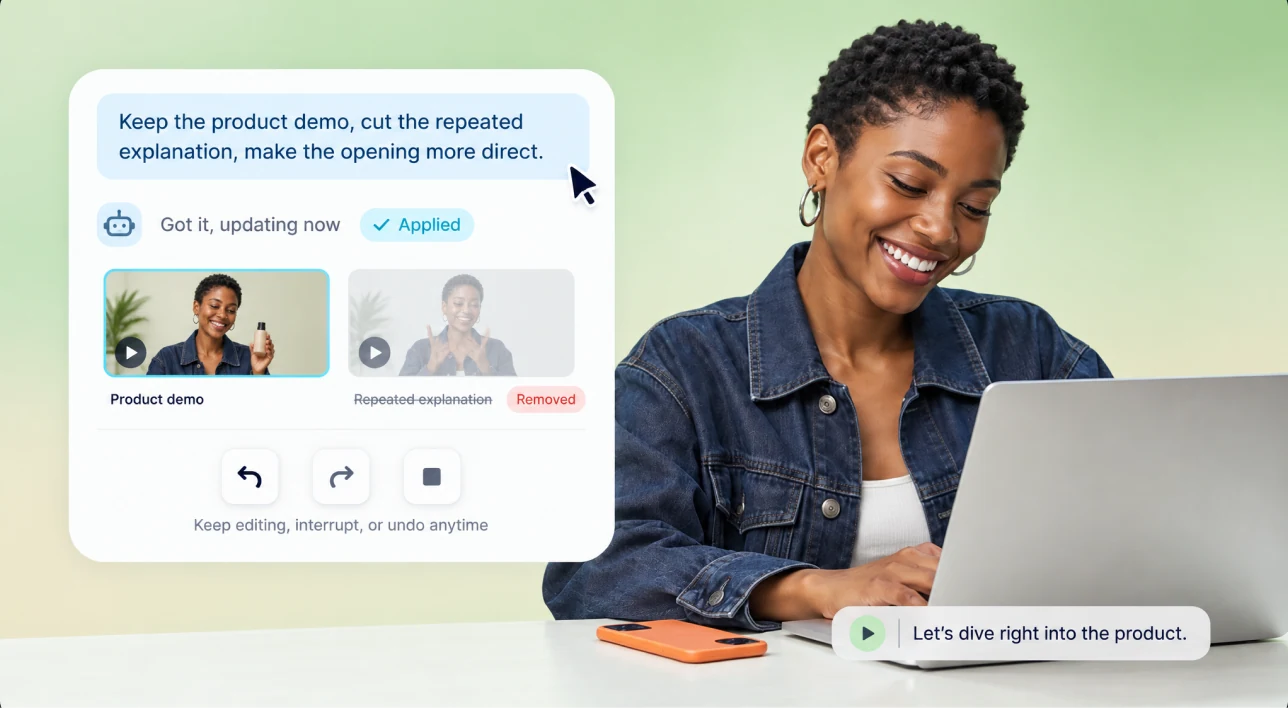
Describe the change you want in plain language. For example: “Keep the product demo, remove repeated explanations, and make the opening more direct.” Aixcut adjusts the content based on your direction, and you can keep revising, interrupting, or rolling back at any time.
TRANSCRIPT
Feature 2: Edit video by editing text
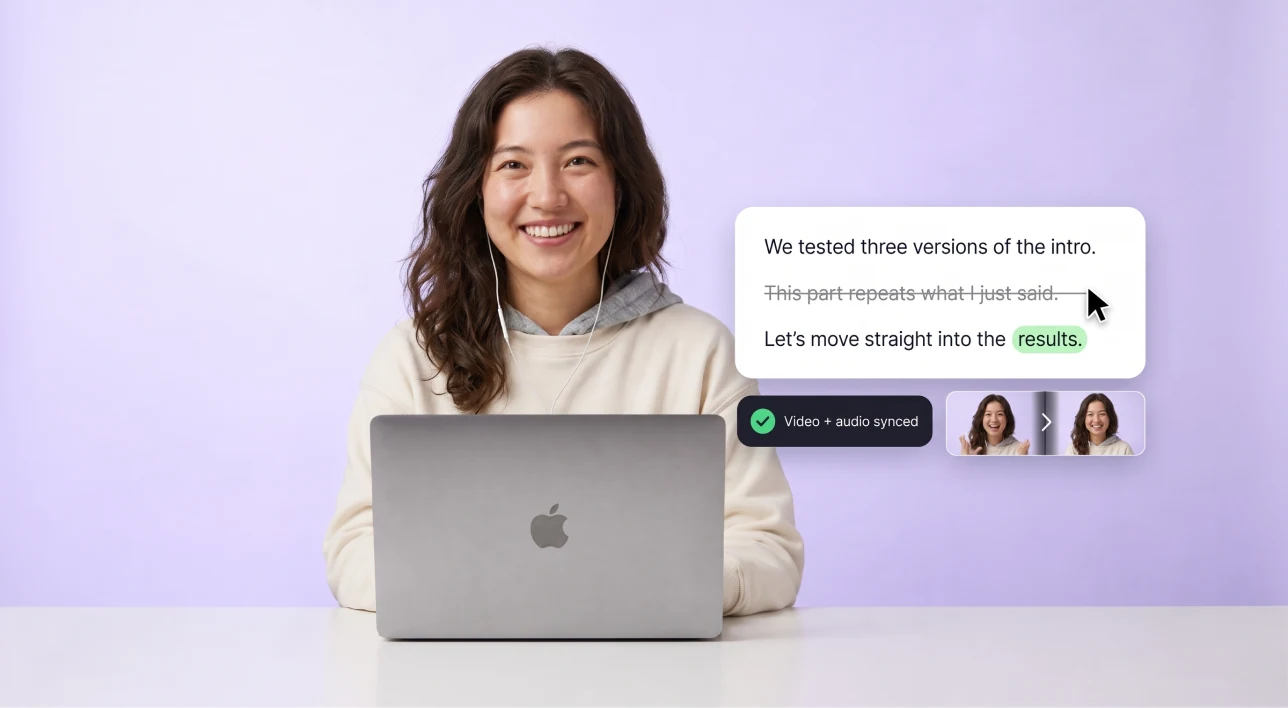
Once your footage is turned into editable text, you can find the exact content you want to keep or remove directly in the transcript. Cut a sentence, and the linked video and audio update with it, so you spend less time searching through the timeline.
WORKFLOW
Three steps from footage to a first cut
From uploading your footage to a cut you can keep refining.
 01 / STEP
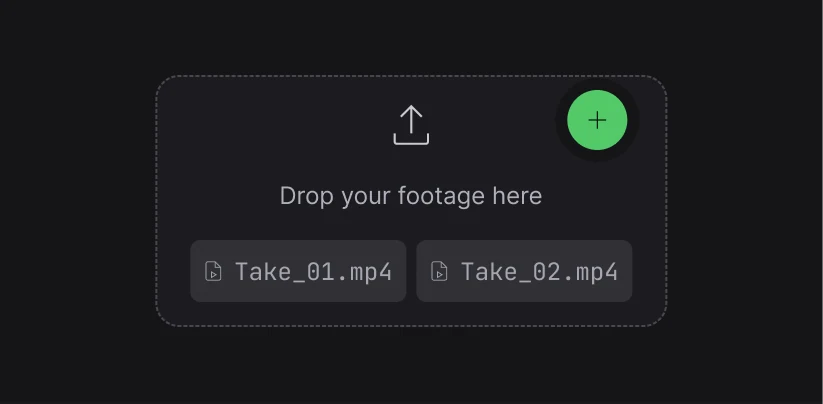
Upload your footage
Create a project and bring your source footage into the workspace.
 02 / STEP
Describe the goal
Tell Aixcut what the video should say, what to cut and what to keep.
 03 / STEP
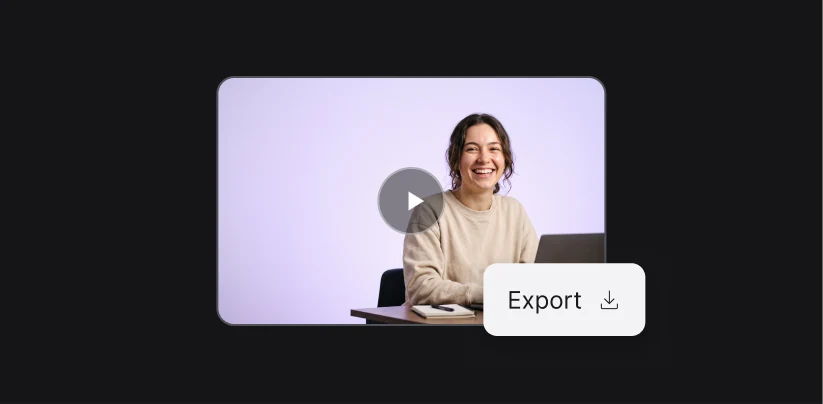
Generate and refine
Review the first cut, then keep adjusting through chat, the transcript or the timeline.
FAQ
Common questions
About how editing works, what footage fits, and what you can change afterwards.
Will every pause in a talking-head video be removed?
No. Long pauses and filler words are cleaned up, but the natural pauses between sentences stay so the delivery does not sound rushed.
Could it delete something I want to keep?
The result stays in the editable transcript panel, so you can check it line by line and restore or change anything that was cut by mistake.
Can one take become several versions?
Yes. The same footage can be regenerated with different requirements, such as a full version for long-form platforms and a trimmed one for short video.
Can a rough take still be used?
Slips of the tongue, repeats and pauses can all be handled. If the delivery itself is incomplete, or the point keeps changing, re-recording before editing gives a steadier result.
How many credits does talking-head editing use?
Talking-head editing counts as an AI editing task. Footage analysis is charged once, and each editing run is charged per use. Check the actual usage for the exact amount.
MADE FOR LONG FOOTAGE
Footage with a clear thread cuts best
Clearer footage and a more specific goal get you to the direction you want faster.
 TALKING HEAD
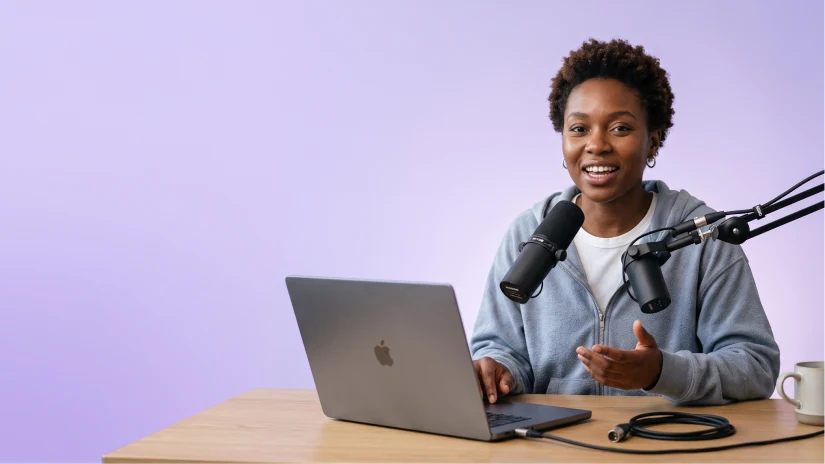
Podcasts, interviews and talking heads
Find the core ideas, remove repetition and dead air, and make a long conversation tighter and easier to watch.
 SOCIAL
E-commerce and social content
Clarify the opening hook, the product focus and the call to action, then shape the footage for short-form distribution.
 EDUCATION
Courses, knowledge sharing and webinars
Pull the main thread from long recordings, preserve the essential explanations and produce clearer learning or distribution content.