
MP4 to MP3 Converter
MP4 to MP3
Just want the sound?
Turn the MP4 into an MP3.
Turn the audio in an MP4 video into an MP3 file. Import your video into Aixcut, prepare the section you need, and select MP3 for audio export. Keep the original video and review the exported audio.
Visual and interaction demo · no real conversion service is connected
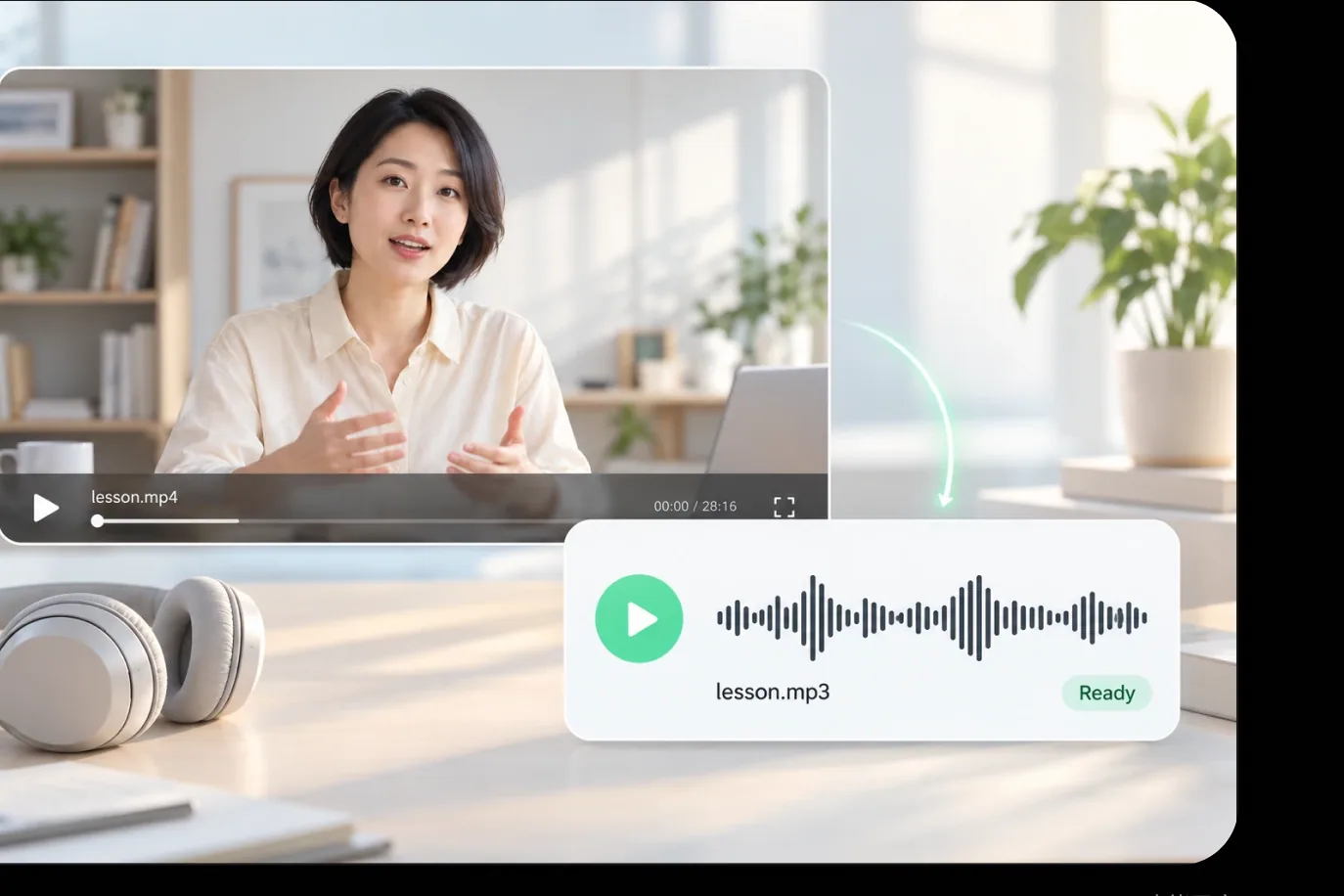
An audio file of its own
It keeps playing away from the video
Keep only the part you need
Set a start and end time and stop right where you want
The original video stays as it is
The audio is read from the file, the original is kept
USE CASES
Let the audio
keep pace with your day
Good material inside a video does not have to be watched on a screen. As an MP3 it plays anytime, and it is easy to distribute and archive.
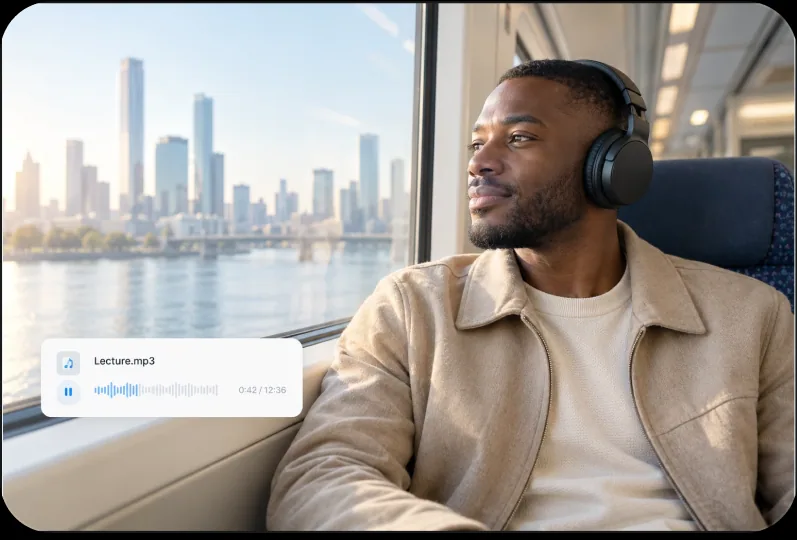
01 / ON THE GO
Commuting and workouts
Turn interviews, courses and talks into MP3s and listen from your phone.
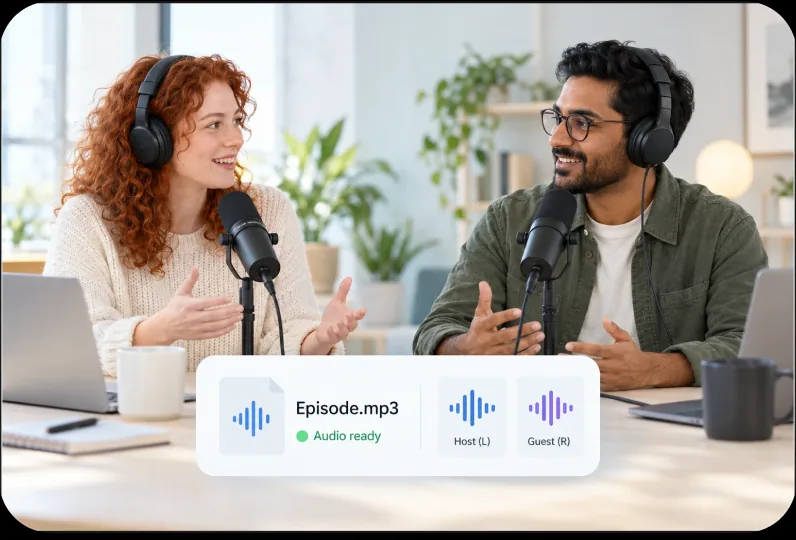
02 / AUDIO DISTRIBUTION
Audio distribution
Podcast and audio platforms take MP3s, so convert a copy and publish it.
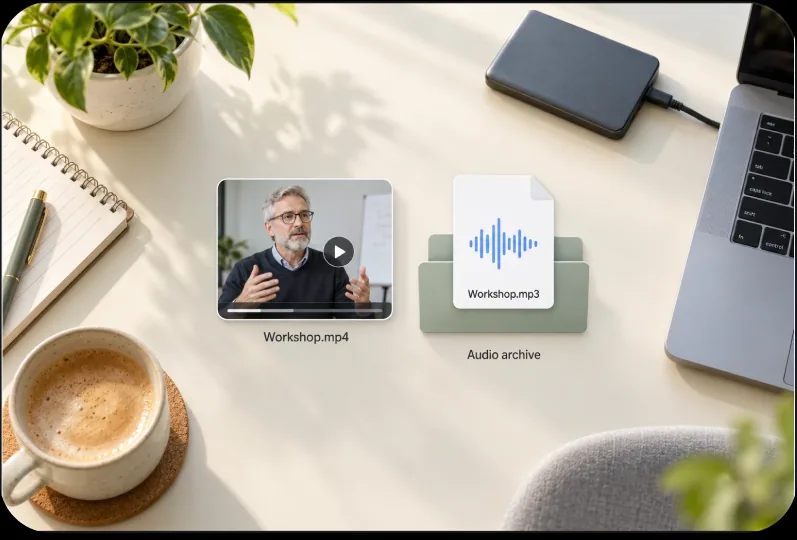
03 / AUDIO ARCHIVE
Archiving material
Keep only the audio and it takes up far less space than the video.
CORE FEATURES
From video to audio,
every part set the way you want
Extract the audio, choose the clip, then get the sound right.
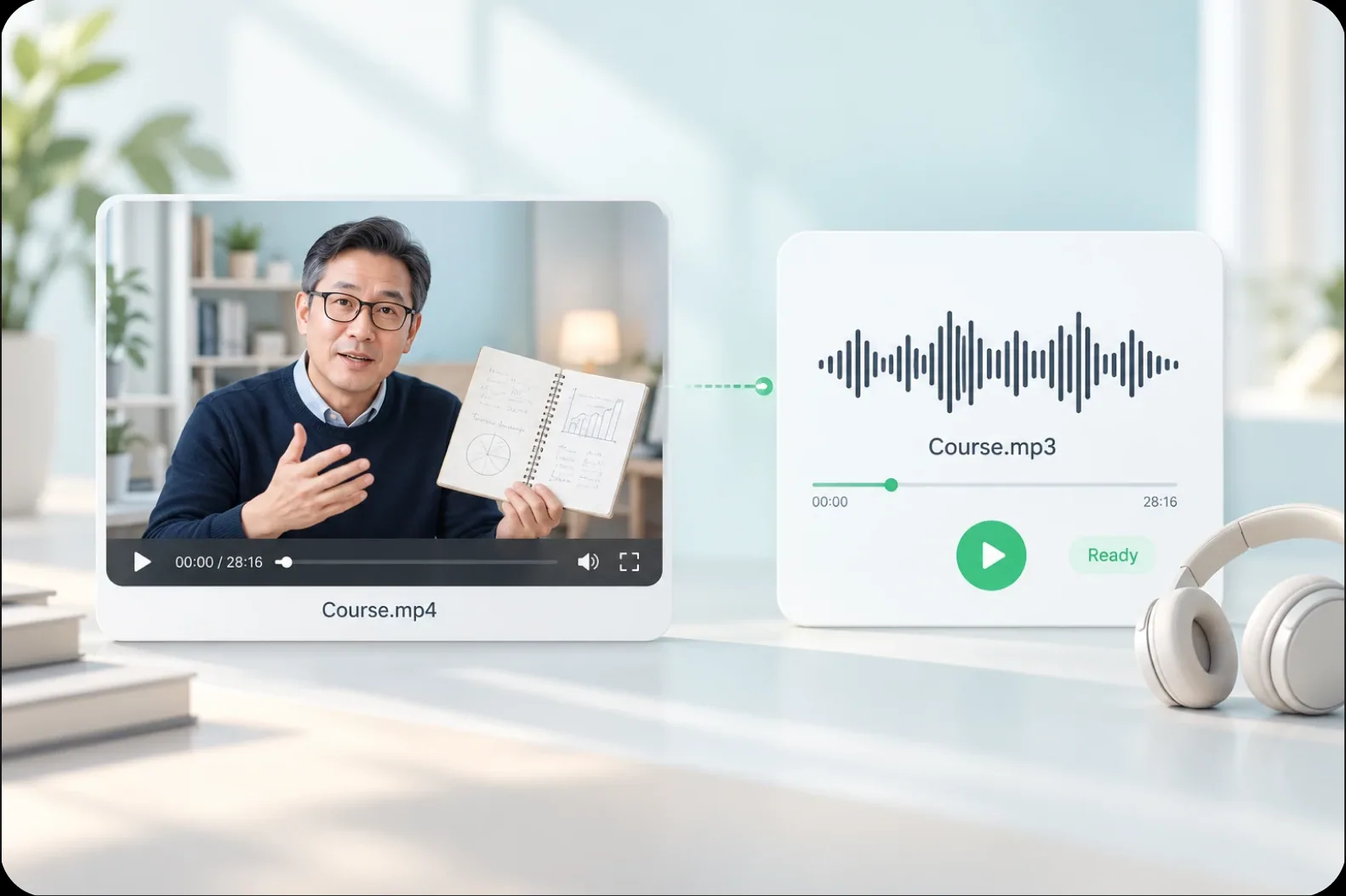
01 / EXTRACT AUDIO
MP4 to MP3
Export the audio inside an MP4 as an MP3 file of its own.
Upload your MP4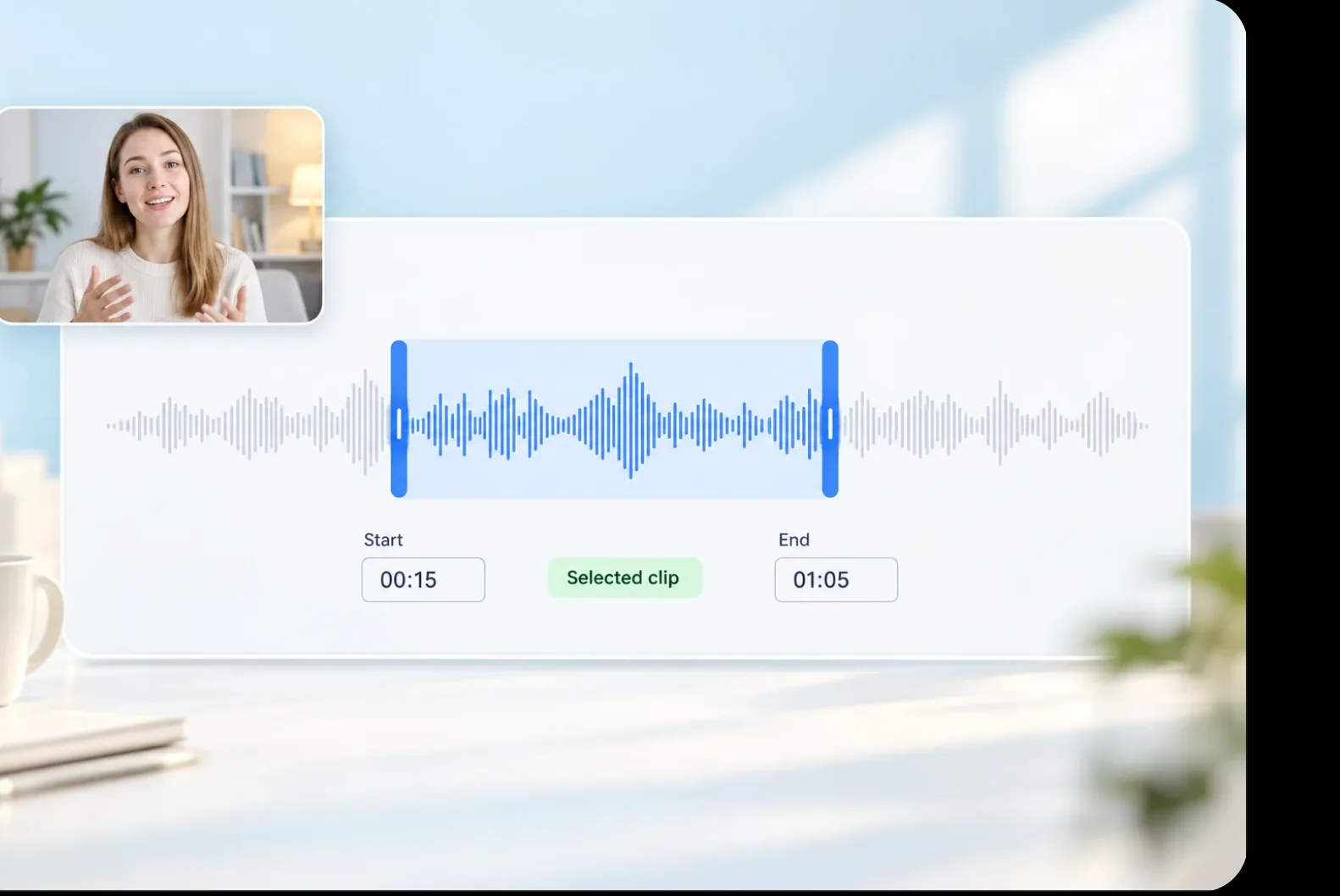
02 / CHOOSE A CLIP
Convert only the part you want
Set a start and end time and convert only the stretch you need.
Try the clip settings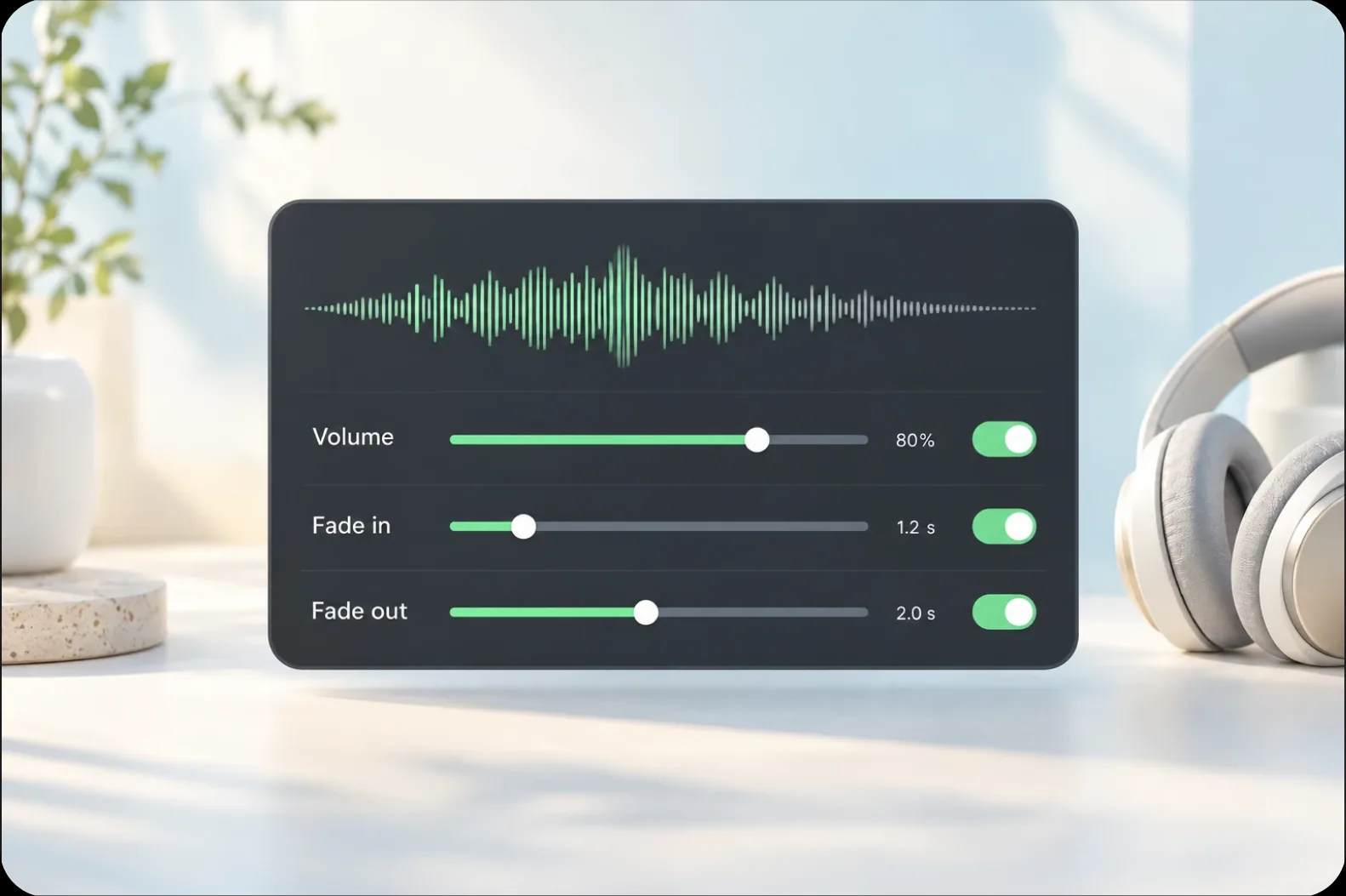
03 / SHAPE THE SOUND
Shape how it sounds
Adjust the output volume and add a fade in and fade out so the file starts and ends cleanly.
See the audio settingsHOW IT WORKS
Four steps, and the audio is yours
A clear path from upload to download. Below is an illustration of the product flow.
Import your MP4
Put the MP4 you want to convert into the project.
Set the clip
If you only need part of it, set a start and end time.
Adjust the volume
Set the output volume and add fades as needed.
Convert and download
Start the conversion and download the MP3 when it finishes.
Why use Aixcut
to turn an MP4 into an MP3
An MP3 exists so the audio can be used away from the player: it plays on the commute, audio platforms accept it, and an archive of it takes up very little room.
The content keeps you company
Once a course or interview is audio, it plays on the commute and in the gym.
Keep a stretch, or the whole thing
Convert the entire video, or set a start and end time and keep only the audio you need.
Audio on its own, the original kept
What you get is a standalone MP3, and the original video is unchanged.
User Reviews
What users say
Testimonial placeholder · real reviews to follow
TESTIMONIAL PLACEHOLDER / 01
Testimonial placeholder
Feedback from commuting and workout use will appear here once real reviews are in.
TESTIMONIAL PLACEHOLDER / 02
Testimonial placeholder
Feedback from audio distribution use will appear here once real reviews are in.
TESTIMONIAL PLACEHOLDER / 03
Testimonial placeholder
Feedback from archiving use will appear here once real reviews are in.
FAQ
A few more things
you might want to know
A few common questions about quality, the original file and converting a clip.
How good is the MP3?
It depends on the source. The cleaner the original video’s audio, the better the MP3.
Does this change the original video?
No. The conversion reads the audio that is already in the video, and the video stays as it is.
Can I convert just one part?
Yes. Set a start and end time and only that stretch becomes an MP3.
What if the MP4 has no sound?
Conversion cannot recover an audio track that is absent from the file.
Will MP3 improve the original recording?
No. MP3 is a lossy format, and output quality depends on the source and export settings.
Can I choose a different audio format?
Aixcut also supports AAC and WAV audio exports. Choose the format your next workflow requires.
A video gets watched once,
then it is over. Audio keeps playing.
As an MP3 it goes with you on the commute and in the gym.