
Voice cloning
Use an authorized recording to establish a consistent voice for recurring narration. Review generated speech sentence by sentence before using it in a video.
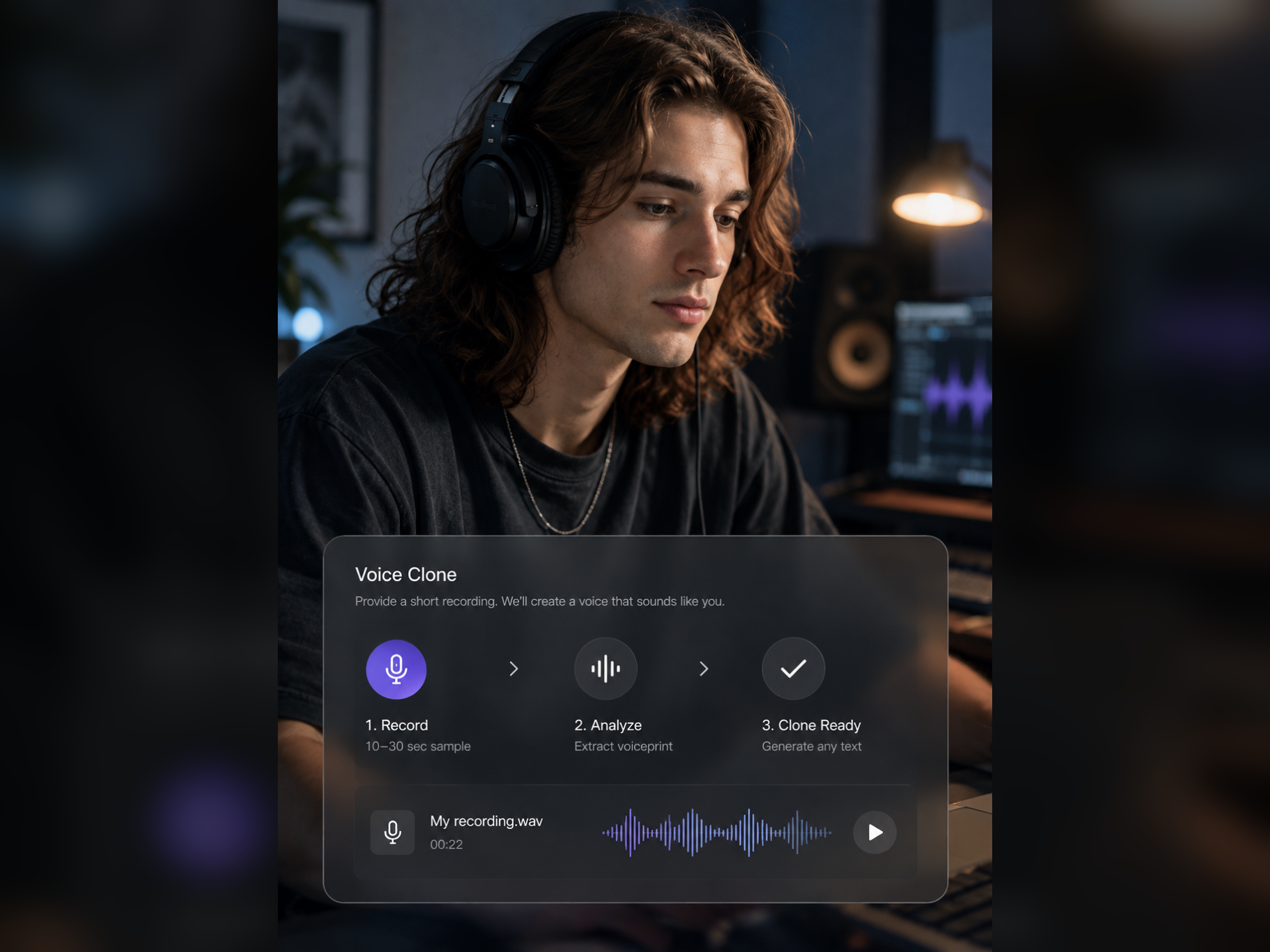
Where this capability fits
Choose your own voice or a recording you have permission to use. Prefer clear single-speaker audio without music, overlap or distortion.
Test with copy representative of the actual content, including tone, pauses and longer sentences rather than one short sample.
Keep voice choices and usage agreements with the production workflow. Recording quality, available models and wording all influence results.
Start with a clear process
- 01
Prepare a clear, authorized voice sample.
- 02
Test a short passage, then check common terms and numbers.
- 03
Generate narration after review and audition it in the final video.
Describe what you need
Use this as a starting point. Adapt the assets, audience and goal, then review the result.
Use my authorized voice for this lesson narration with steady delivery and clear terminology. Prepare the opening for review before continuing with later sections.
Review before delivery
- Is the voice sample authorized for this use?
- Are there artifacts or unexpected inflections?
- Does the voice work with the real script?
Questions, answered
What kind of recording should I provide?
Prefer clean, consistent single-speaker audio. Follow the workspace requirements for format and length, and check for music or overlapping voices before uploading.
Can I skip review after creating a voice?
Review remains necessary. The same voice may pause or pronounce words differently across sentences, so evaluate the actual script.
Explore related workflows


Bring your footage. Start with a clear goal.
Apply the workflow to your own content, review each step and refine the finished video.