
Script-based video editing
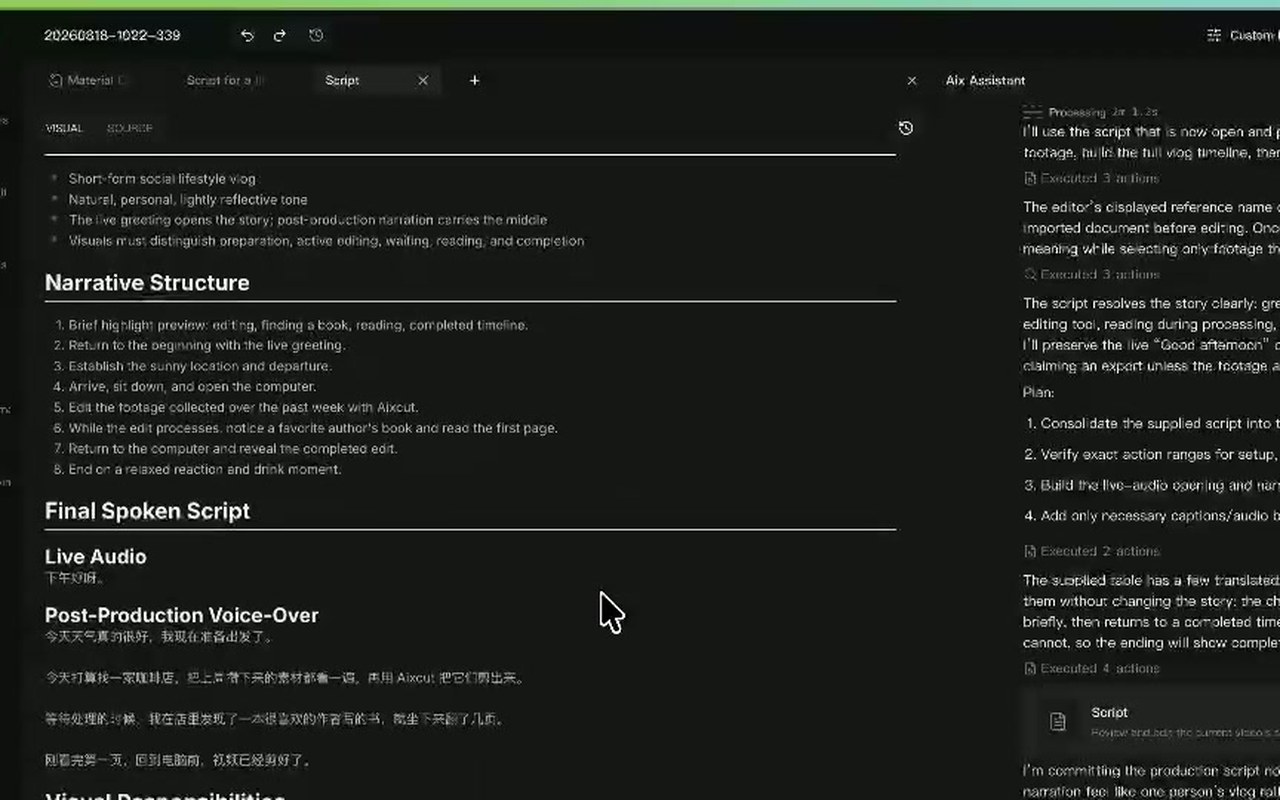
Use an approved script to guide visuals, narration and section order. Build product explainers, lessons and talking-head videos around a defined structure.
Where this capability fits
Split the script into actionable sections and distinguish essential facts from flexible wording to keep the edit focused.
Match footage to each section. Mark missing shots before choosing a reshoot, still image or supporting B-roll.
After a script revision, check visuals and sound again so updated wording does not remain paired with outdated footage.
Start with a clear process
- 01
Provide the script and footage, marking facts and sequence that must stay fixed.
- 02
Review footage matches section by section and resolve missing visuals.
- 03
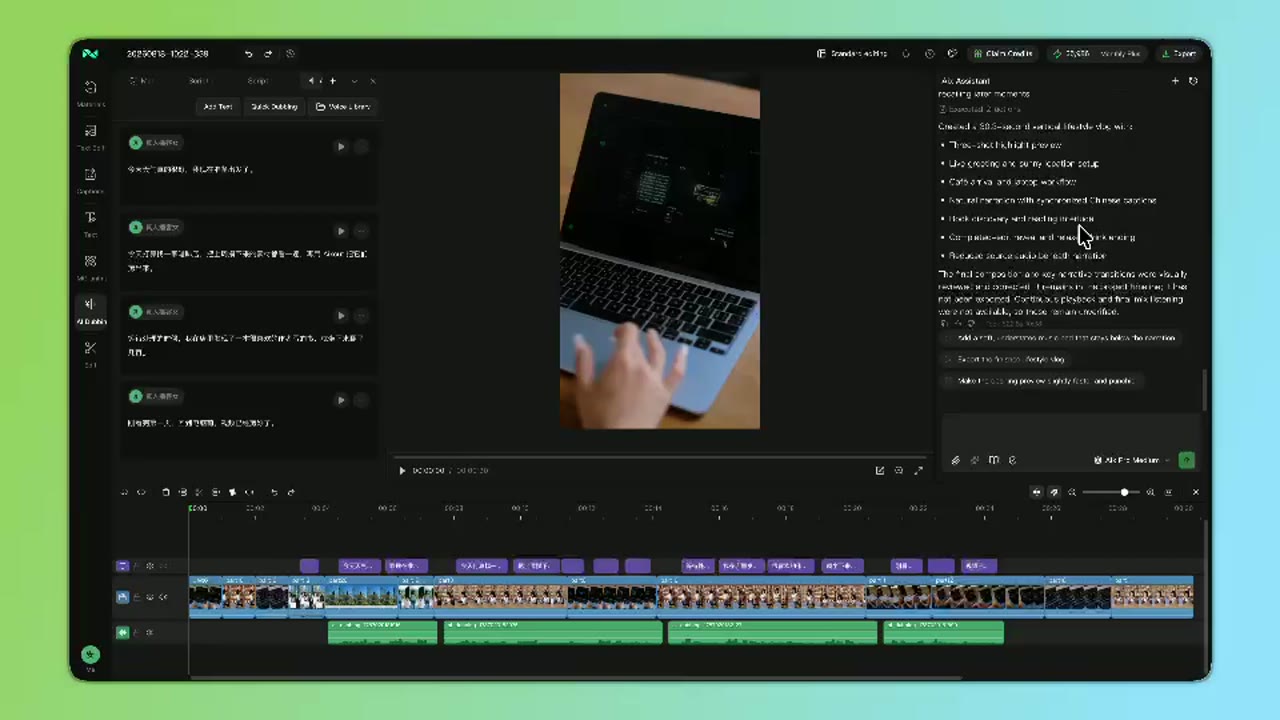
Check narration, shots and captions on the timeline before refining the cut.
Describe what you need
Use this as a starting point. Adapt the assets, audience and goal, then review the result.
Arrange the video around this script: problem, demonstration, then summary. List sections without suitable footage instead of filling them with unrelated shots.
Review before delivery
- Does the sequence match the script?
- Do the visuals support the current narration?
- Have captions been checked after script revisions?
Questions, answered
Does the script need a special format?
Use clear sections and distinguish narration from visuals. Section goals and key lines are easier to review than one long paragraph.
What if footage is missing?
Decide whether the missing shot is illustrative or evidential. Supporting visuals can be created; factual product or person depictions need authentic material.
Explore related workflows


Bring your footage. Start with a clear goal.
Apply the workflow to your own content, review each step and refine the finished video.