AUDIO TO TEXT
Audio to text
A recording, turned into text you can use.
Pull the speech out of a recording, podcast or meeting audio, then browse, search and proofread each passage so the spoken content is easier to organise and reuse.
CORE VALUE
Turn what was said in the recording
into content you can actually keep using.
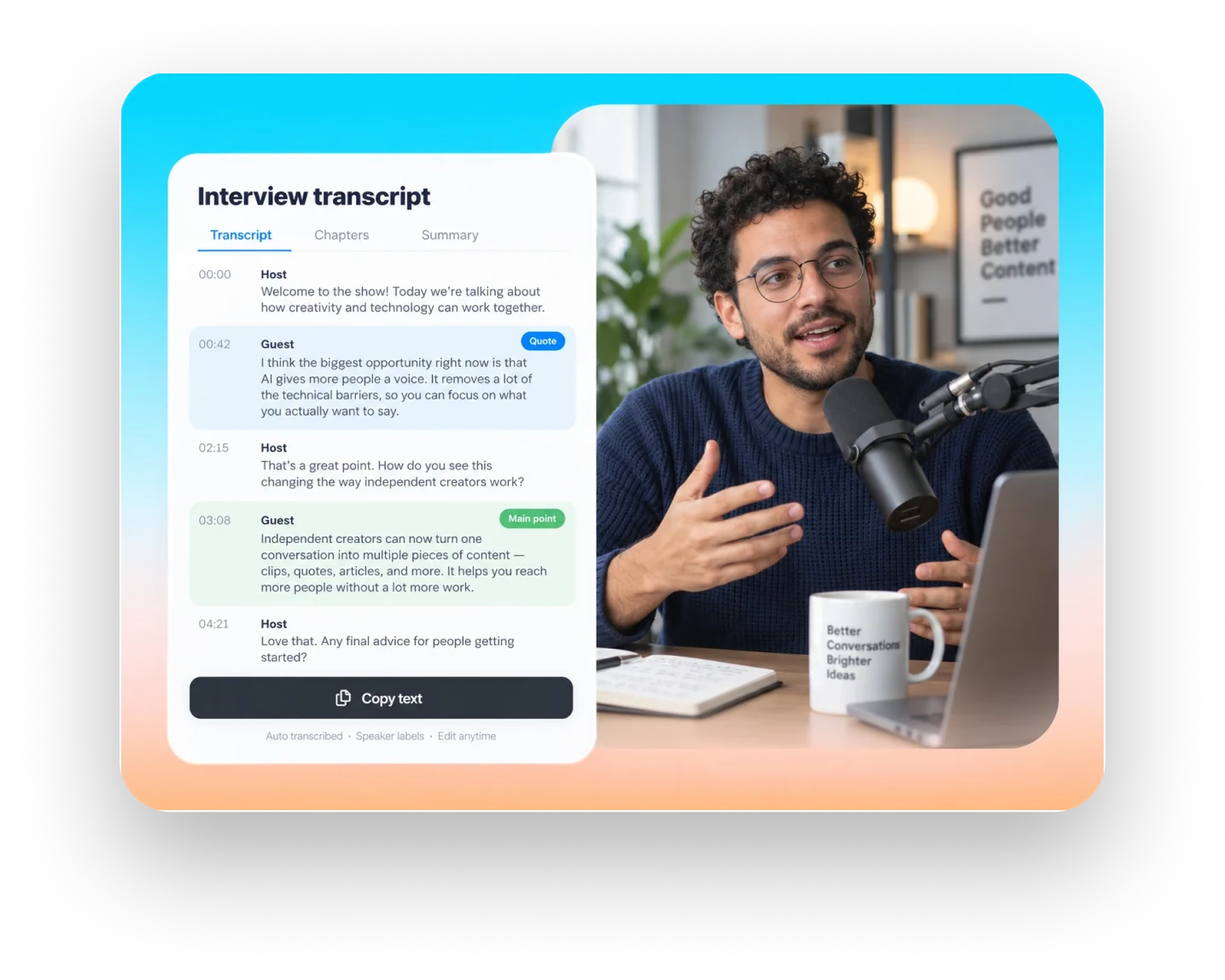
Turn audio from something heard once and forgotten into text you can search, proofread and keep working from.
No more repeated listening
Read the transcript first, then find the audio you need to verify.
Get to the main points
Find opinions, conclusions and passages worth tidying up.
Make the recording go further
Transcribed text can be used for notes, editing and captions.
MADE FOR SPOKEN AUDIO
Different recordings,
keeping the words that are actually worth having.
Whether it is an interview, a meeting or a lesson, turn the key passages into searchable text first, then organise and reuse them as needed.
01 · PODCAST & INTERVIEW
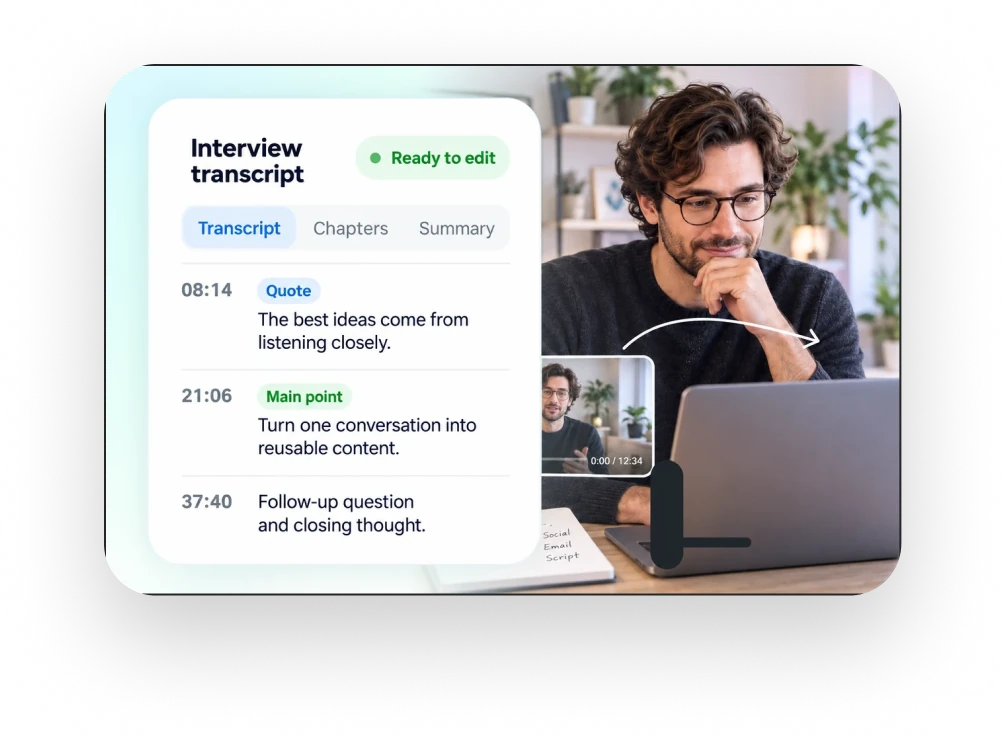
Podcasts and interviews
Search the opinions and quotes a guest mentioned, find the context, and gather the best lines, topics and clips.
02 · COURSE & MEETING
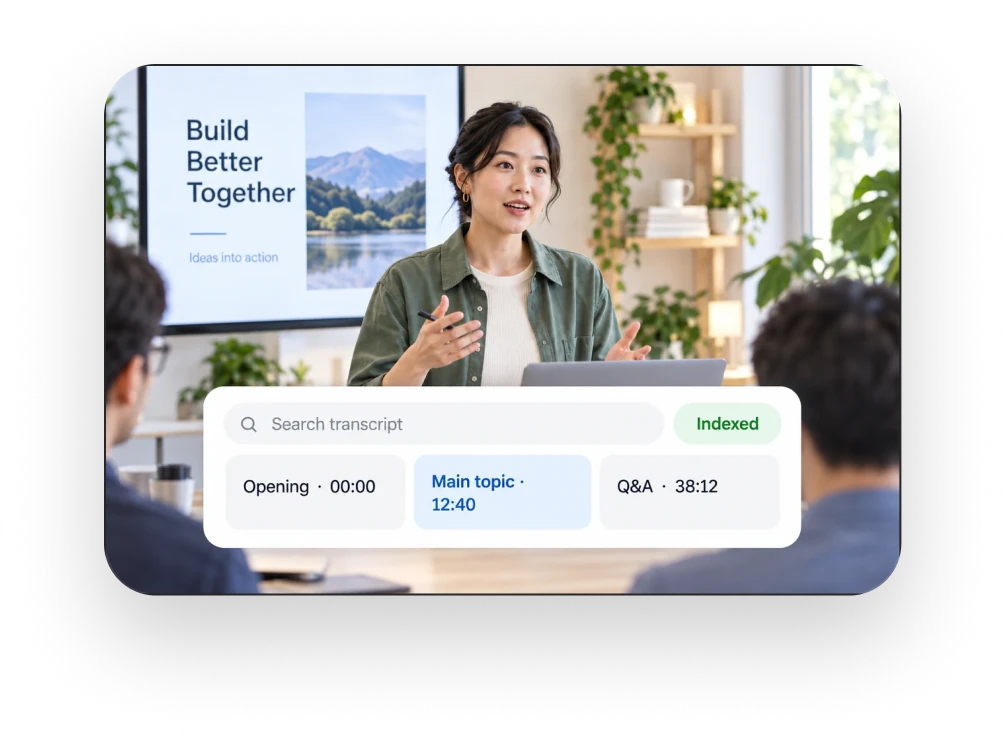
Meetings and discussions
Go back over the discussion and check the key decisions, action items and owners, so nothing important is missed.
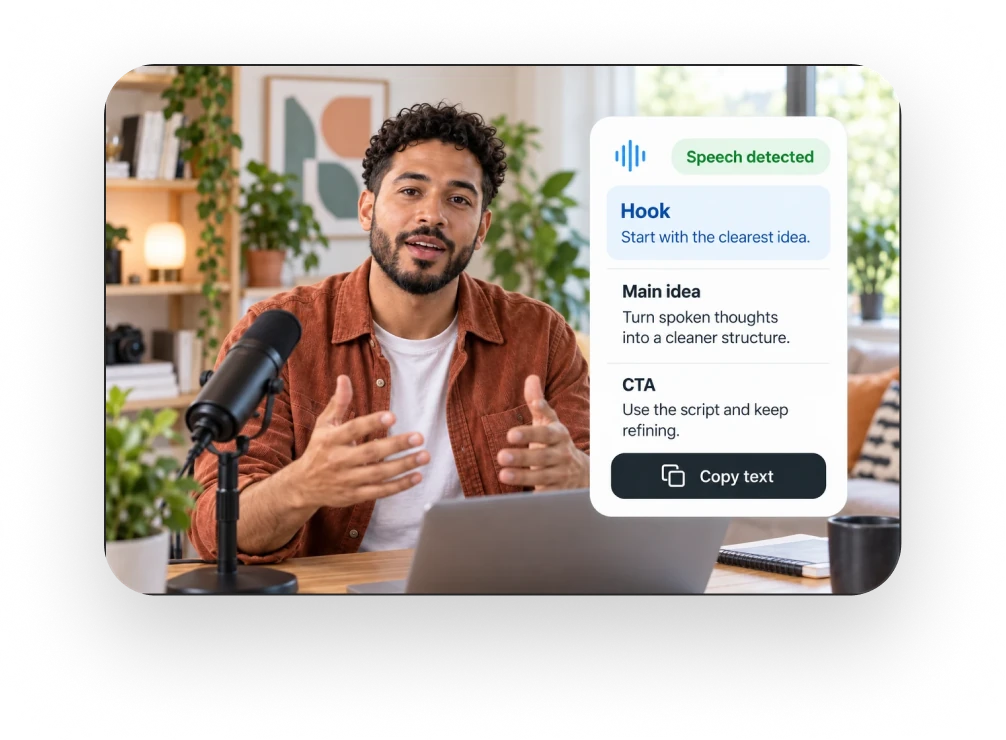
03 · SOCIAL CONTENT
Talking-head and content creation
Turn a spoken recording into text and quickly pull out the opening hook, the main points and the closing.
From sound to clearly structured text.
Transcribe the audio, split long recordings into sections and export the text, turning the recording into reusable content step by step.
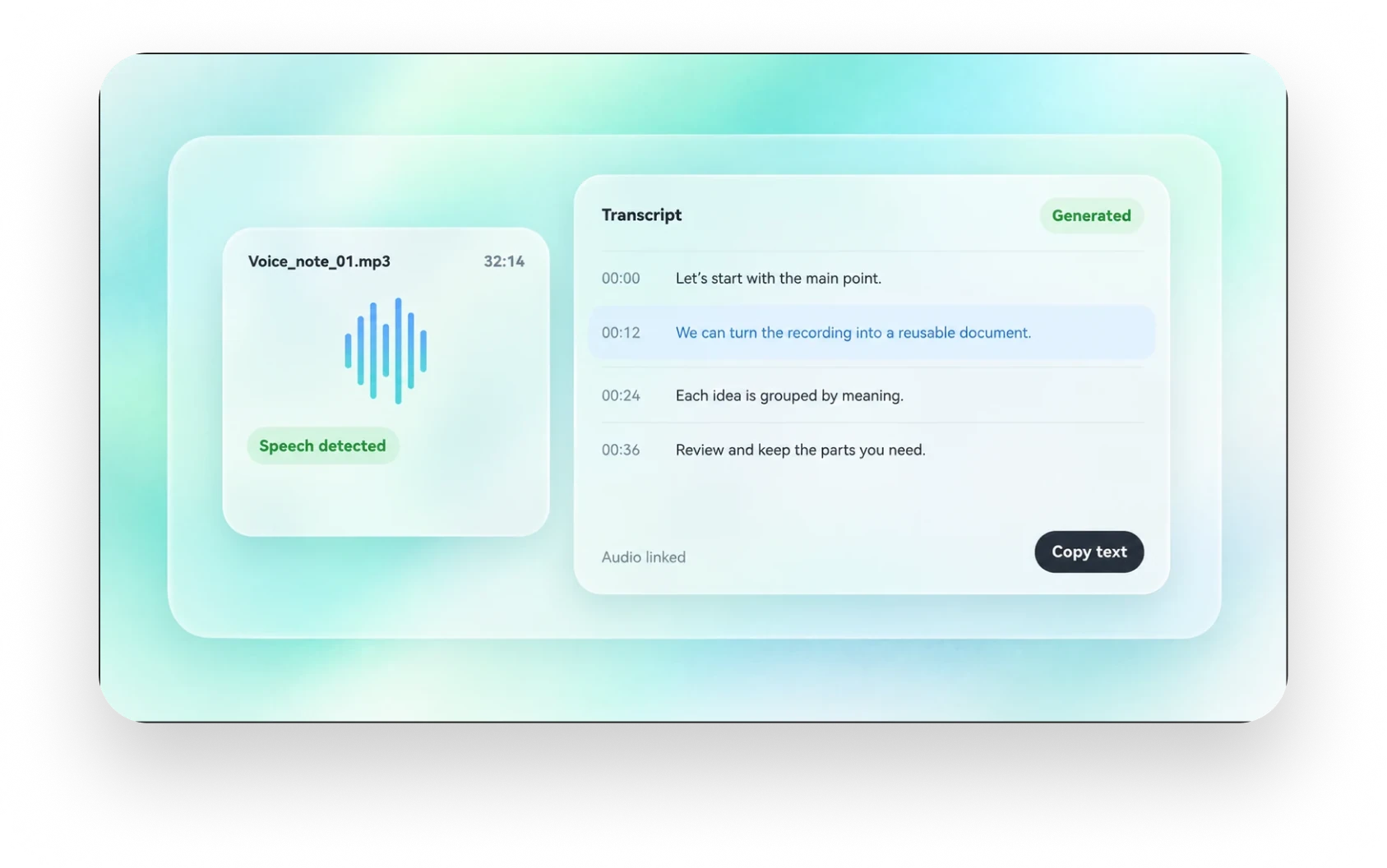
01 · AUDIO TO TEXT
Audio to text
Once the recording is uploaded, the speech is arranged into a readable transcript. There is no need to listen and take notes at the same time, so you can scan the whole text and then go back to the important passages to check the details.
- Start from podcasts, interviews, meetings and more
- Read the whole transcript in content order
- Find the lines to confirm, then replay the matching audio
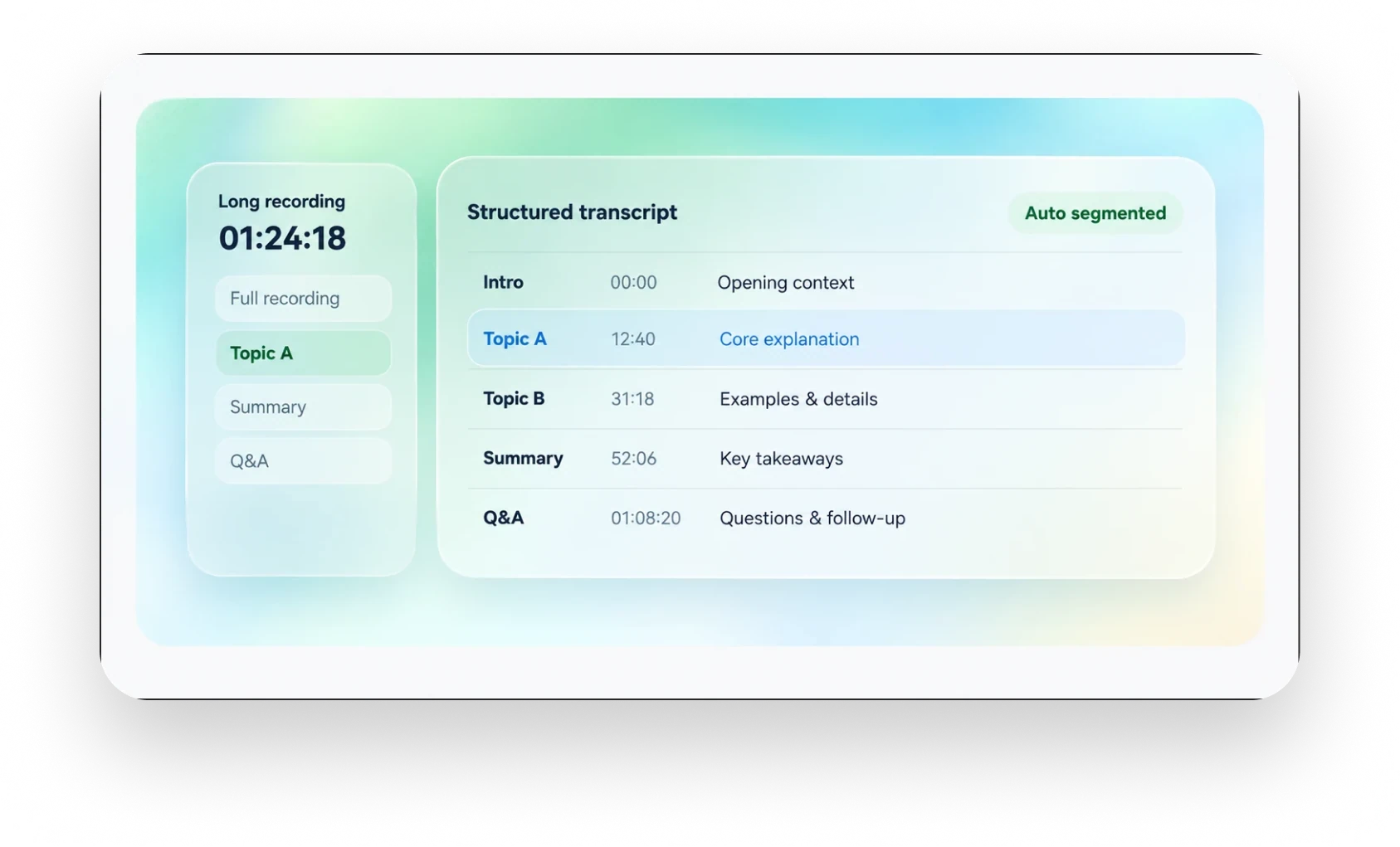
02 · LONG RECORDINGS
Long recordings in sections
With a longer recording you can still see the shape of the content first, then find the passages you need by chapter and time. Less dragging the playhead back and forth, more time on what actually matters.
- Browse the structure of the recording by chapter
- Locate content with the time markers
- Go back to the original audio to check the context of key passages
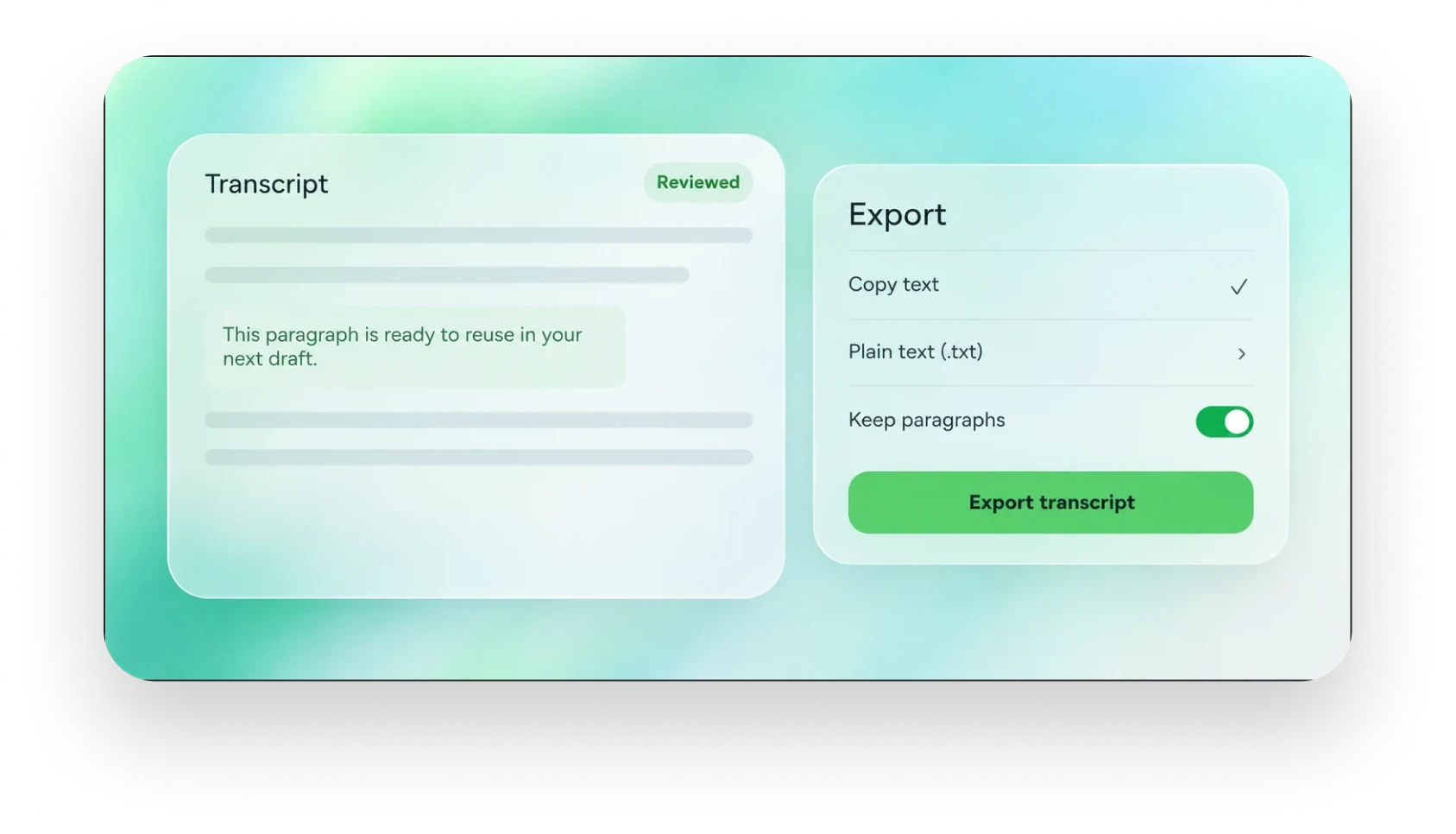
03 · COPY & EXPORT
Copy and export
Once the check is done, copy the transcript into the document you normally use, or export it as text to keep. The recording content moves smoothly into meeting notes, scripts, lesson notes and the work that follows.
- Copy the text straight into a document you already use
- Export text for saving and archiving
- Keep the paragraph structure so it is easy to keep editing
Three steps,
and the audio is text.
Three simple steps to turn audio into text.
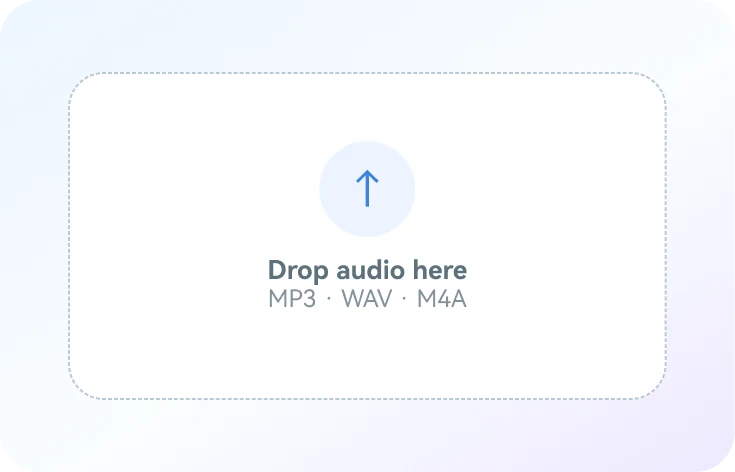 01 / UPLOAD
Upload audio
Import the recording, check the speech is clear and choose the audio to work on.
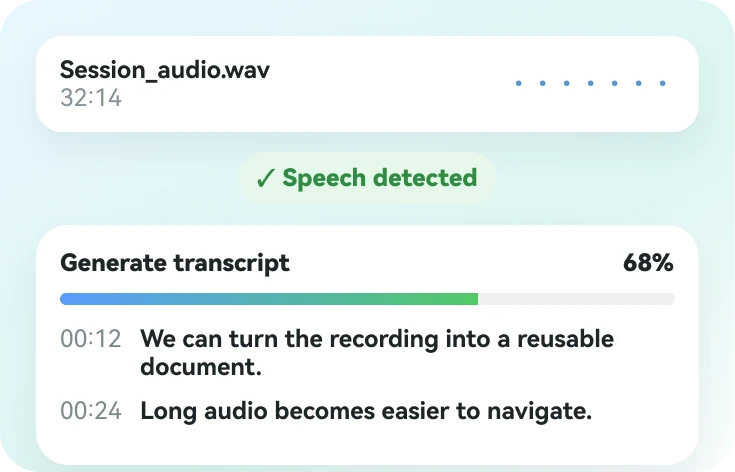 02 / TRANSCRIBE
Generate a transcript
Turn the speech into text so it is easy to browse and search.
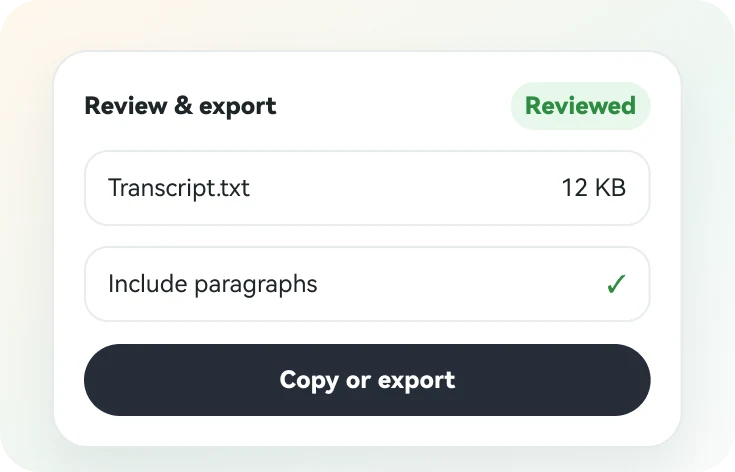 03 / REVIEW
Proofread and reuse
Replay the key passages, correct the recognition result, then carry on with notes or editing.
Real feedback is left for real users to add.
The feedback cards are placeholders for now, to be replaced with real reviews later.
GOOD QUESTIONS. CLEAR ANSWERS.
FAQ
About audio transcription, proofreading the text and what comes next.
How is audio to text different from video to text?
Audio to text works directly on recordings or audio files. Video to text extracts speech from footage and can use the picture to locate content. Both produce a readable transcript.
Which audio suits transcription?
Speech-led audio such as interviews, podcasts, meetings, lessons and voice notes. With heavy background noise or several people talking at once, replay and proofread.
Can the generated transcript be edited?
Yes. Focus on names, numbers, technical terms and multi-speaker dialogue, then use the transcript for notes, text-based editing or captions.
Does the audio become captions automatically?
The transcription result is a readable transcript. Making captions also means splitting the text, aligning the timing and checking how it displays.