SCRIPT MEETS FOOTAGE
Shot Generation and Extension
Whatever frame you are on, wherever a shot is missing,
that is where it gets filled.
Find the gaps in the script and the existing footage. Fill a shot, extend a section, and the result goes back into the project so the cut can be finished.
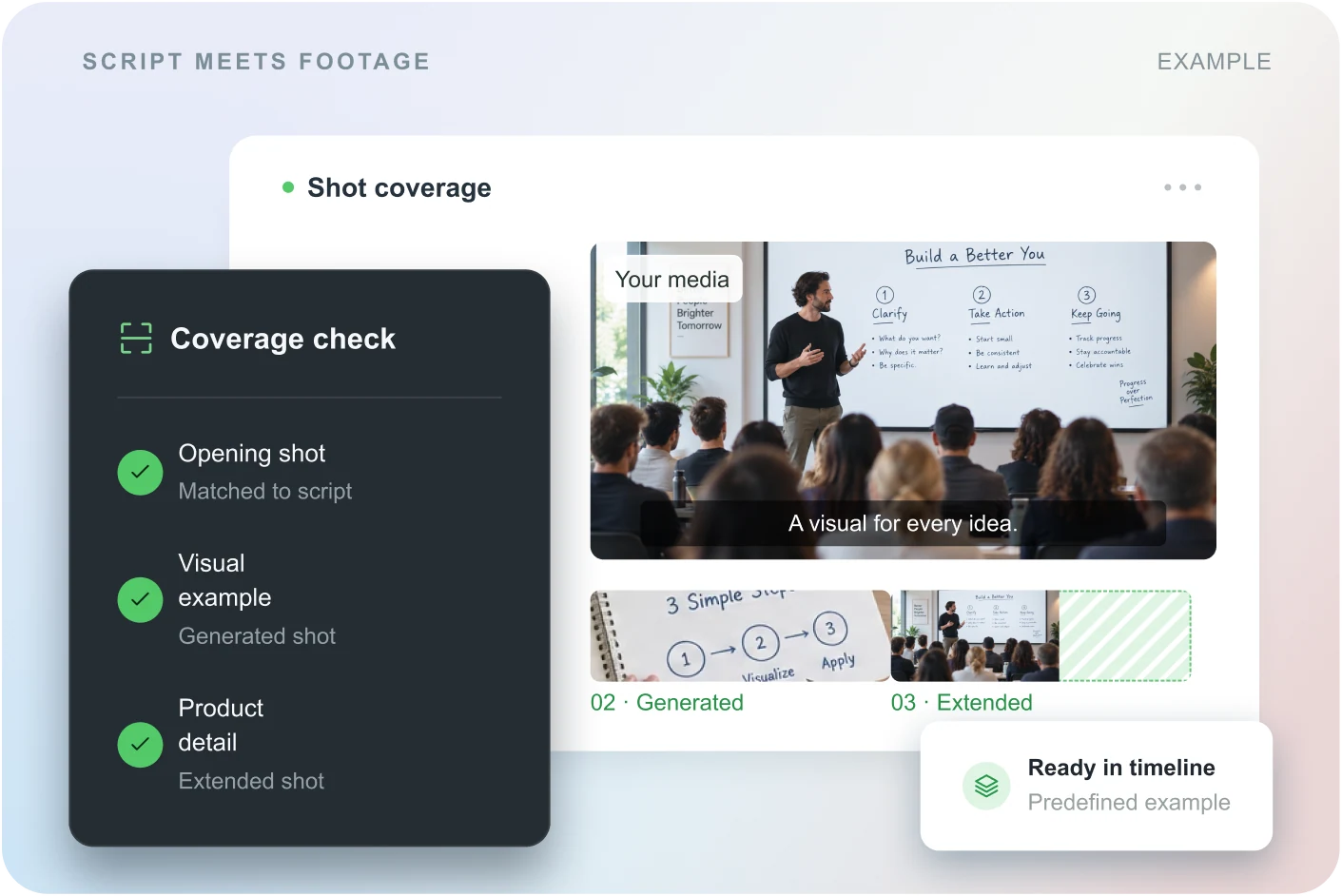
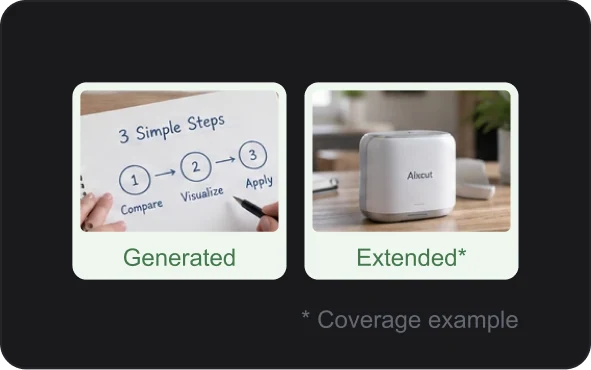
Coverage first, fill what is missing
Check the picture along the script, instead of hunting for shots by feel.
Extended without the seam showing
Carry on from the existing clip so the motion and the pace move forward naturally.
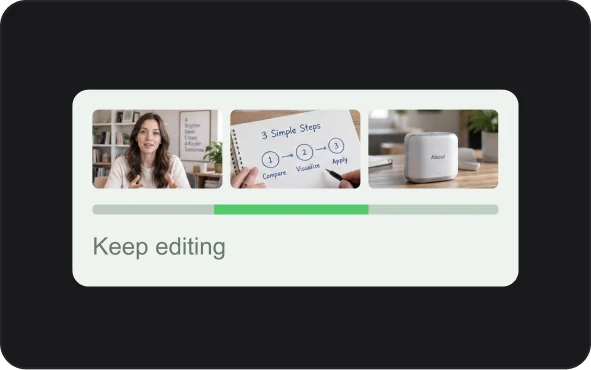
Filled, then straight back to cutting
The candidates stay in the project for further adjusting and arranging.
MADE FOR THE MISSING MOMENTS
Every line of content,
with a shot to follow it.
Whether it is explaining a concept or showing a product action,
fill in the shot the content needs.
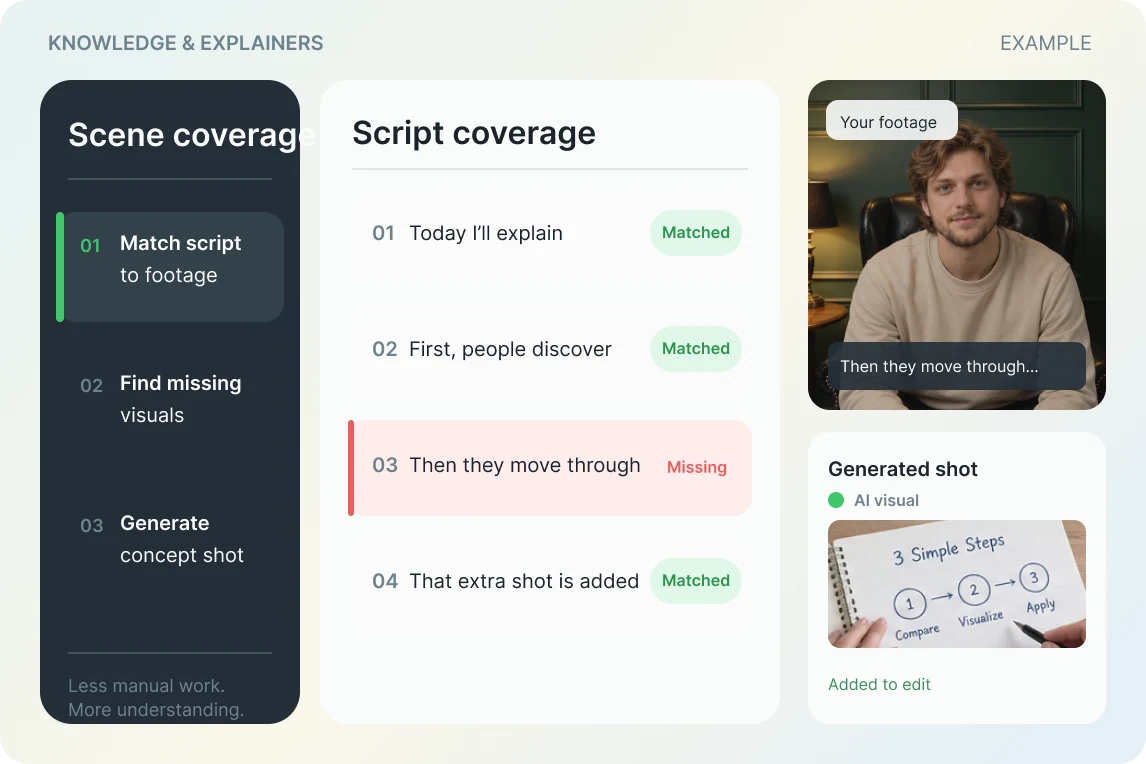
Talking-head and knowledge content
Find the sections where the picture is missing, add shots to explain the point, and make the content clearer.
See how to use it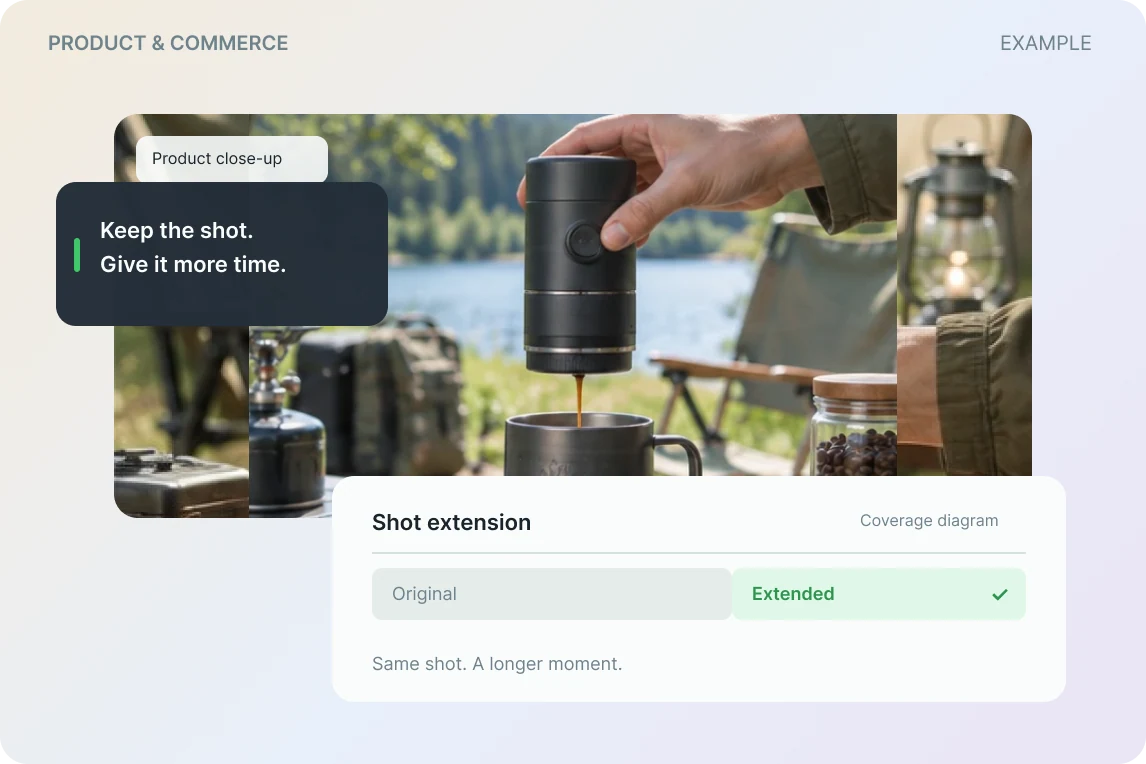
Product and ecommerce
Add detail and transition shots to a product demo, or extend product footage that runs short, so the pace holds together.
See how to use itA gap is solved where it is.
From finding the missing shot to generating and extending, every picture serves the content.
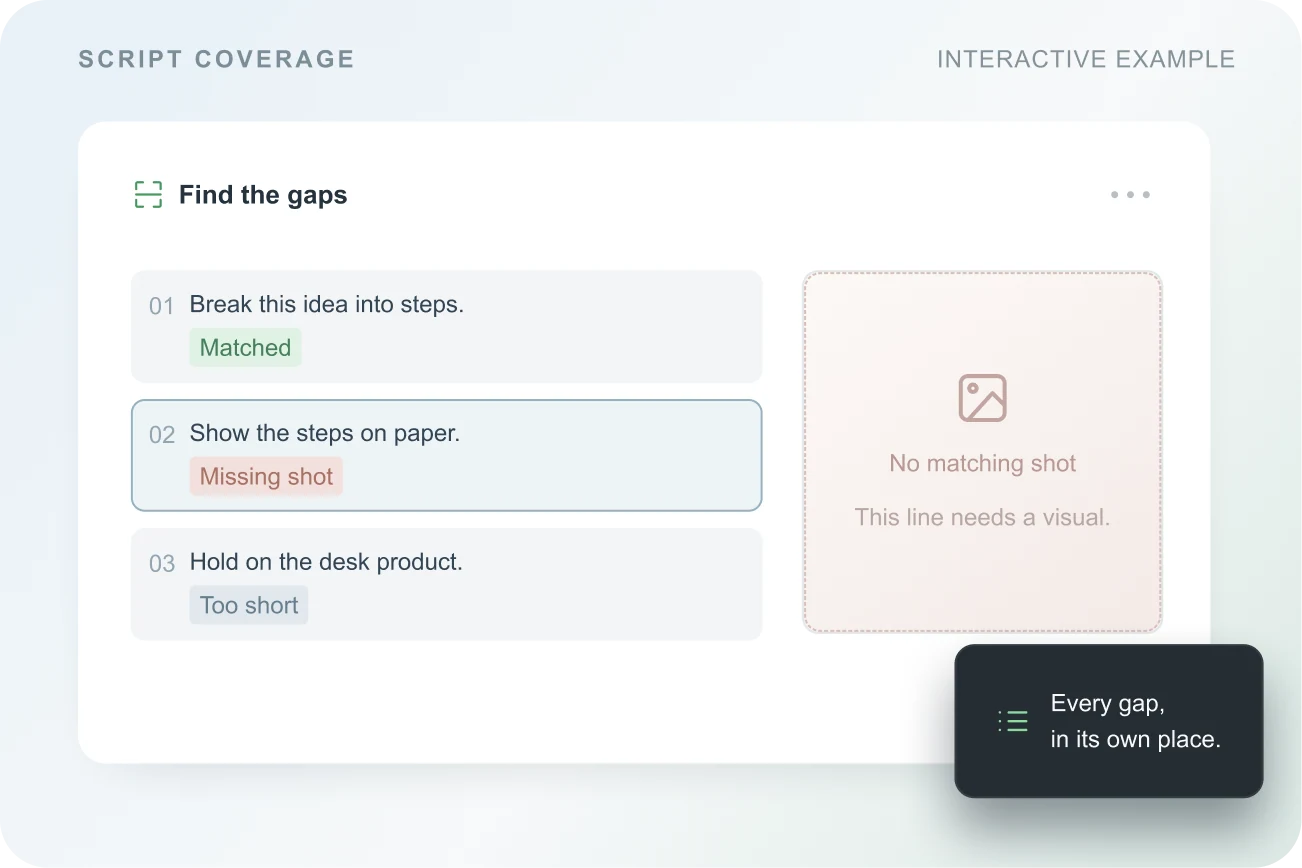
01 / FIND THE GAP
Know which shot is missing,
then decide how to fill it.
Check the coverage against the script and the existing footage. Find where a shot is missing, then generate a new one or extend an existing clip.
- Locate the missing picture by content
- Look back at the shots around it and the context
- You decide whether to generate or extend
02 / GENERATE THE SHOT
The missing shot,
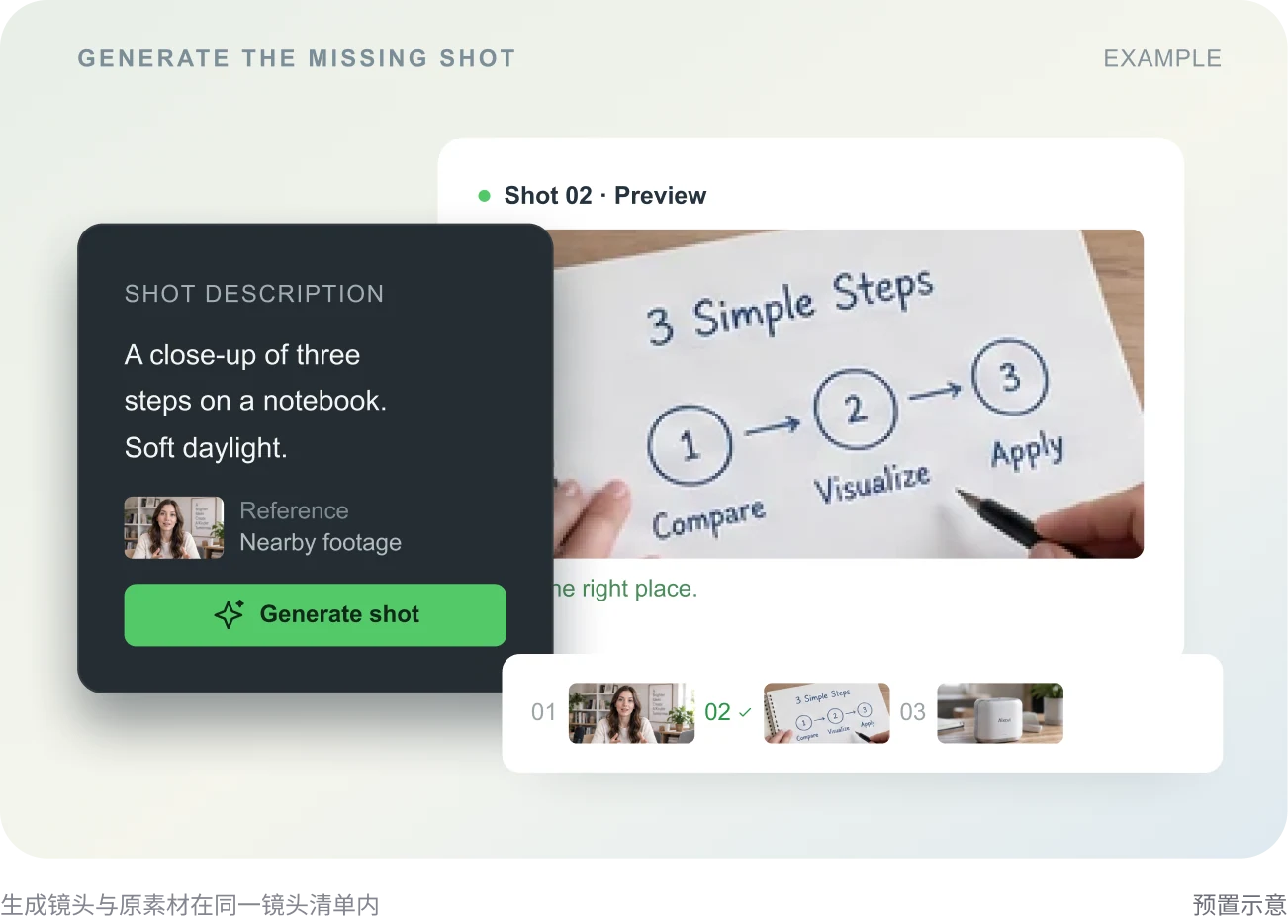
generated from the content.
Describe the subject, action and scene, so the new shot follows what the section is trying to say, then preview the result before choosing.
- Decide what the shot has to say
- Add the subject, action and scene
- Preview the candidates before deciding
03 / EXTEND THE MOMENT
When the shot runs short,
let it carry on.
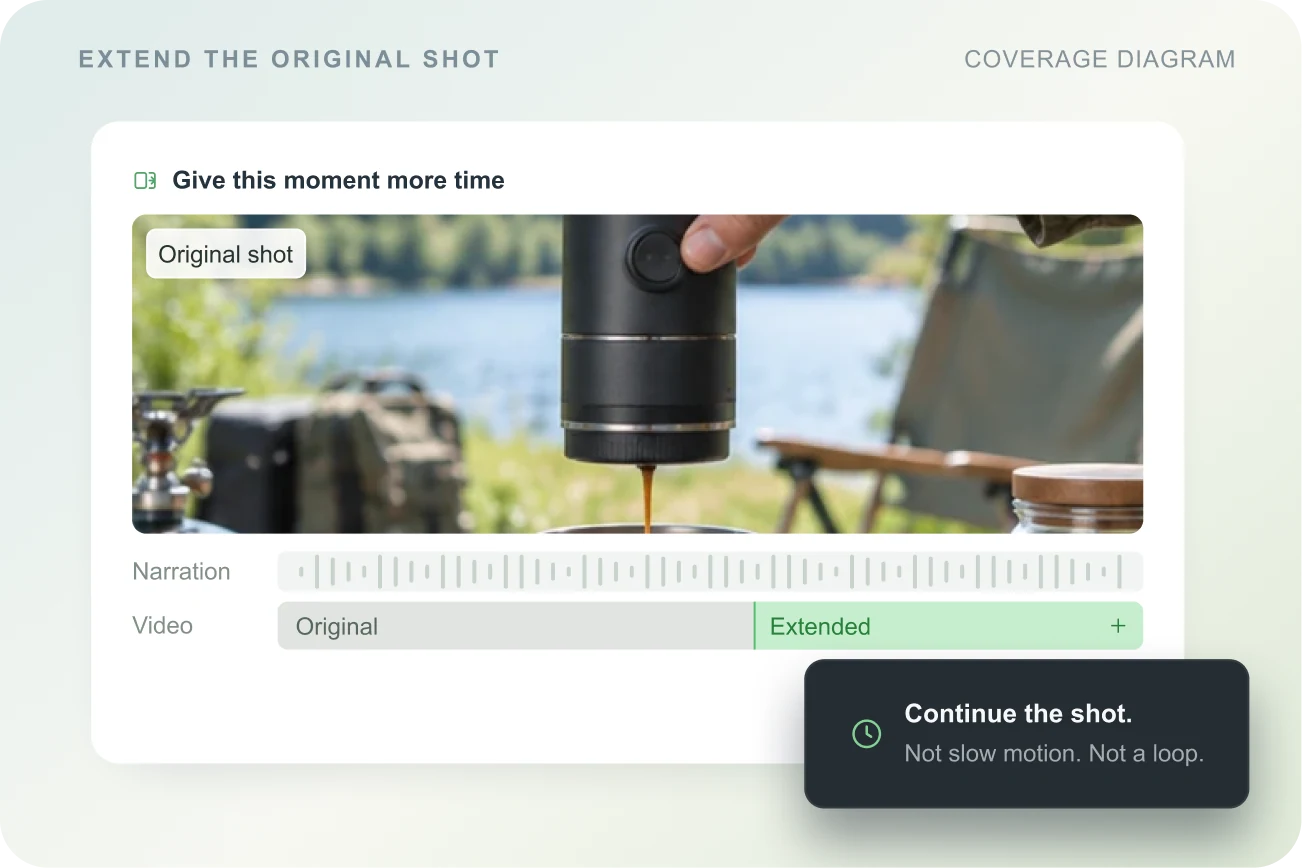
Extend the action and the mood from the existing clip, give the shot the time it needs and leave room for the join into the next section.
- Continue in the direction of the existing shot
- Complete the action or the feeling at the end
- Check that the join reads naturally
FROM GAP TO FINISHED SHOT
Four steps, and the cut carries on.
A missing shot becomes a clear sequence, from checking to returning to the timeline.
 01
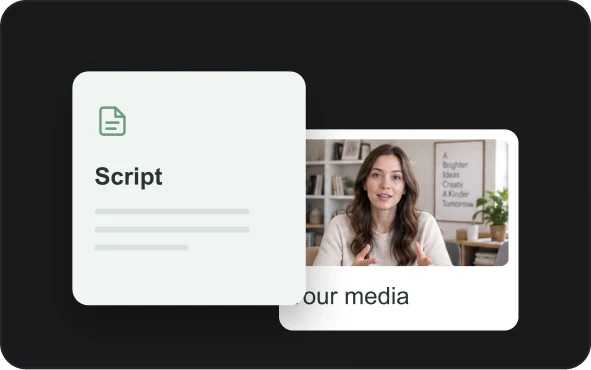
01Upload the script and the material
Put the script and the video into the project, and Aixcut helps check the coverage along the content.
 02
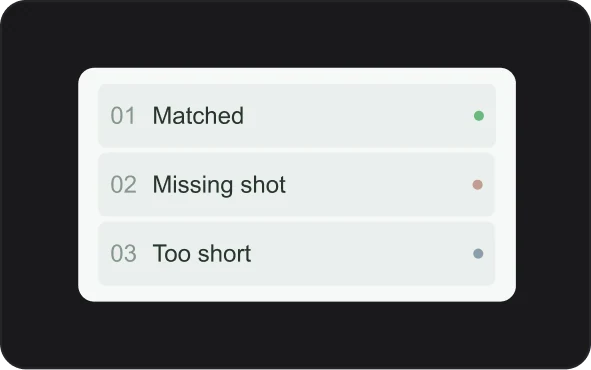
02Look at the gaps
Confirm which sections need a new shot and which existing clips are worth extending.
 03
03Generate and preview
Generate candidate shots for the goal, or extend an existing clip, then check each one.
 04
04Back on the timeline, keep cutting
Put the chosen result back into the project and check the pace, the sound and the shots around it.
WHY AIXCUT
Shot planning is not only before you start,
it happens in every edit.
Find the shots you need along the content, then put generation and extension back into the real editing flow.
Shot planning that follows the content
Understand the script and the existing material first, then find the places that genuinely need filling.
The judgement stays with the creator
Generate and extend both produce candidates you can choose from, and whether to use them is your decision.
Once filled, keep cutting
The new shot stays in the project, handy for adjusting together with the original material, sound and captions.
A FEW THINGS TO KNOW
Common questions
About shot generation, extension and the edit that follows.
How is shot generation different from AI video generation?
Shot generation and extension work on a specific gap in the edit: adding the picture the script needs, or giving an existing shot more usable length. They serve the shot planning of the whole video.
Can I extend an existing clip only?
You can pick an existing shot and extend it. The result needs previewing, and the subject, the motion and the shots before and after need checking for continuity.
Can a generated shot go back on the timeline?
The chosen candidate can go on being arranged as project material, and checked together with the neighbouring shots, the voiceover and the captions.
Does extending overwrite the original video?
The extended result is meant to be reviewed as a candidate. Before starting, confirm how material is handled in the workspace and keep the original clip for comparison and fallback.
Do I need a complete script to start?
Not necessarily. You can start from an existing section of the script, or simply state the subject of the video, what needs filling and the goal of the shot.