
Create multiple video versions
Use one set of footage for videos with different themes, openings or lengths. Define each version’s purpose and review it as a complete piece.
Where this capability fits
Plan versions around an audience or benefit, distinguishing fixed facts from changing elements. A new title alone does not create a different story.
Adjust shot selection, narration and captions for each version. When shortening a cut, simplify the structure rather than truncating an explanation.
Check framing and key elements for each version. Record the intended use to avoid delivering the wrong file or outdated information.
Start with a clear process
- 01
List version goals, shared footage and facts that must stay fixed.
- 02
Revise the opening, body and ending for each angle.
- 03
Review framing, captions, audio and the exported content for every version.
Describe what you need
Use this as a starting point. Adapt the assets, audience and goal, then review the result.
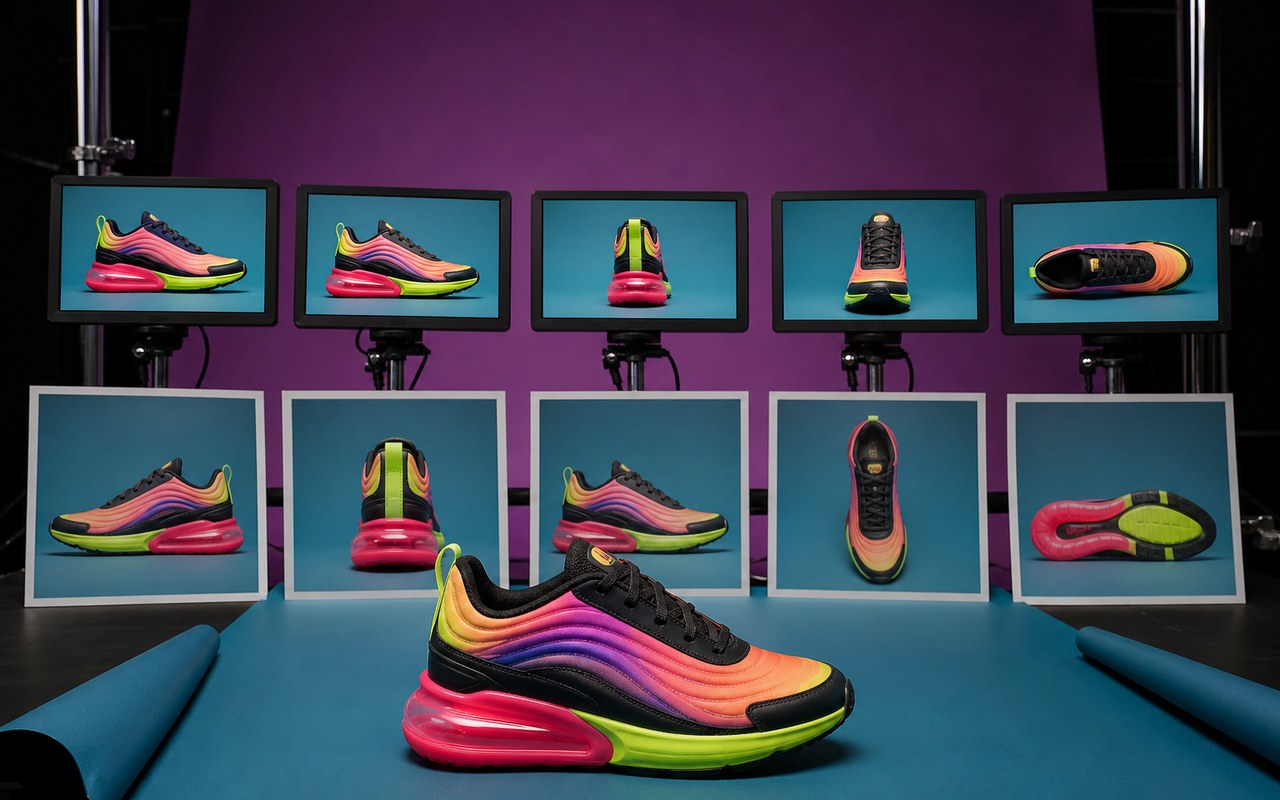
Create two directions from these product assets: one explaining use and one showing portability. Keep facts consistent and change openings and shot choices, not just caption titles.
Review before delivery
- Does each version have a clear purpose?
- Are shared facts consistent?
- Can each version be watched independently?
Questions, answered
Does versioning just mean resizing?
Framing is one dimension. Versions can also differ in theme, opening, benefit, shots and duration, with a defined purpose for each.
Which versions need review after an information change?
Review every version using that information, especially numbers or product descriptions appearing in narration, captions and visuals.
Explore related workflows

Bring your footage. Start with a clear goal.
Apply the workflow to your own content, review each step and refine the finished video.