
Video Compression
Too big to send?
Compress it.
Use the available export settings to create another version of your video. A lower resolution may help reduce file size, depending on the source and encoding. Check the exported file before sharing.
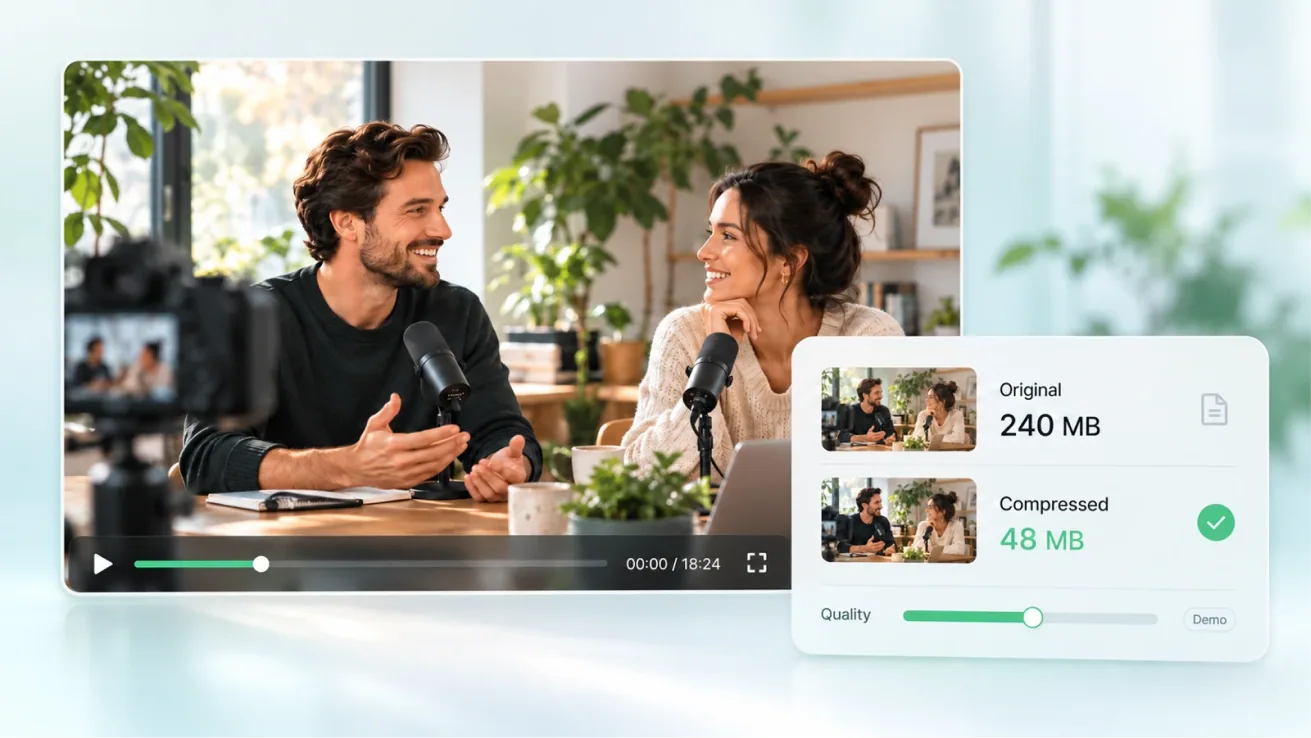
Everything kept, the file lighter
Hold on to the quality without cutting any shots
Compress to the level you need
You decide the balance between quality and size
Compress, then keep going
Download it for the archive, or keep editing in the project
USE CASES
A little smaller,
easier to send and keep.
From sending a clip, to making a page load lighter, to clearing the large files sitting on your phone.

SCENE 01 / SHARE
Platform limits
Email, chat apps and Discord all cap file size. Compress to the limit and the send goes through.
SCENE 02 / WEB
Web loading
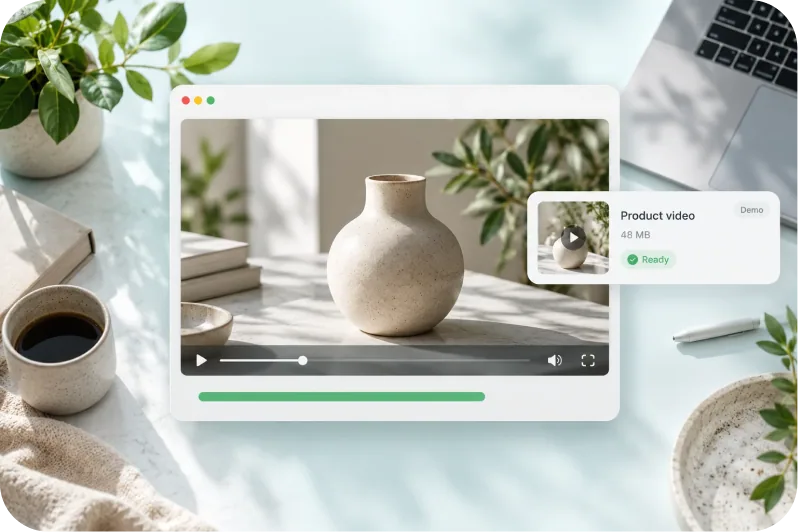
A video on a page loads faster when the file is smaller, and viewers are less likely to leave.

SCENE 03 / ARCHIVE
Phone storage
Compress the large files piling up on your phone and keep the archive in less space.
CORE FEATURES
Compress it in one step,
or fine-tune it yourself.
FEATURE 01
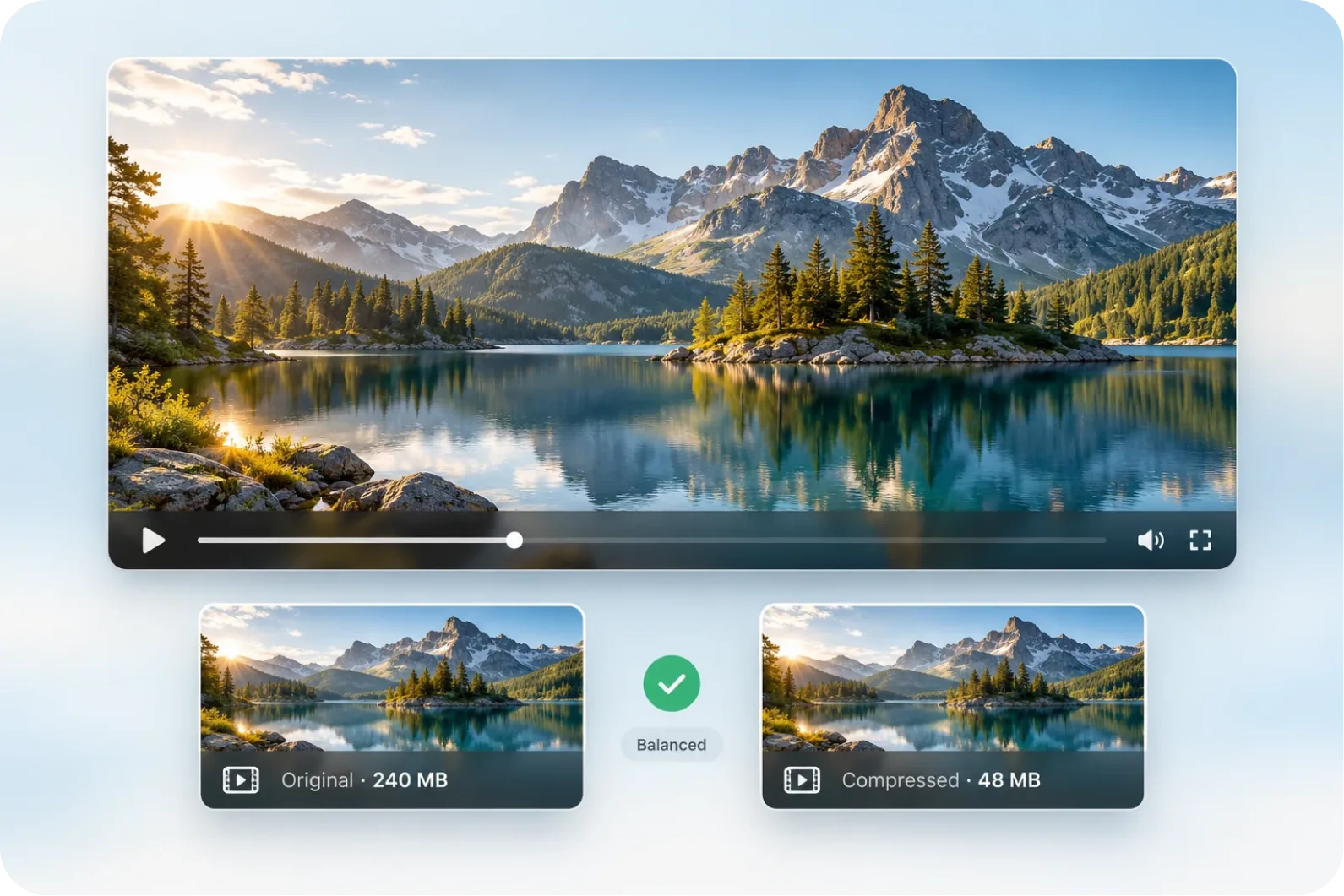
Drop it in,it comes out smaller.
Drop a file in and Aixcut balances quality against file size for you.
Upload a video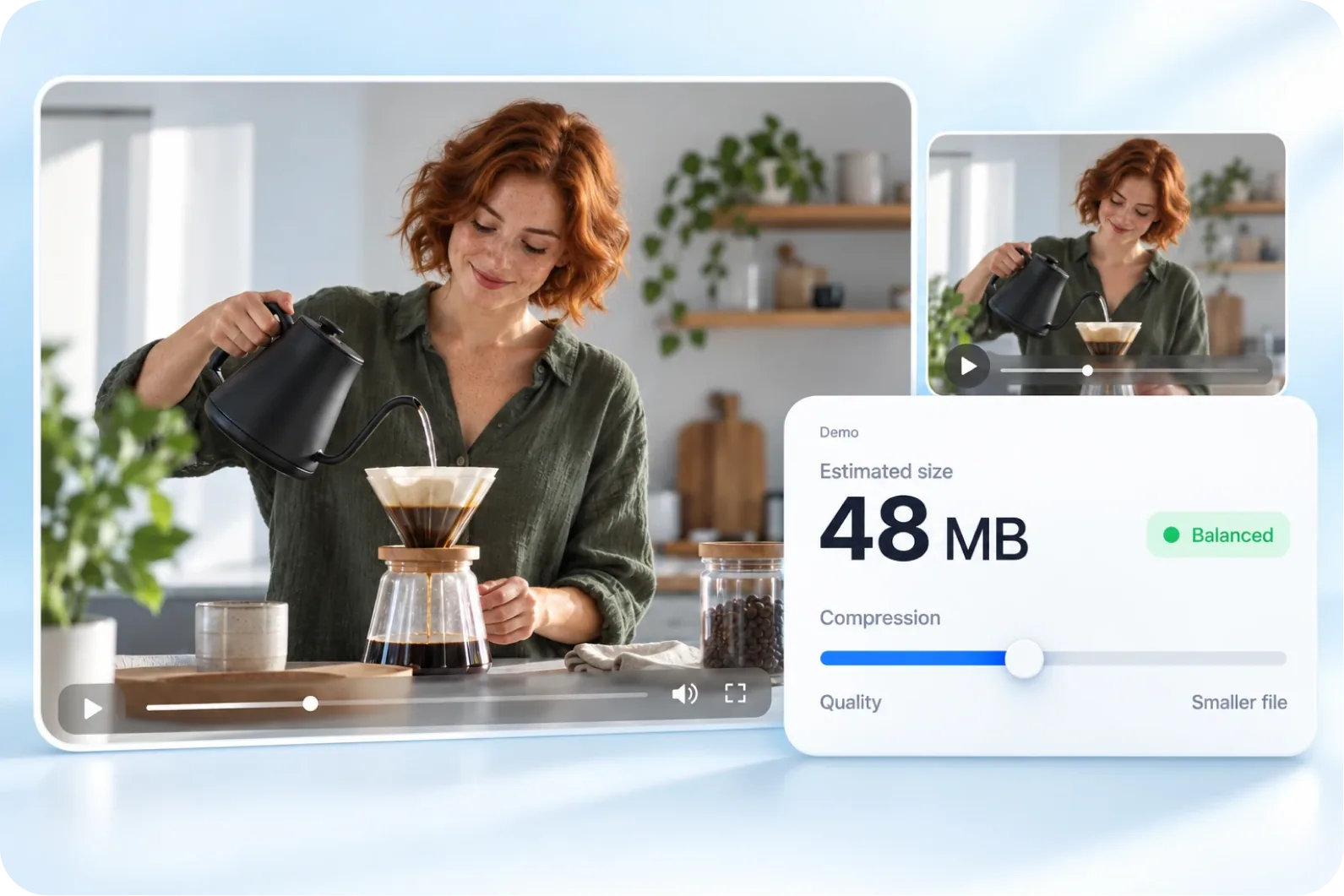
FEATURE 02
How hard to compressis up to you.
Drag the slider to decide how hard to compress and watch the file size change as you go. Pick the balance between quality and size you can live with.

FEATURE 03
Need it more precise?Set the values by hand.
Open advanced settings and adjust resolution, bitrate and other settings by hand for finer control over the picture and the file size.
See advanced settingsHOW IT WORKS
From a large file to the size you need.
Four steps, and every shot stays in the video.
Import your video
Put the video you want to compress into the project.
Choose a compression level
Drag to the level you want and watch the file size update.
Open advanced settings if you need them
Fine-tune resolution and bitrate for more precise control.
Compress and download
Once the size looks right, compress the video and download it.
WHY AIXCUT
Bring the file down to the size you need,
within a quality you can accept.
Compression is not about trading quality away for size. It brings the file down to what you need, within a range you can accept, and the video stays in the project for editing and export.
Compress around the job
Find the file size that fits sharing, a web page or an archive.
The trade-off is yours
From the compression level to advanced settings, you decide the quality and size you accept.
Finish your project afterwards
Once it is smaller, keep editing and exporting in the project.
Testimonial placeholder
Testimonial placeholder
This space is reserved for real user feedback. No testimonial material has been provided yet.
FAQ
Before you compress,
a few things worth knowing.
A few questions about quality, file size and format.
Does compression lose quality?
Every compression is a trade-off. Aixcut keeps the loss as far out of sight as it can, and the harder you compress, the more visible the change.
Can a compressed video be restored?
No. Compression cannot be undone, so keep the original file.
Can I guarantee a particular upload limit?
Check the actual exported file size against the destination’s current limit before uploading.
What is compression for?
It brings a file down to the size a destination needs while keeping the video in the project for editing and export.
Compression shrinks the file, not the content.
At the right level, not a single shot has to come out.