
Text to Speech
Turn written text into speech
you can review and reuse.
Turn written text into speech you can review and reuse. Enter your text, choose a voice, and listen for pronunciation and pacing before exporting the audio.
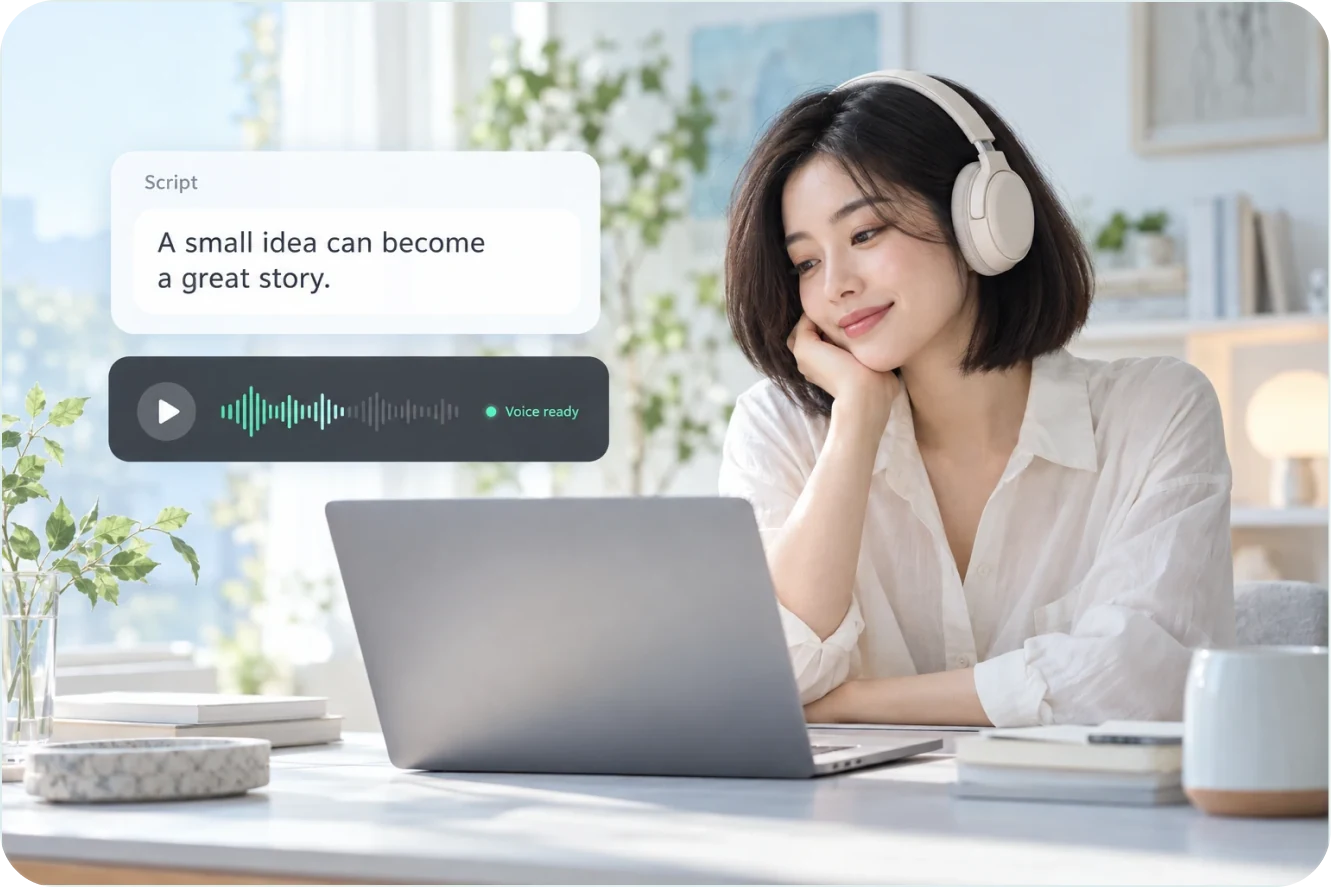
A finished script, ready to be read
Generate audio from text and listen to it
Find the right reading
Adjust the voice, the pace and the pauses
Back inside your project
Words, audio and picture aligned together
You do the writing.
Let the voice carry on.
Talking-head videos, tutorials, or an article you would rather listen to. Turn text you already have into a voice that suits the content.
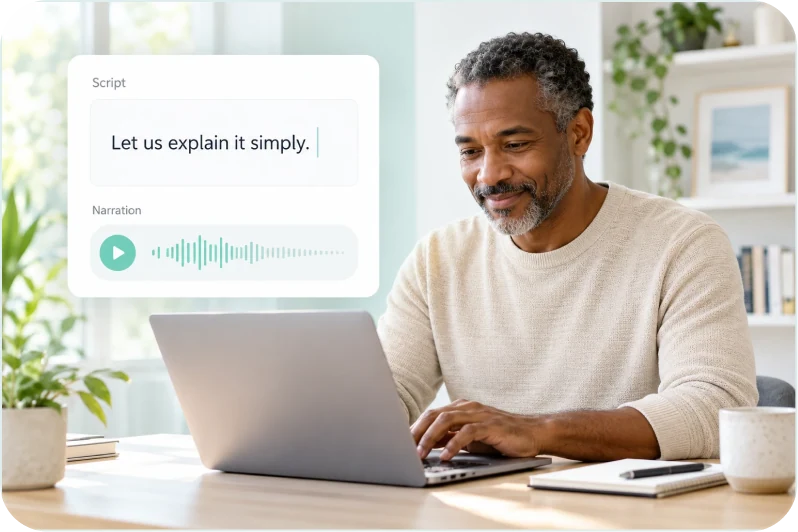
01 / KNOWLEDGE & STORIES
Talking-head and knowledge content
The finished script becomes narration, with no recording session to arrange.
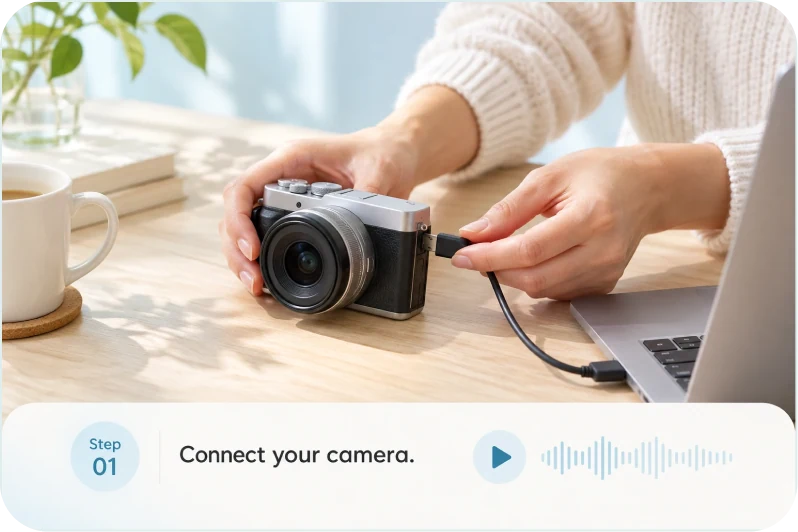
02 / TUTORIALS & EXPLAINERS
Tutorials and explainers
Narration over demo steps so they are easier to follow.

03 / PODCASTS & AUDIO
Podcasts and audio content
Articles and long scripts turn into audio that can be finished on the way to work.
From a piece of text
to the narration in the picture.
Enter the text, pick a voice, listen through. When the script changes, the audio changes with it.
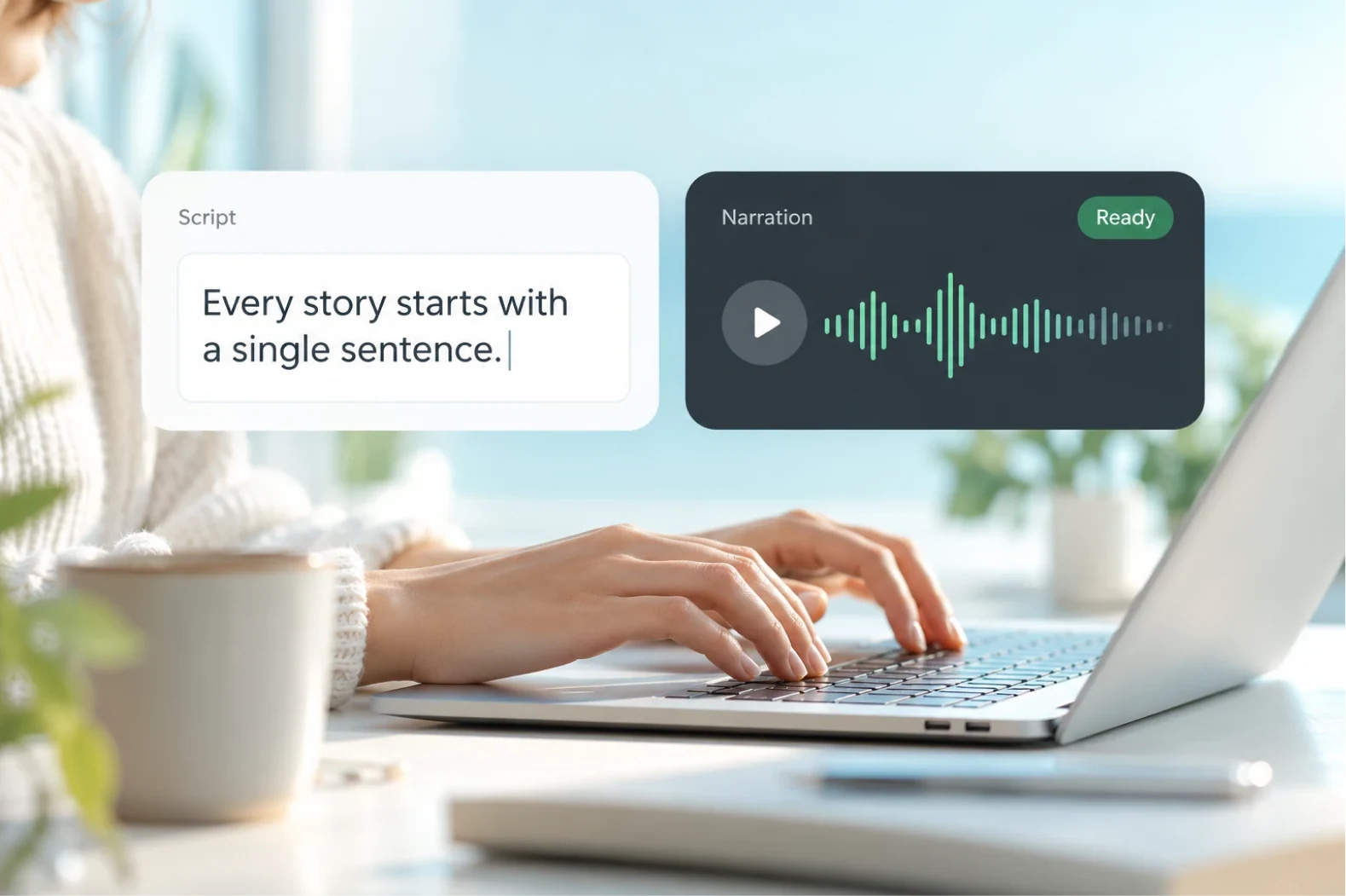
01 / WORDS INTO VOICE
Text Straight to Speech
Paste text or import a document, choose a voice, and generate the audio.
- Paste text or import a document
- Listen first, then adjust the script
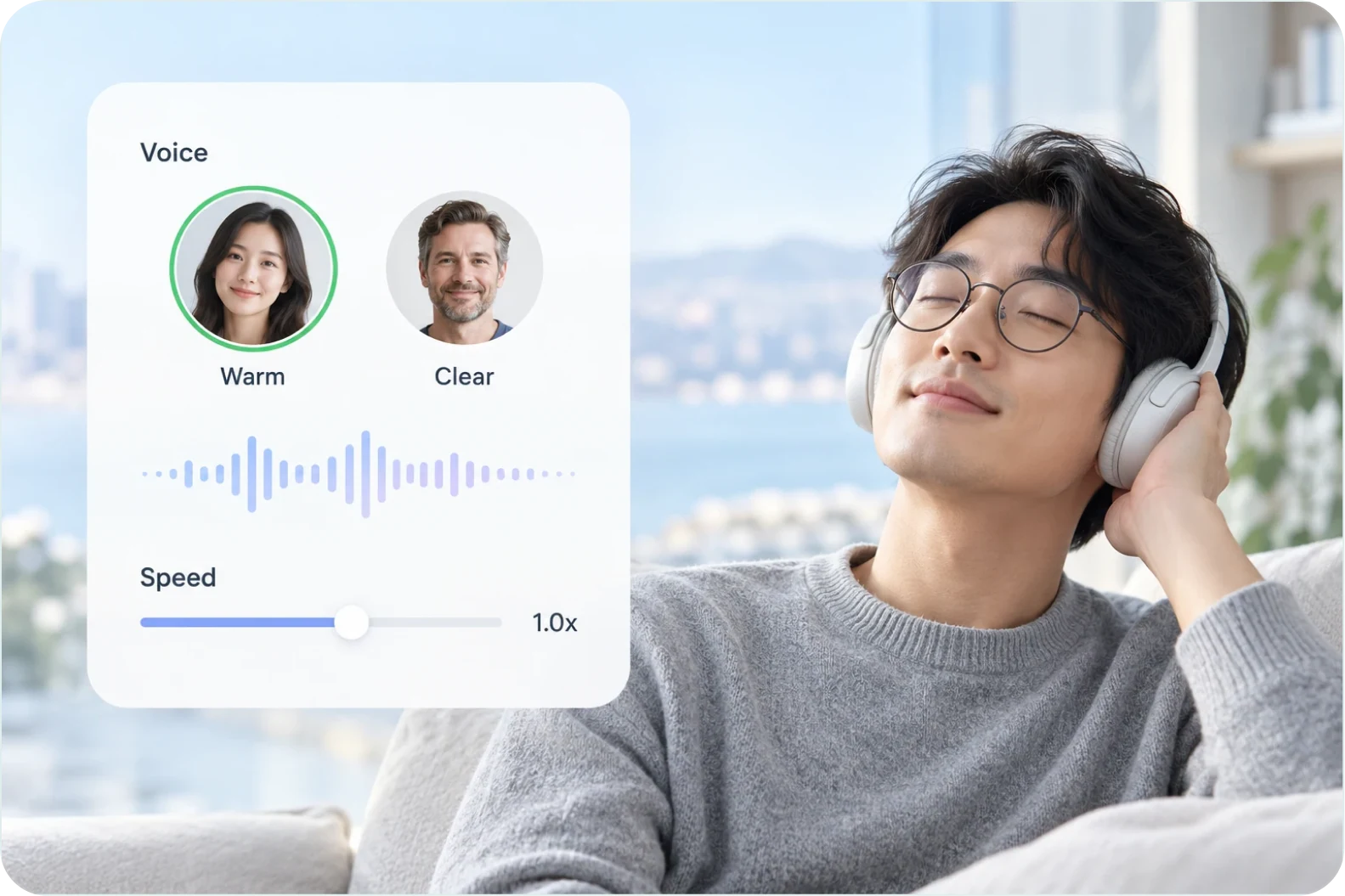
02 / FIND YOUR SOUND
Voices and Pace
Switch voices and adjust the pace and pauses until a reading fits.
- Pick a voice that suits the content
- Adjust the pace and the pauses between sentences
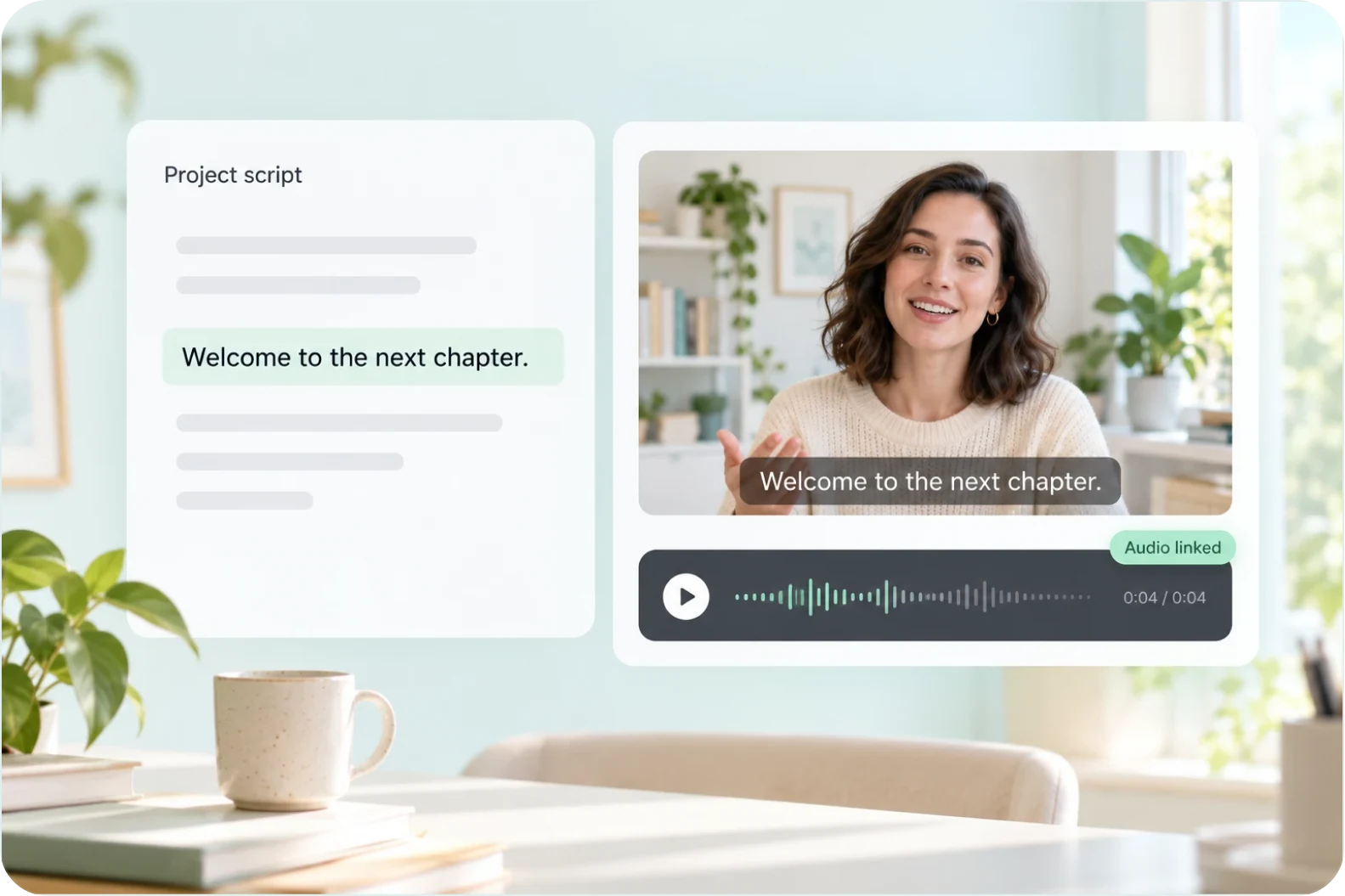
03 / ONE SCRIPT, CONNECTED
From Transcripts and Captions
Transcripts and captions already in the project can be turned into speech, so the words and the audio stay the same content.
- Start from an existing transcript or caption track
- Bring it into the project as narration
Four steps to a script with a voice.
Generate a first version and listen to it end to end. Anything that needs changing goes back into the text.
Enter the text
Paste the text, or pick a transcript or caption track already in the project.
Pick a voice and generate
Choose the voice, set the pace, and generate a version.
Listen and adjust
Play it through, then change the text or the voice and generate again.
Export or use it in the project
Export the audio file, or bring it into the project as narration.
WHY AIXCUT
From script to final cut,
one less round trip.
The words and the audio live in the same project: once captions and transcripts are fixed they turn into speech directly, aligned with the picture, instead of being copied between tools. Material analysis is charged once, and editing tasks are charged per run.
01 / CONNECTED
The content stays in the project
Once the captions and transcripts are finished they turn straight into speech. No copying between tools.
02 / ALIGNED
Aligned with the picture
Bring the audio back into the project as narration, so the words, the audio and the picture are handled together.
03 / CLEAR BILLING
Billed by the work done
Material analysis is charged once, and editing tasks are charged per run.
Testimonial placeholder
This space is reserved for feedback from real creators.
FAQ
Before you start,
a few things you might ask.
On text length, downloads and steering the reading.
How much text can I convert at once?
Common lengths generate in one pass. For very long content, generate in sections and put them together.
Can I download the audio?
Yes. Exporting gives you an audio file you can keep using in other tools.
Will it misread numbers or English words?
Check numbers, abbreviations, and proper nouns by ear, and rewrite the occasional word to steer the reading.
Can I regenerate just one sentence?
Yes. Change that sentence and generate that section again.
Can I use transcript text?
Copy the transcript text, check it, and use it as the input for speech generation.
Is this a screen reader or an API?
This page describes generating audio from text within Aixcut, not a screen-reading extension or developer API.
YOUR NEXT VOICE STARTS HERE
Where there is text, there is a voice.
A finished script only shows its awkward lines when you hear it. Let Aixcut read it out, and all you have to do is judge whether it flows. Where there is text, there is a voice. Hand the words to Aixcut and it reads them for you.