
Video transcription
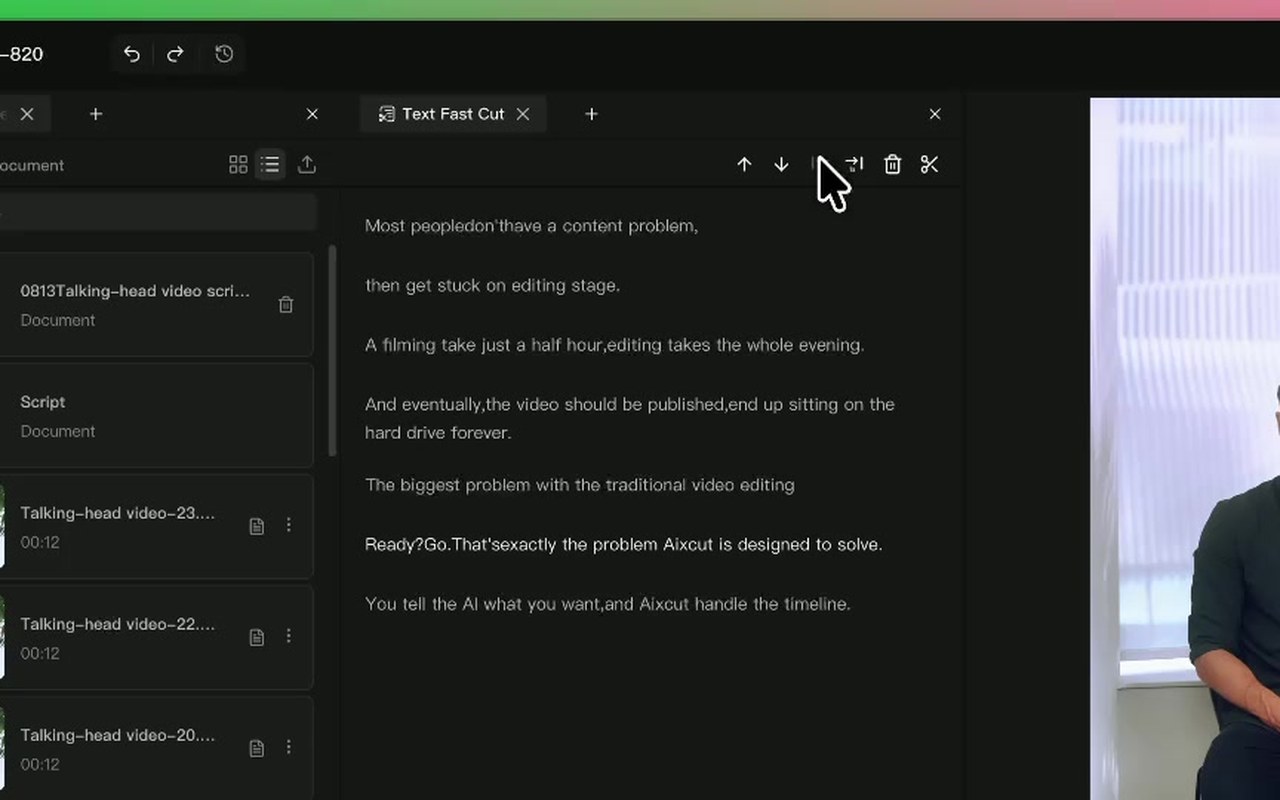
Turn spoken video content into a readable transcript for finding passages, checking wording and preparing edits. Pay particular attention to names, numbers and terminology.
Where this capability fits
Scan longer recordings in text, mark key ideas and repetition, then return to the footage to decide what to keep.
Keep transcripts distinct from summaries. A transcript checks what was said; a summary describes the topic and should not be presented as a quotation.
Audio quality, overlapping speech and technical language affect transcription. Proofread text before using it for text-based editing or captions.
Start with a clear process
- 01
Upload footage with clear speech and check the source audio.
- 02
Review the transcript and correct names, numbers and key terms.
- 03
Mark useful sections and continue with text-based editing or captions.
Describe what you need
Use this as a starting point. Adapt the assets, audience and goal, then review the result.
Prepare a transcript of this lesson while preserving meaning. Check terminology and numbers, and flag uncertain words for comparison with the original audio.
Review before delivery
- Is terminology consistent?
- Are numbers and units correct?
- Are uncertain passages identified?
Questions, answered
Are transcription and captions the same?
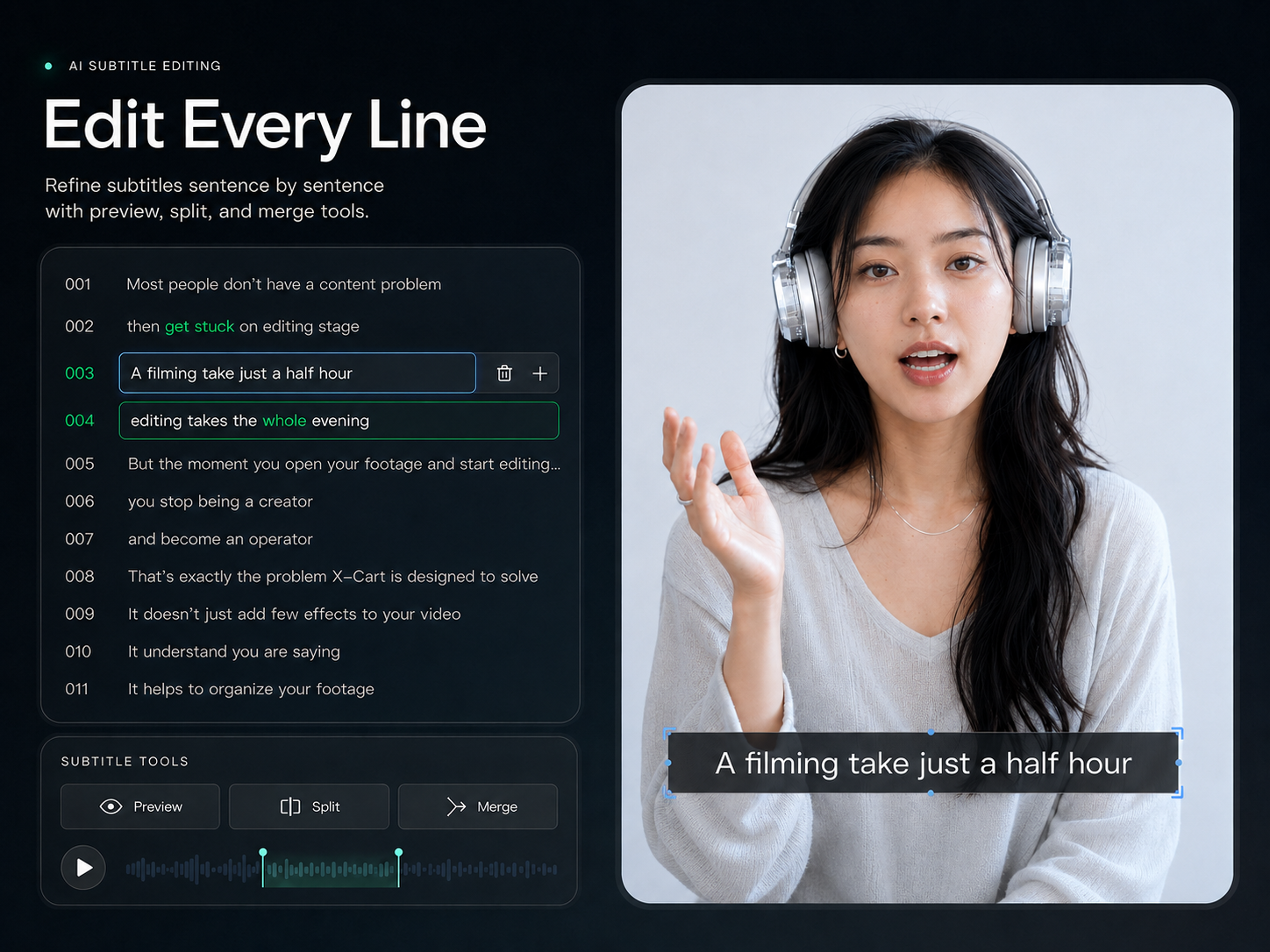
Transcription focuses on text. Captions also require timing, segmentation and visual styling. A checked transcript is a useful starting point.
What about overlapping speakers?
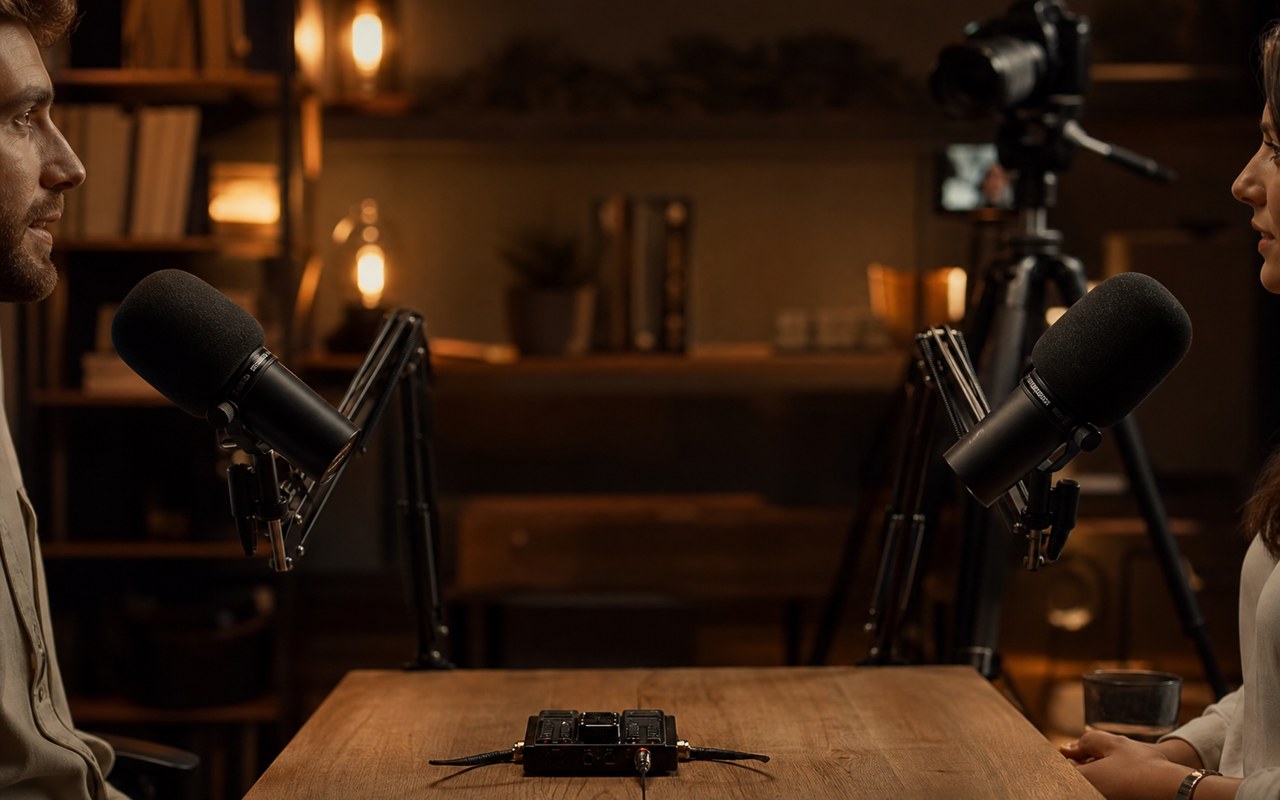
Overlap makes recognition harder. Listen back to important passages and use a cleaner isolated recording when one is available.
Explore related workflows
Bring your footage. Start with a clear goal.
Apply the workflow to your own content, review each step and refine the finished video.