
Skip to content
← All tools

AI creation

Image to Video

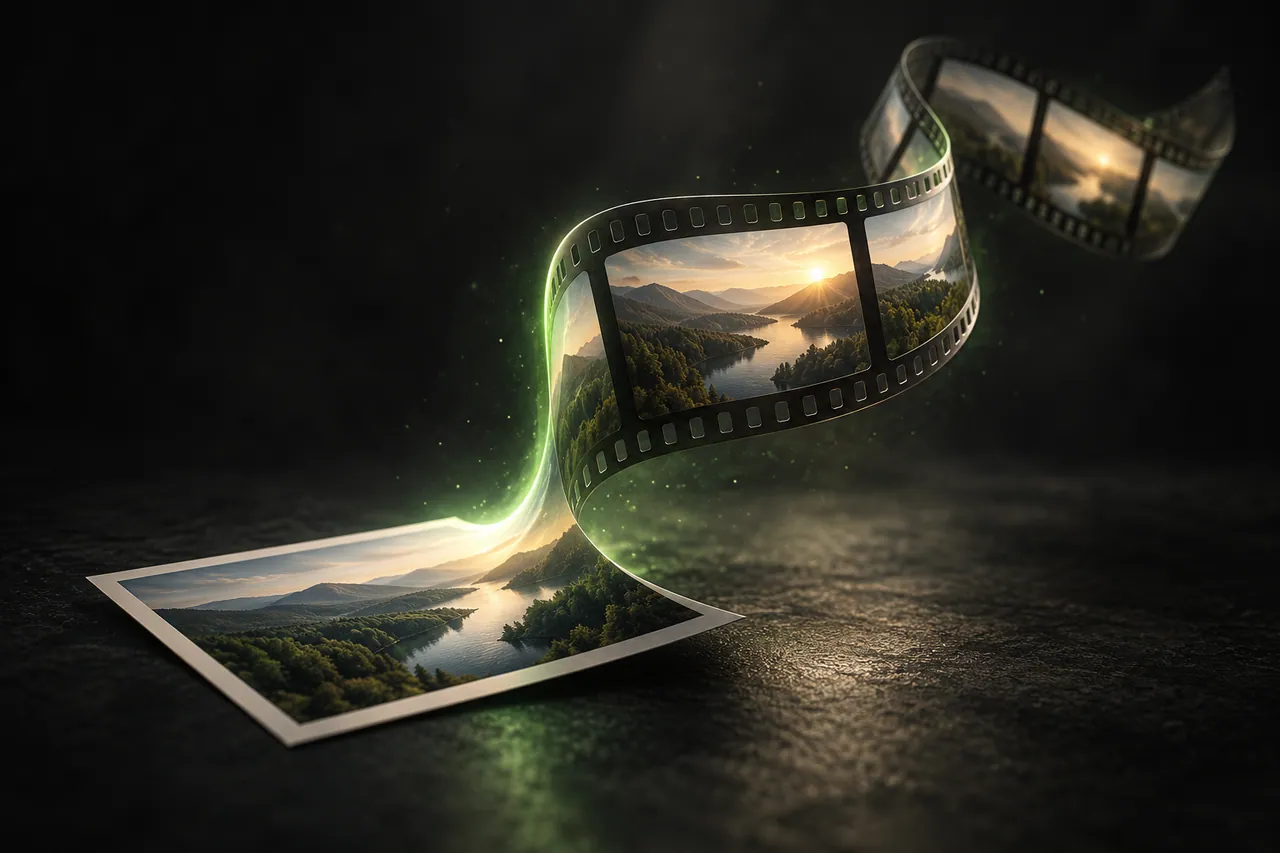
Turn a still image into a short moving clip: supply the picture, describe the movement you want, and generate a result you can take into the edit. Aixcut handles image to video in a desktop Chrome or Edge workspace; generation requires membership and runs up to 15 seconds per clip.

Image to Video

How to use Aixcut for this task

  1. STEP 01

    Choose the reference frame

    Pick an image with a clear subject and enough space around it for the movement you have in mind.

  2. STEP 02

    Describe the motion

    Say what should move and how, rather than restating what the picture already shows.

  3. STEP 03

    Check the details and generate again

    Compare the result against the reference for faces, product appearance and background, and regenerate rather than accepting a shifted subject.

Animate a photo or generate a new shot?

Adding gentle motion to a still is not the same task as generating a new scene from a picture. Movement inside the existing frame keeps the composition; a generated scene can change the framing entirely. Decide which one you need before writing the description, because the wording pushes the result one way or the other.

The reference guides the look, not the guarantee

A reference image carries more information than text, which is why it is the better tool when the look matters. It does not lock the result: faces, logos, product surfaces and backgrounds can shift. Check each one against the reference before the clip is used anywhere public.

Plan the clip around the cut

Generated results are usually short, so plan how the shot enters and leaves the edit: what happens immediately before it, and what the cut lands on afterwards. A 15 second clip with no obvious place in the sequence is not useful material, however good it looks on its own.

Frequently asked questions

Common questions about this task, its limits and how to judge the result.

Is image to video generation free?

Video generation requires membership and follows the current pricing rules. Free trial credits do not include unlimited video generation.

How long can one clip be?

Up to 15 seconds per generation. That is a limit on the clip, not on the finished video, which can combine several.

Will my product look identical to the reference image?

Not guaranteed. Check the product, the person and the background against the reference before you rely on the result.

What is the difference between this and a photo slideshow?

A slideshow shows still images in sequence. Here the reference image is used to generate moving footage, which can change details of the scene.

Is there a free image to video generator?

Image-to-video generation follows the current membership and credit rules. Check the live workspace before treating a free variant as unlimited.

Ready to start?

Start with one clear production task.

Open the Aixcut workspace