
E-commerce performance ad video workflow
Build testable performance ad variations from proven references, product benefits and your own footage. Match each script beat to relevant product visuals, then let editors refine pacing and presentation.
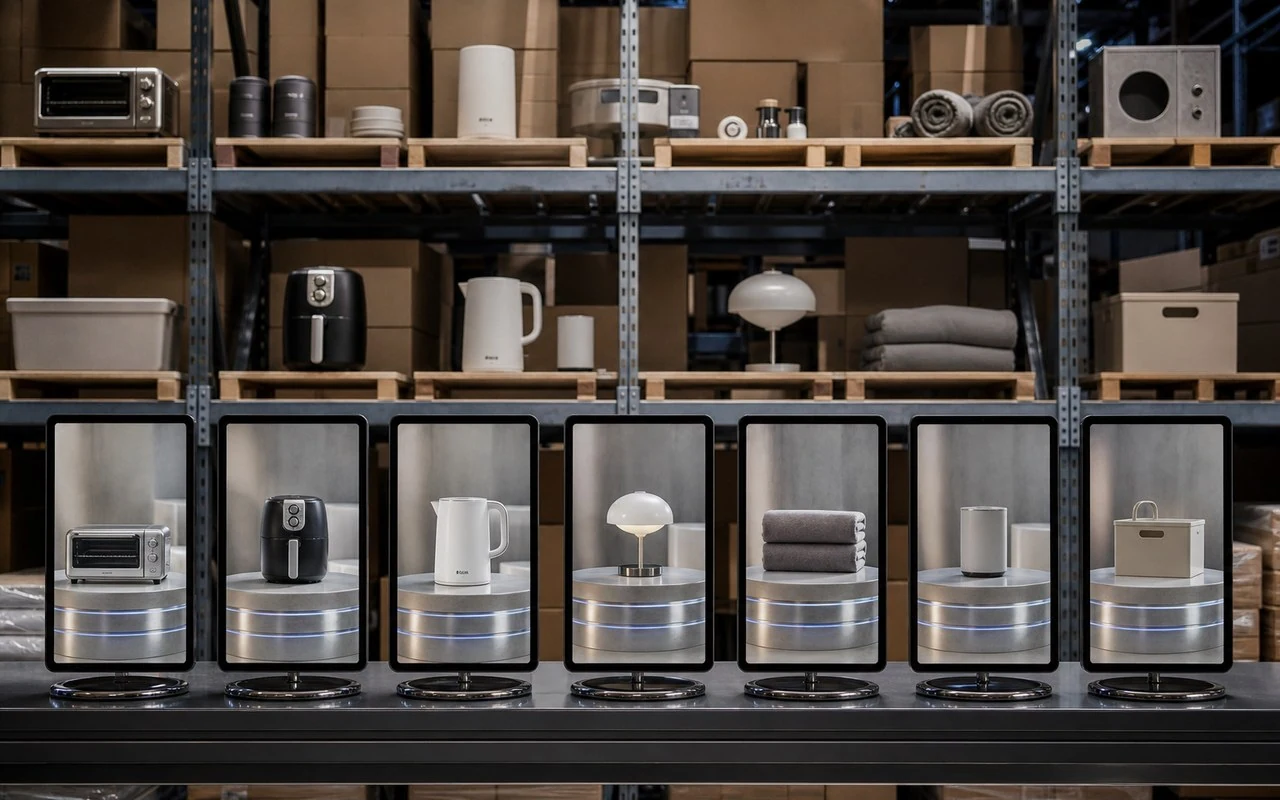
Built around your everyday work
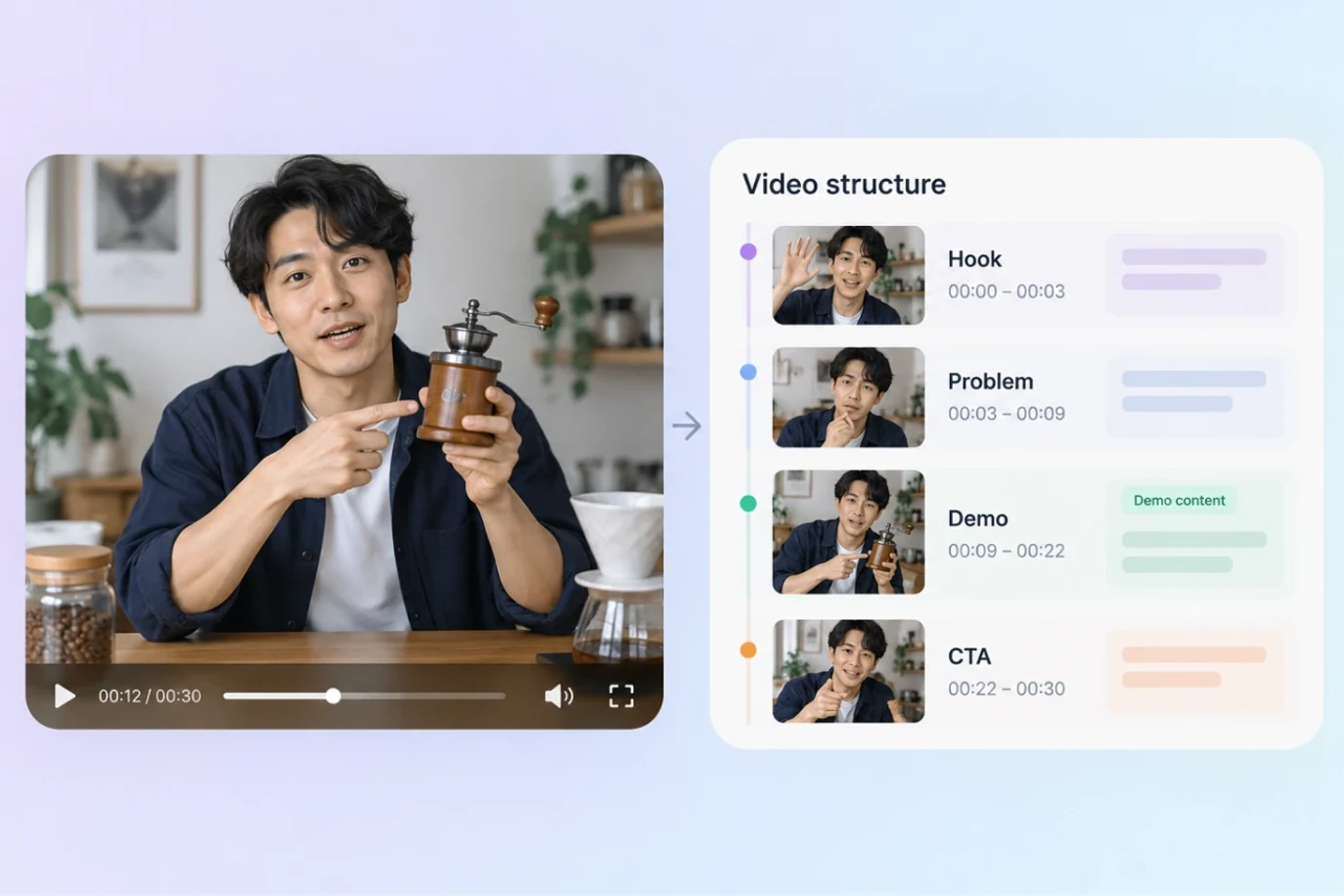
Use reference videos to study openings, problems, benefits and calls to action; use owned or licensed footage in the final ad.
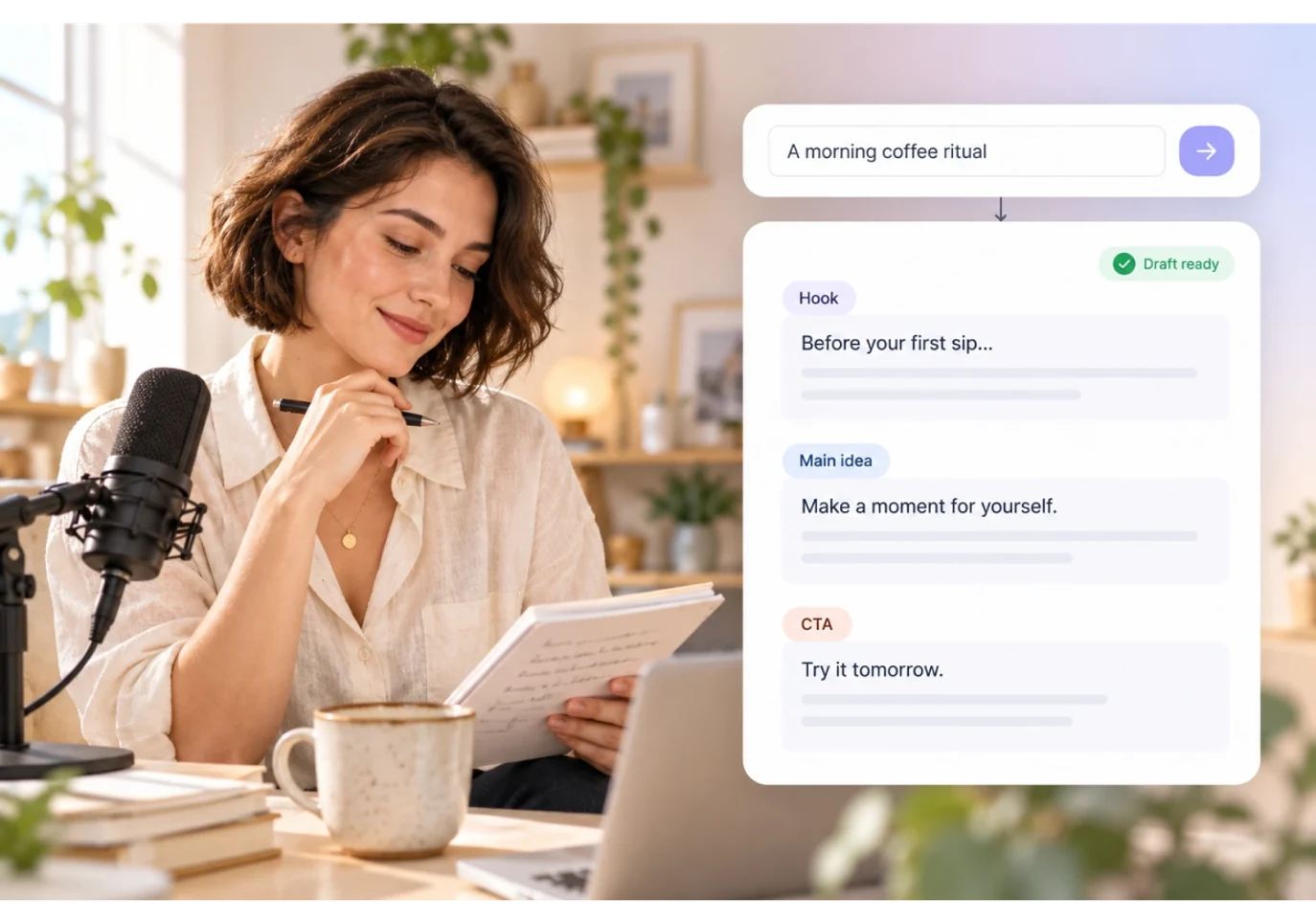
Develop creative angles from product information and match each line to a demonstration, use case or detail shot.
Create variations for the campaign goal, review product claims, voice pacing, graphics and platform rules, then iterate using actual campaign results.
A clear production workflow
- 01
Gather product details, owned footage, target audience and reference ads.
- 02
Break down reference structures, develop script angles and match product footage.
- 03
Prepare testable cuts, refine them manually, then record campaign performance.
Describe what you need
Use this as a starting point. Adapt the assets, audience and goal, then review the result.
Use this ad as a structural reference and suggest three script angles for my product. Use only the product information and footage I provide; do not include shots from the reference video. Match each line to a product visual and flag claims that need verification.
Review before delivery
- Do product visuals accurately match the copy?
- Was the reference used for analysis without reusing its footage?
- Does each variation meet product-fact and campaign requirements?
Questions, answered
Can a workflow guarantee better ad performance?
No. Validate creative through real campaigns and record audience, budget, variation and results before choosing the next test.
Can I use footage from a reference ad?
Use references to study structure and messaging. Use owned or explicitly licensed footage in the final ad.
Explore related workflows

Bring your footage. Start with a clear goal.
Apply the workflow to your own content, review each step and refine the finished video.