
Documentary interview and footage workflow
Make long interviews and process footage easier to search and review. Group scattered answers by question, narrow selects in stages, then let the director shape the story and visual treatment.
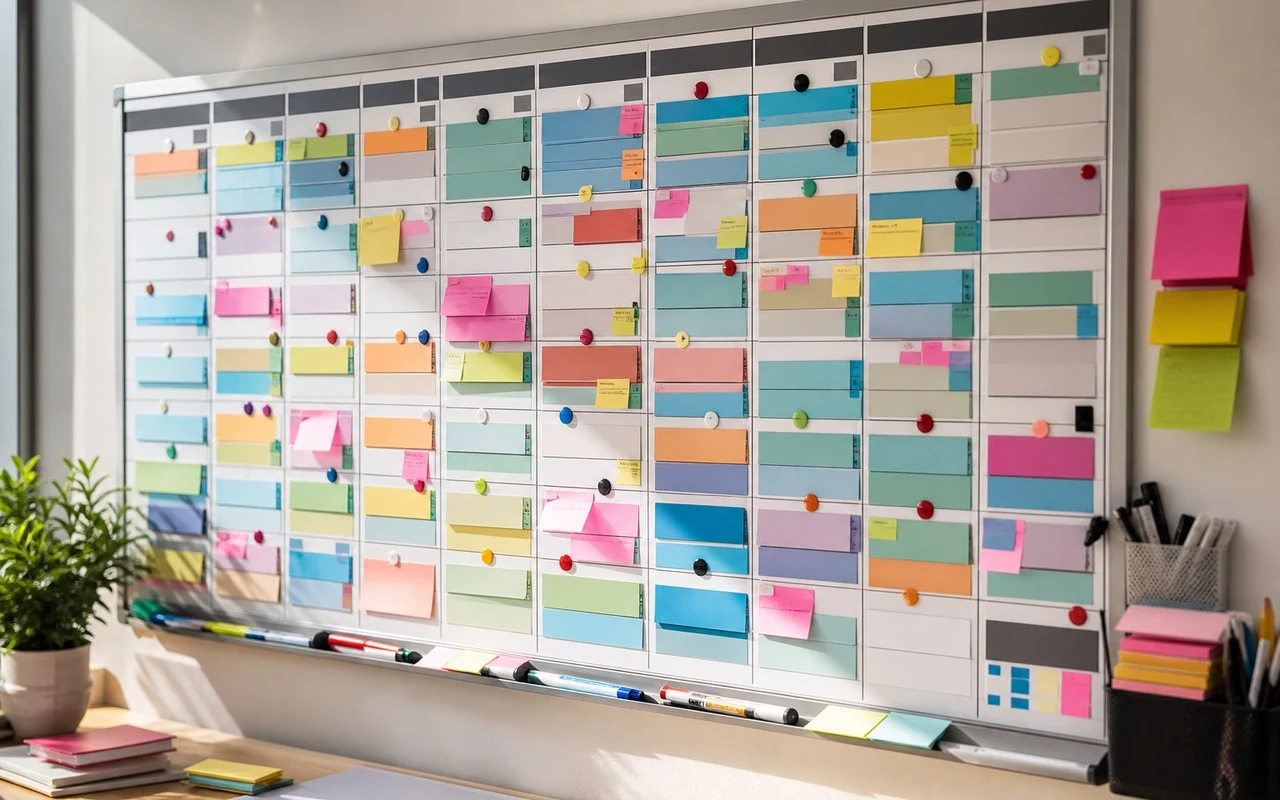
Built around your everyday work
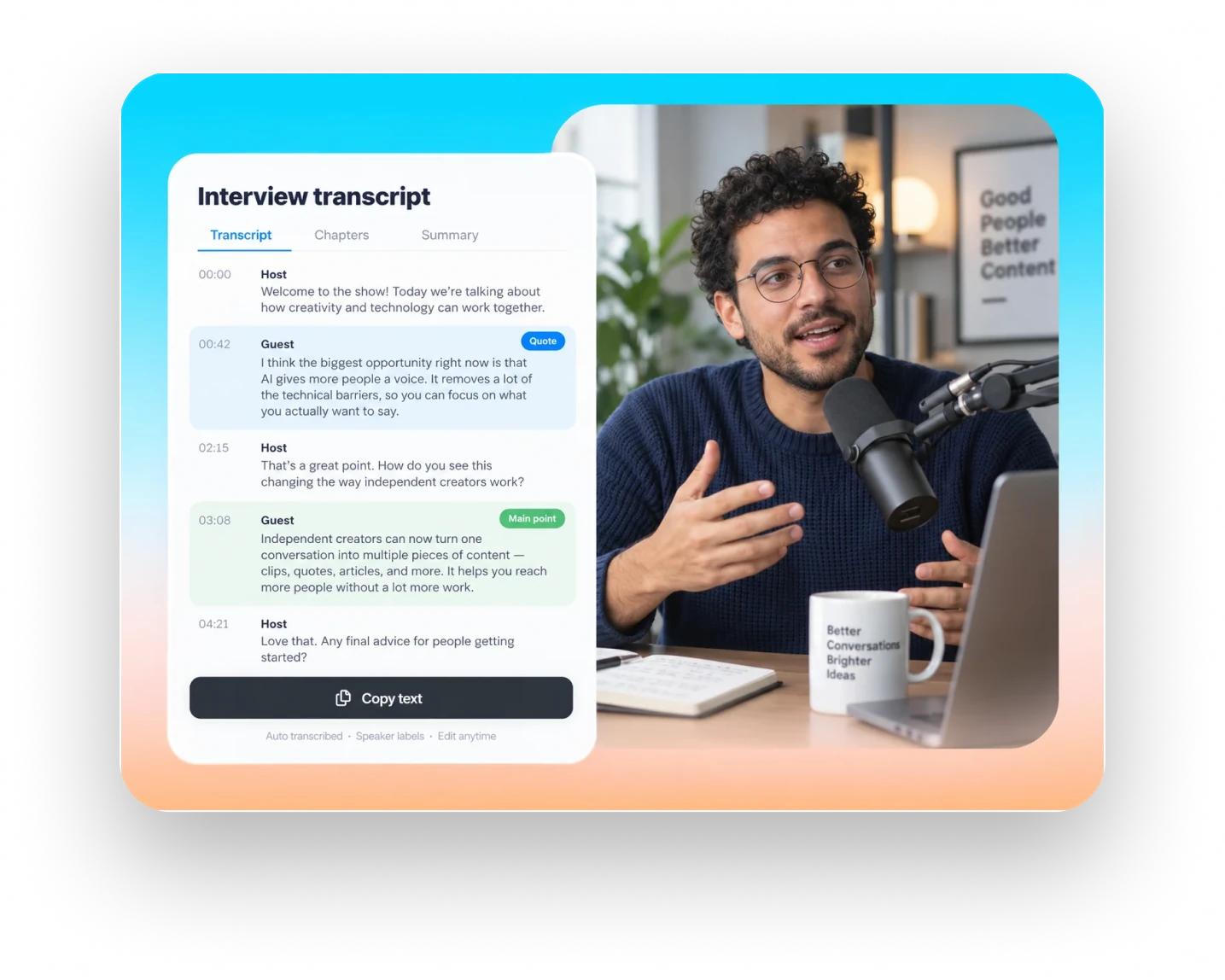
The same topic may appear throughout an interview. Group answers by question or theme while keeping timecodes and source references.
Narrow longer selects into usable passages in stages, keeping excluded material available for later story changes.
Organize B-roll candidates by action, object or setting. AI can help find and group footage; the director judges its visual quality and narrative fit.
A clear production workflow
- 01
Import interviews and process footage; provide questions, speaker details or an initial outline.
- 02
Review candidate answers and related visuals by theme, narrowing selects while retaining source links.
- 03
Place selected passages into the full structure, then finish narrative choices and fine editing by hand.
Describe what you need
Use this as a starting point. Adapt the assets, audience and goal, then review the result.
Group this interview by the questions below. For each question, list relevant answers with source timecodes, a short summary and necessary context. Bring answers from different moments together. Do not delete source footage or decide which shot is most cinematic.
Review before delivery
- Were scattered answers on the same theme found?
- Does each select retain its timecode and source reference?
- Does the director retain final visual and narrative judgment?
Questions, answered
Can AI select the most cinematic shots?
AI can help find footage by object, action or setting. The director judges texture, emotion and continuity in context.
Why keep footage that was not selected?
Story direction and feedback can change. Keeping source footage and selection references makes it easier to revisit choices without searching from scratch.
Explore related workflows
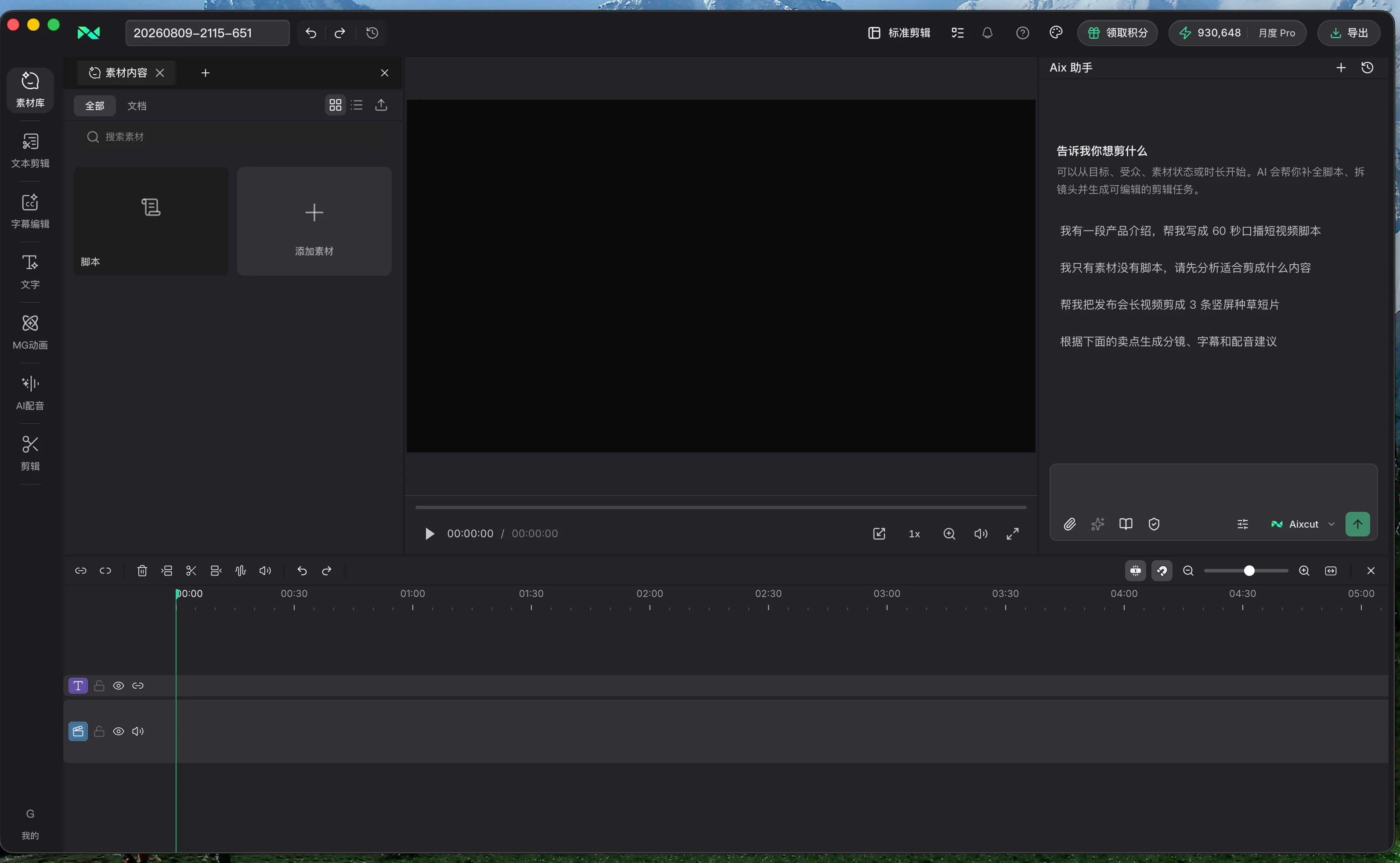
Bring your footage. Start with a clear goal.
Apply the workflow to your own content, review each step and refine the finished video.