
Storyboard-led AI drama editing workflow
Use scripts, storyboards and generated shots to assemble scattered AI footage into a coherent episode rough cut. Establish story, dialogue and action continuity before creators refine pacing and visual expression.
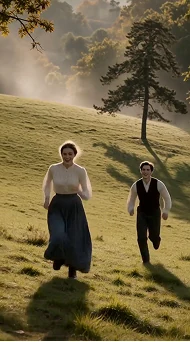
Built around your everyday work
Match each generated shot to its storyboard beat and flag or trim unusable sections with visible generation defects.
Use dialogue and story order to arrange shots, tightening empty pauses without breaking essential emotion or action continuity.
Treat music, sound effects and captions as finishing layers. Creators review performance, character and scene continuity before approving a release version.
A clear production workflow
- 01
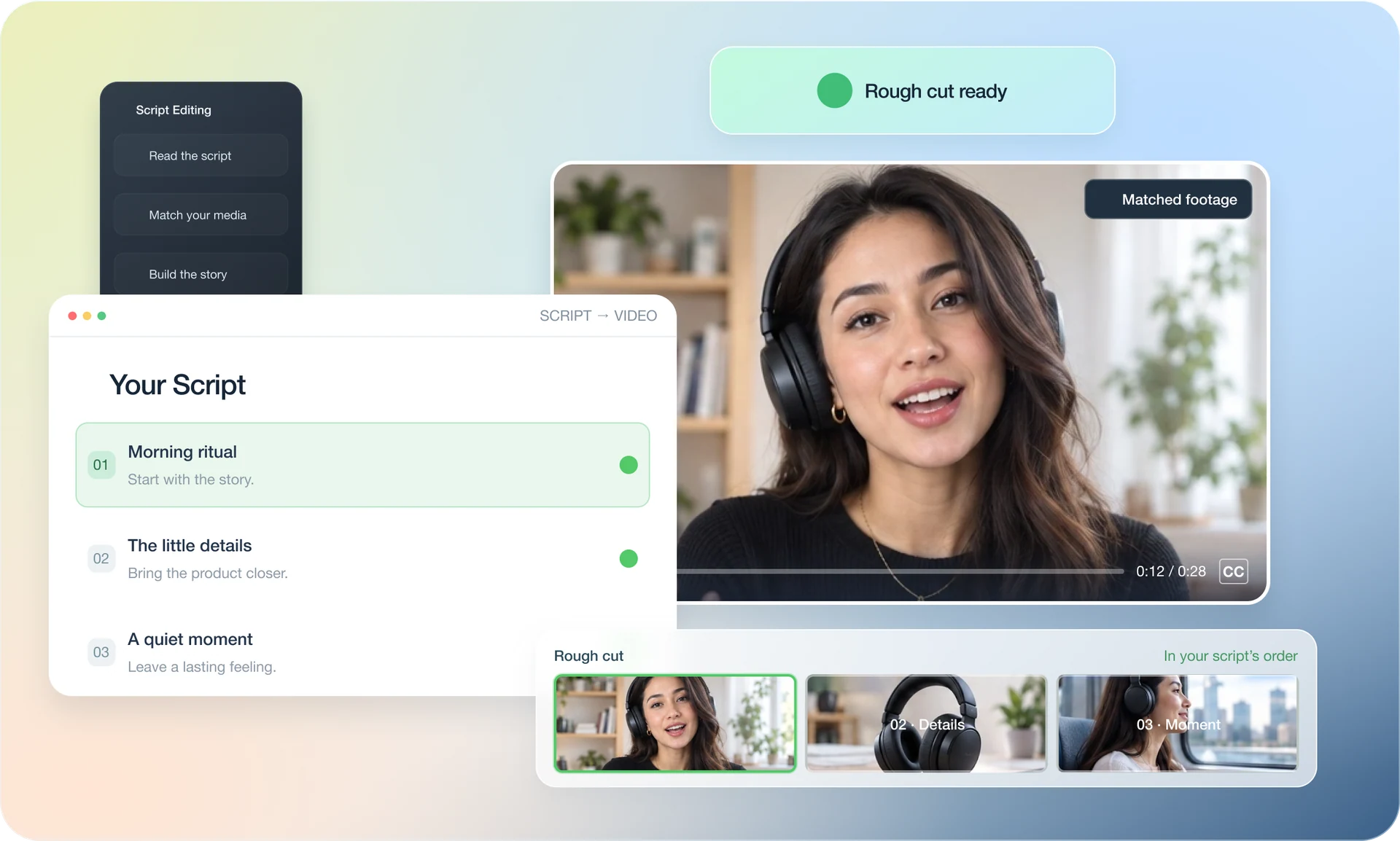
Gather the script, storyboard, generated footage and character and setting notes.
- 02
Arrange shots by storyboard and dialogue; flag defects, repetition and continuity issues.
- 03
Review story pacing and transitions, then let creators refine shots, music, sound and captions.
Describe what you need
Use this as a starting point. Adapt the assets, audience and goal, then review the result.
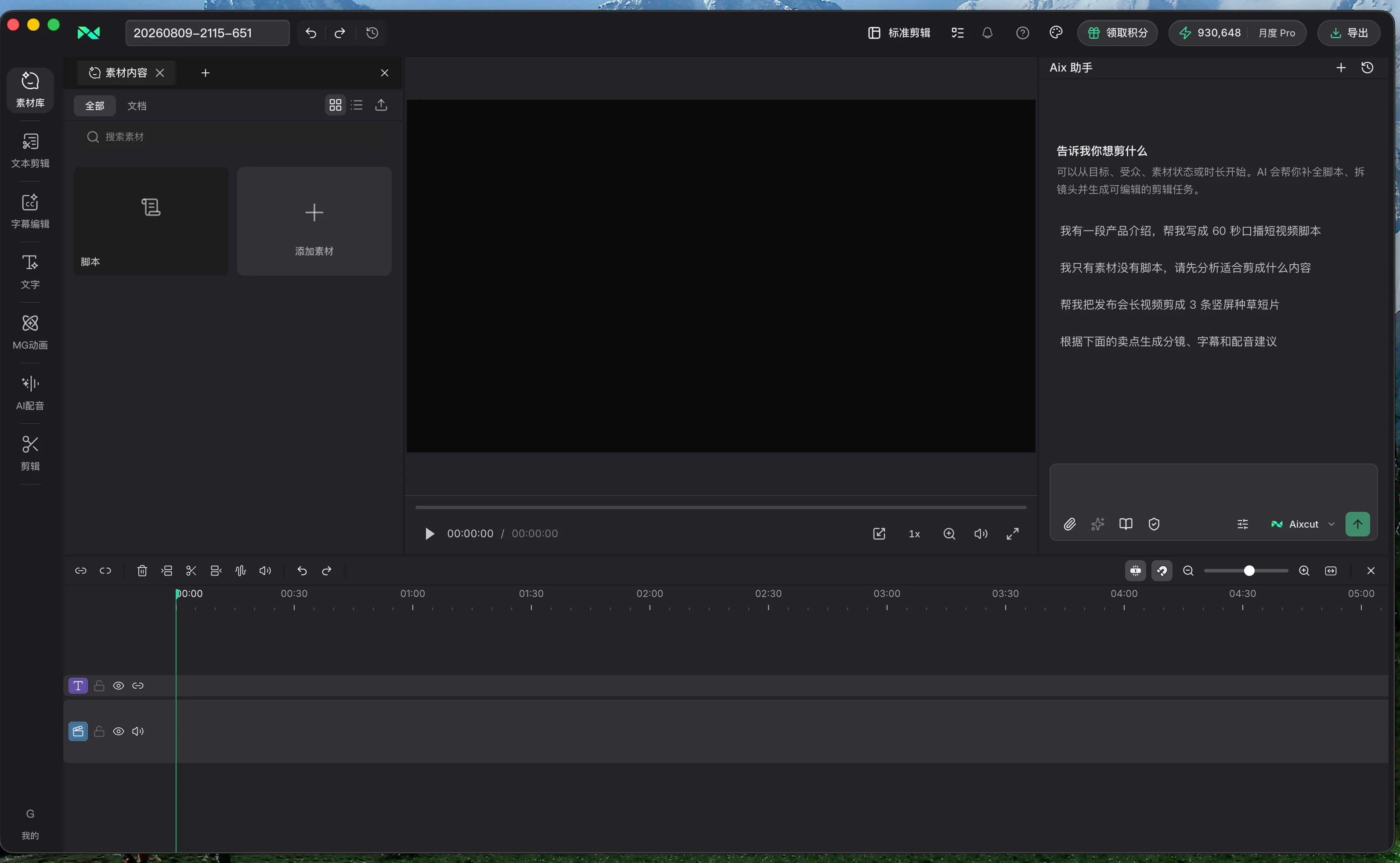
Arrange these generated clips according to the script and storyboard. Preserve complete dialogue and story information, remove obvious defects and empty gaps between lines, but keep pauses needed for emotion. Map footage to storyboard beats and flag uncertain action, character or setting continuity.
Review before delivery
- Do story, dialogue and storyboard order align?
- After trimming defects, are essential action and emotional transitions preserved?
- Have character, setting and sound continuity been reviewed by a person?
Questions, answered
Does this workflow create a finished episode automatically?
It is suited to building a rough cut and surfacing continuity issues. Creators still approve performance, emotional pacing and sound design.
What if generated clips have different lengths?
Use storyboard intent and complete dialogue as review criteria, adjusting in-points, out-points and shot order to the actual footage.
Explore related workflows

Bring your footage. Start with a clear goal.
Apply the workflow to your own content, review each step and refine the finished video.