
Video workflows for broadcast and media teams
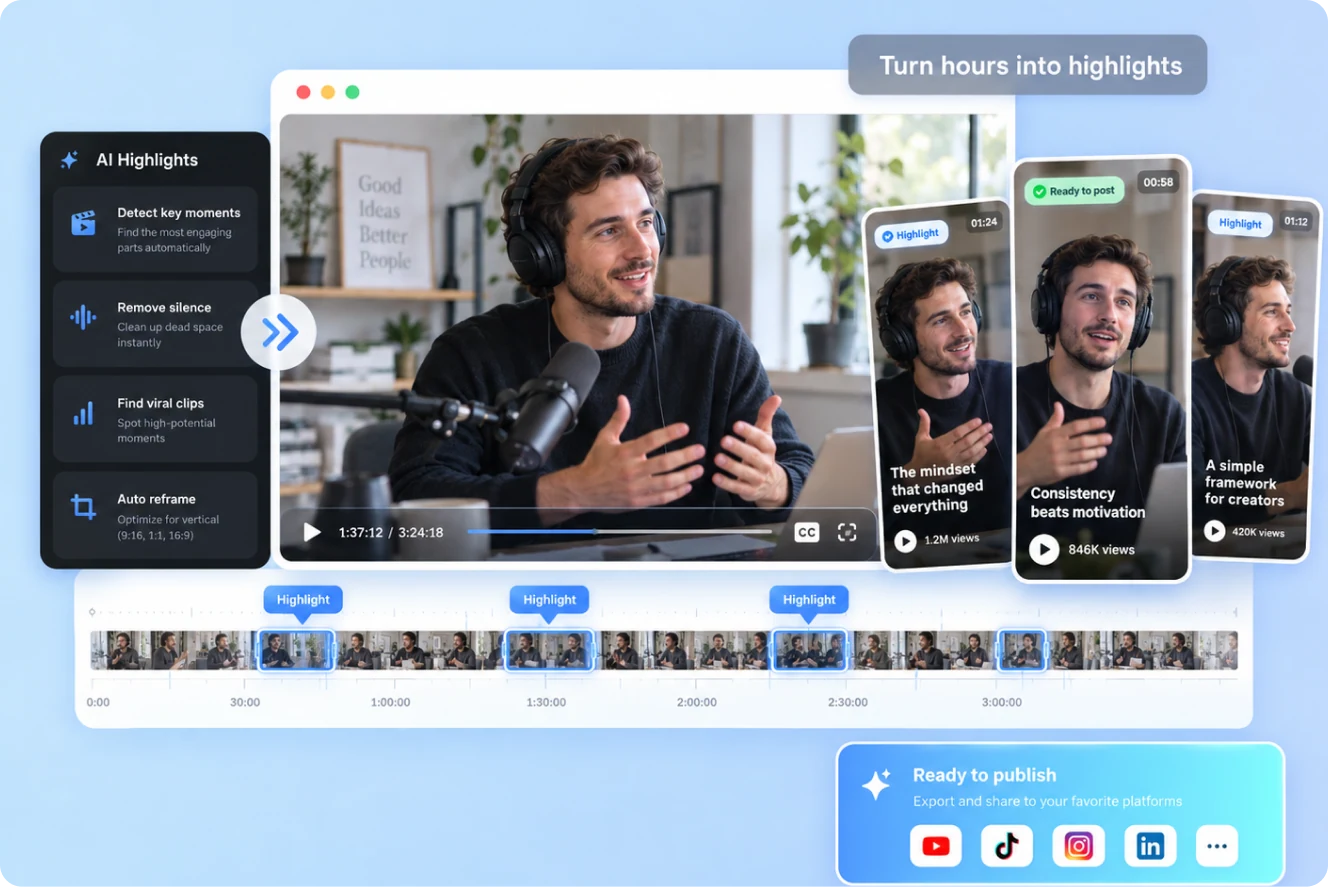
Adapt programs, news footage and long livestreams for digital publishing. Find topics and story angles in the source, prepare an editable rough cut, then let editors handle finishing and review.

Built around your everyday work
When shaping a mid-length video from a full program, find a narrative entry through a person, conflict or outcome, then organize clips around a new story arc.
Find usable moments by topic in multi-hour streams, preserving enough context for clips to make sense on their own.
Continue with B-roll, captions, music, privacy masking and review after the rough cut. Editors retain final control over visuals and facts.
A clear production workflow
- 01
Gather the program footage, destination, target length and the people or topics to emphasize.
- 02
Create a story outline or topic-based clip candidates, then review openings and context.
- 03
Pass the rough cut to an editor for graphics, privacy treatment and review.
Describe what you need
Use this as a starting point. Adapt the assets, audience and goal, then review the result.
Shape a 3–5 minute digital video from this program. Suggest three different opening angles, then arrange clips around the clearest story arc with source timecodes. Do not simply compress the original order; preserve context around facts and quotes.
Review before delivery
- Does the opening establish a clear reason to watch?
- Do facts and quotes remain accurate after rearrangement?
- Are privacy treatment, captions and review complete?
Questions, answered
Can AI decide the editorial angle?
AI can suggest angles and clip orders. Editors choose the final narrative based on the assignment and review requirements.
How do I keep livestream clips in context?
Review surrounding context after finding a topic, confirm each clip stands on its own and check time-sensitive information.
Explore related workflows

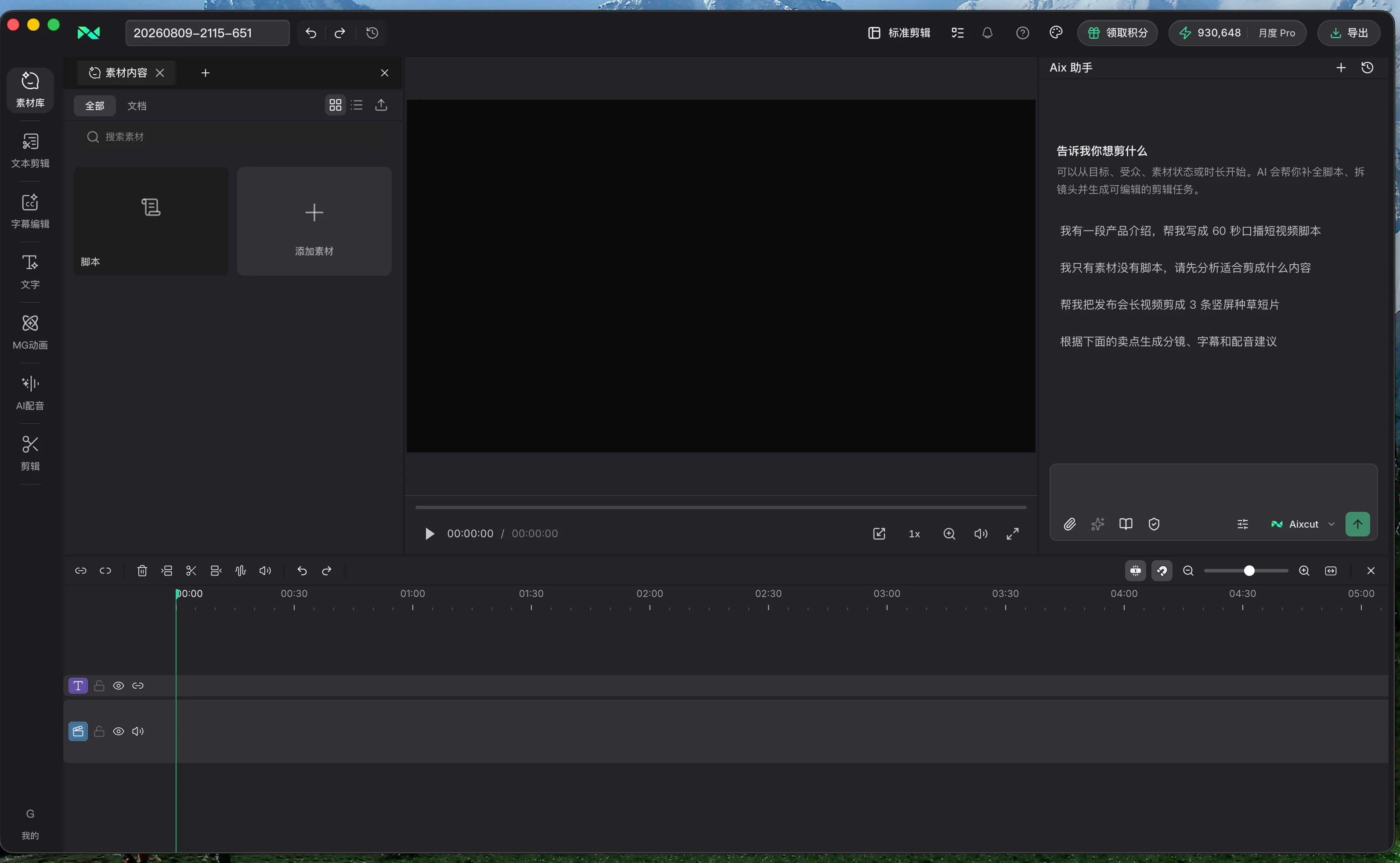
Bring your footage. Start with a clear goal.
Apply the workflow to your own content, review each step and refine the finished video.