
AI video editing
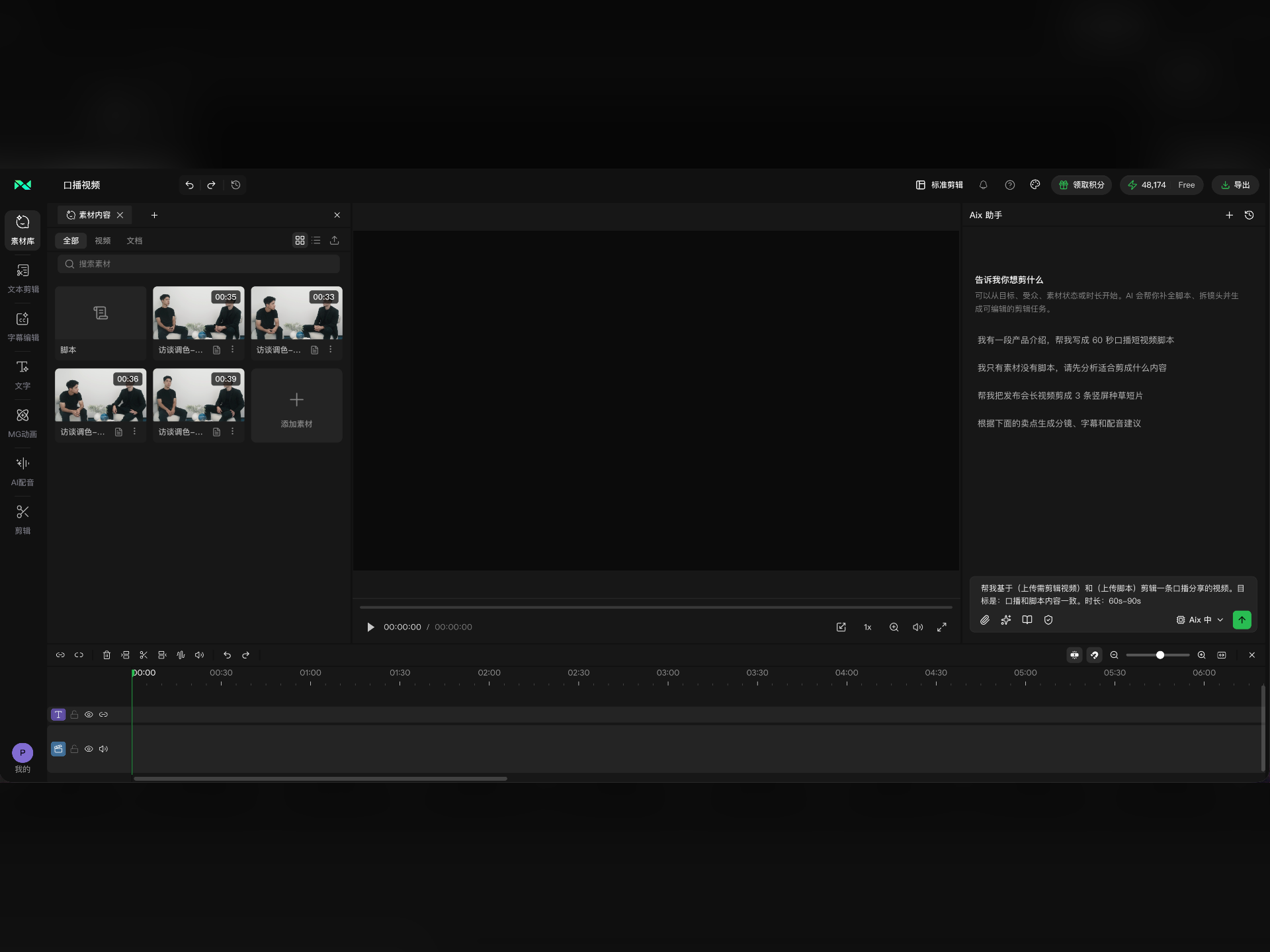
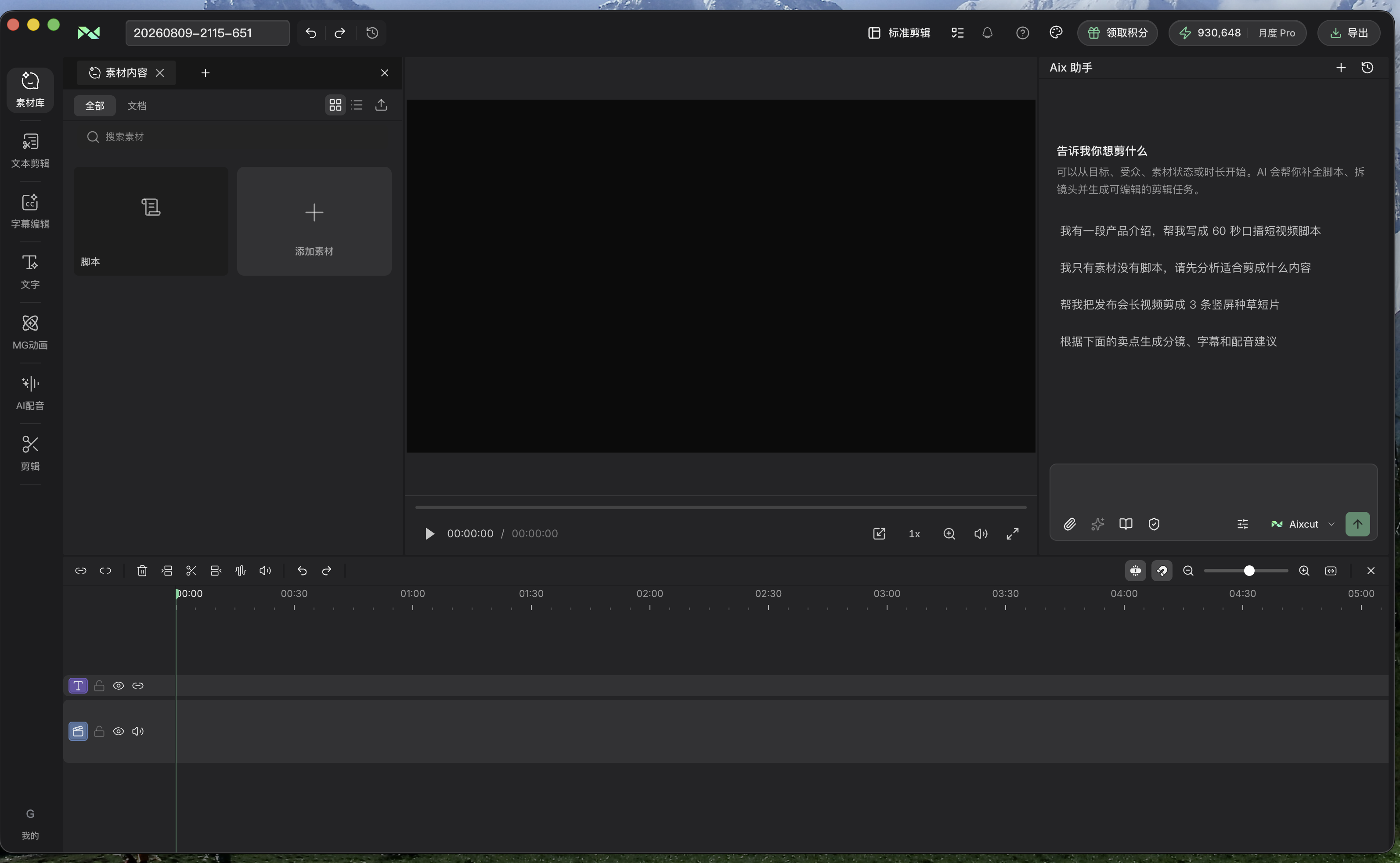
Describe the video you want while keeping footage, scripts and the timeline in one workspace. Review the editing direction, then refine the content and pacing.
Where this capability fits
Describe the goal rather than individual button presses: topic, audience, duration and facts that must remain.
Use AI to help interpret footage and arrange the timeline, then inspect shot order, selections and sound. A rough cut creates a concrete basis for revision.
Request specific revisions in chat or refine the timeline manually. Add captions, narration or generated material where the project needs them.
Start with a clear process
- 01
Upload footage and specify the goal, audience and constraints.
- 02
Review whether the rough cut communicates the topic and selects the right moments.
- 03
Refine captions, sound and shots, then watch the whole sequence before exporting.
Describe what you need
Use this as a starting point. Adapt the assets, audience and goal, then review the result.
Edit this footage into a short workflow explanation. Preserve the correct order, remove repeated explanations and let me review the structure before adding captions and music.
Review before delivery
- Is the subject clear and coherent?
- Did a cut change the original meaning?
- Have you reviewed the complete picture and sound before export?
Questions, answered
Can I edit the result manually?
Continue reviewing and adjusting clips on the timeline. Chat communicates overall intent; the timeline helps verify precise cuts and placement.
Do I need a finished script?
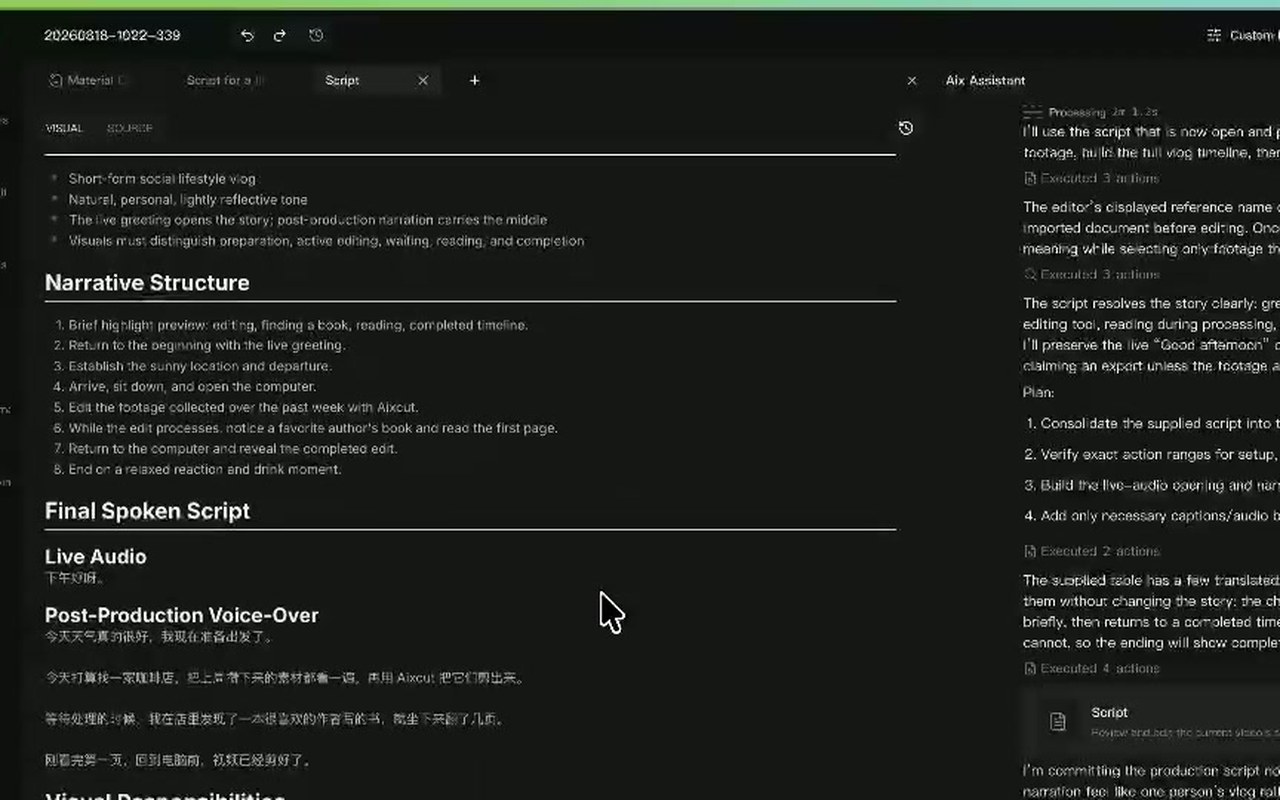
With a script, organize footage around it. Without one, establish a topic and goal before asking AI to help structure the story.
Explore related workflows

Bring your footage. Start with a clear goal.
Apply the workflow to your own content, review each step and refine the finished video.